Menu
Your Cart

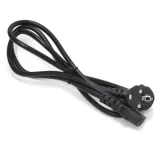
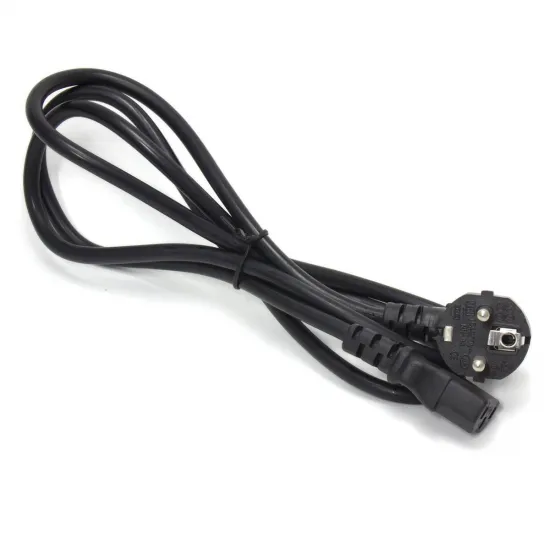
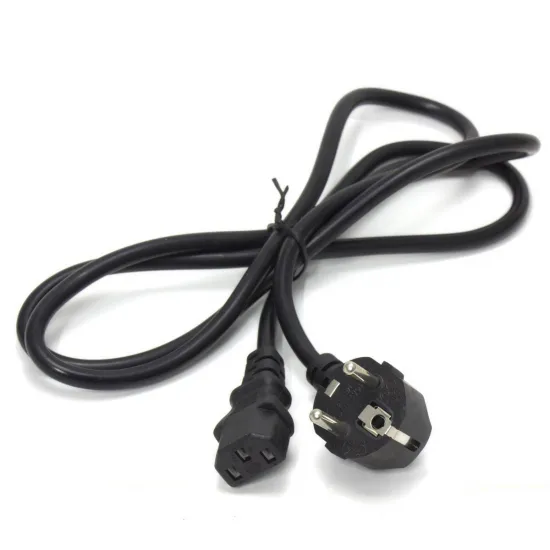
Schuko CEE7 to IEC PC Power Cable Lead 1.5m

Schuko CEE7 to  IEC PC Power Cable Lead 1.5m
Schuko CEE7 to IEC PC Power Cable Lead 1.5m
2.35€
Ex Tax: 1.94€
10 or more 1.99€
100 or more 1.85€
  • Stock: 272
  • Model: Schuko-1m
Fast shipping from Spain
Delivery from 24 hours and free shipping available in mainland Spain.
Stock on hand
Shipped quickly from Spain, with a full VAT invoice.
Secure & flexible payment
Pay by card, PayPal or bank transfer.
Expert technical support
Over 10 years helping customers with components and compatibility.

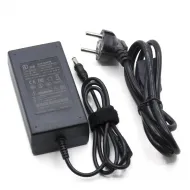
This power cable connects equipment with an IEC 60320 C13 connector to a standard Schuko (CEE 7) mains outlet. It is commonly used with desktop computers, 3D printers, monitors, power supplies, servers and other compatible electronic devices.

The three-conductor design provides live, neutral and protective earth connections for safe power delivery within the specified electrical ratings.

Key Features

  • Schuko (CEE 7) male plug.
  • IEC 60320 C13 female connector.
  • Cable length: 1.5 m.
  • 3-conductor cable.
  • Maximum voltage: 250 V AC.
  • Maximum power: 2500 W.

Applications

Suitable for desktop PCs, 3D printers, monitors, power supplies, UPS systems and other equipment fitted with a compatible IEC C14 power inlet.

Write a review

Note: HTML is not translated!
Bad Good
Loading the security check…

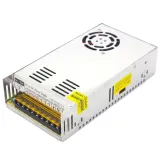
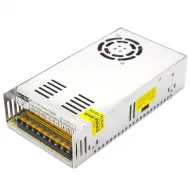
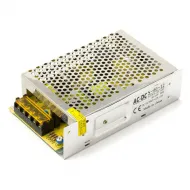
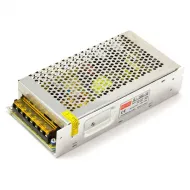
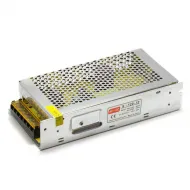
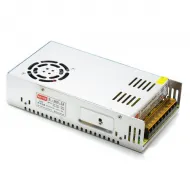
EQUIPMENT START UP:

  1. Check that the mains voltage matches the input selected for the source (110/220v)
  2. Connect the power supply to the mains to check the output voltage (12/24v)
  3. The output voltage is adjustable, if it differs from the one you want for your application you can turn the regulator, preferably with the equipment off. Never use a metal screwdriver with the equipment on to make this adjustment.
  4. (Depending on the model) This power supply has a regulated fan, it will turn when it has load, check periodically and in the first use that the fan is activated correctly.


SAFETY INSTRUCTIONS COMPACT POWER SUPPLY:

  • Dimension the installation correctly, with an appropriate safety factor.
  • Never block or hinder the fan's air output. 
  • Before connecting the equipment to the power supply, check that the available mains voltage corresponds to the voltage value of the equipment.
  • Connect the mains cable of the equipment to a grounded power outlet.
  • Do not place the equipment on wet or damp surfaces.
  • Do not expose the equipment to direct sunlight or extreme temperatures.
  • Do not expose the equipment to moisture.
  • Do not exceed the maximum input voltage allowed.
  • Comply with the warning and information labels on the equipment.
  • Wear dry clothes and rubber shoes to ensure insulation.
  • Do not insert metal objects into the equipment through the ventilation slots.
  • Do not place containers full of liquids on the equipment (danger of short circuit in case of shock).
  • Do not use the equipment near strong magnetic fields (motors, transformers, etc.).
  • Do not expose the equipment to strong shocks or vibrations.
  • Allow the unit to stabilize at room temperature before taking measurements (important for accurate measurement).
  • Do not modify the equipment in any way.
  • The equipment must be opened for service or repair by qualified personnel. It is recommended that repair work be carried out in the presence of a second person trained to perform first aid if necessary.
  • Keep the power source away from children.
  • Before cleaning the box, pull out the plug from the socket. Clean only with mild household cleaner. Make sure that no water gets inside the equipment to avoid possible short circuits and damage to the equipment.