

- Stock: Out of Stock
- Model: Polea-doble-E-C

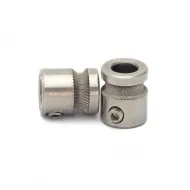
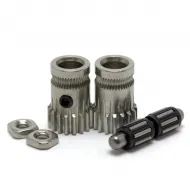
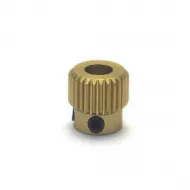
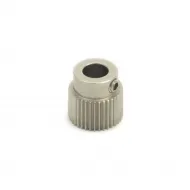
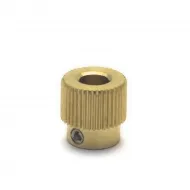
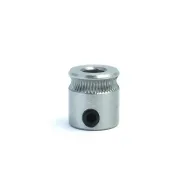
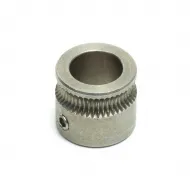
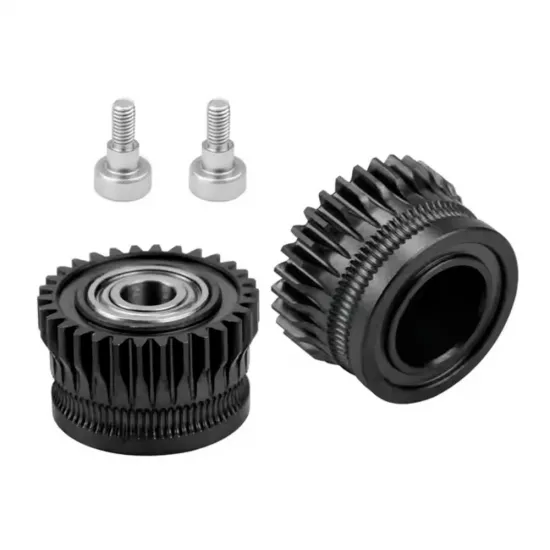
Set of two metal gears for the extruder of selected Creality printers in the K1 and Ender-3 V3 families. It replaces damaged or worn filament-drive wheels without necessarily buying a complete extruder assembly. Includes two gears and two screws; motor, housing and hotend are not included.
Check your extruder before ordering
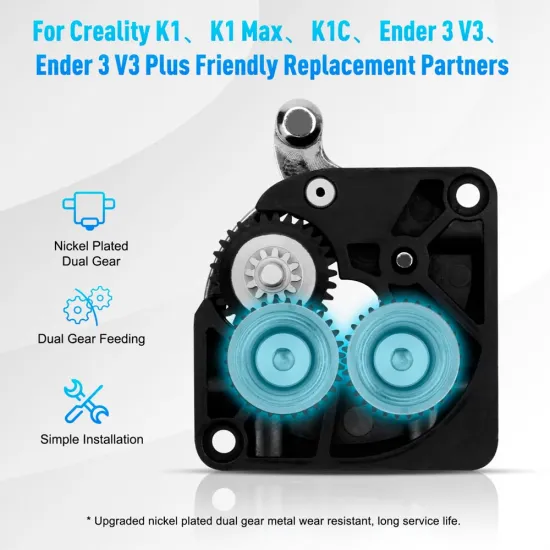
Intended for the stock-extruder type used in Creality K1, K1C, K1 Max, Ender-3 V3 and Ender-3 V3 Plus. Creality lists these machines in its gear-kit family, but different revisions or replacement extruders may exist. Compare the original set with the photographs and drawing: the shape of both wheels, teeth, bearing, shafts and fixing positions.
The printer model alone is not proof of fit. If the extruder has been replaced, an upgrade with a filament cutter has been fitted, or the mechanism looks different, ask us before ordering. Compatibility with Ender-3 V3 KE/SE or other Creality extruder architectures is not stated.
Contents and reference dimensions
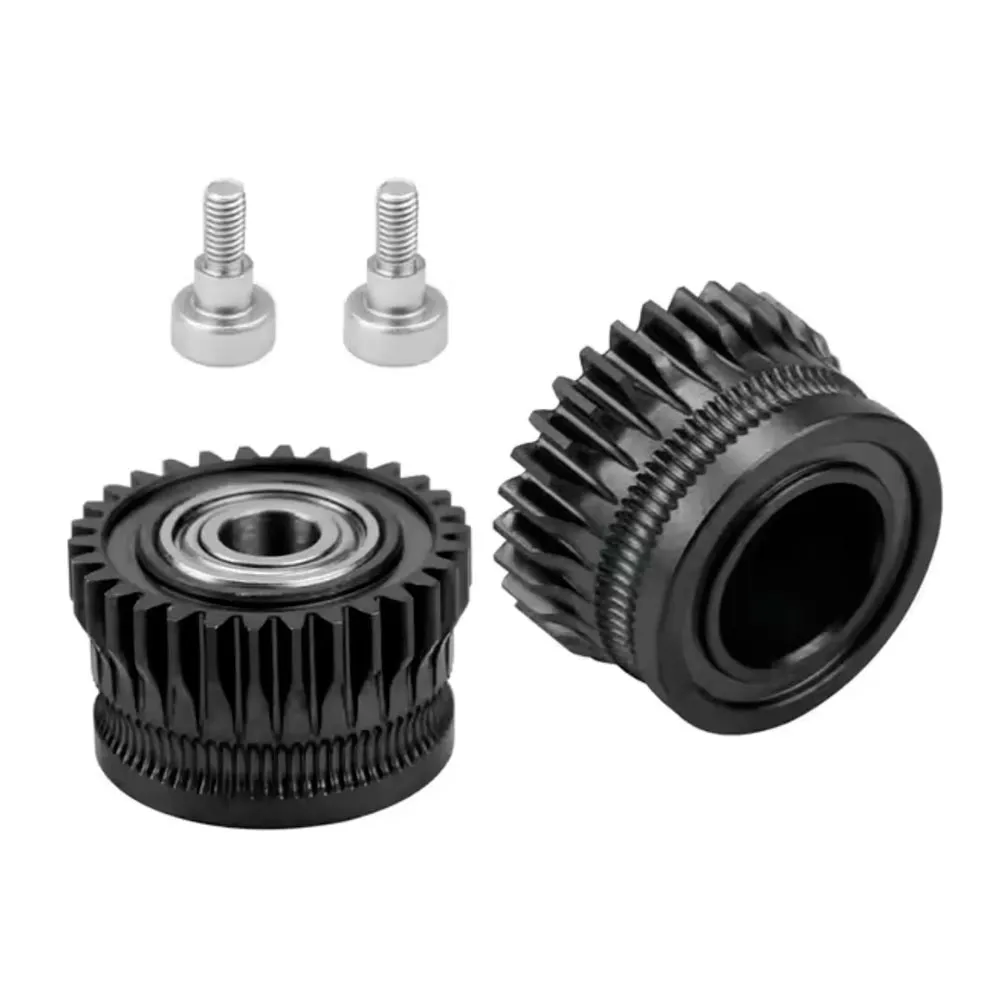
- Two metal filament-drive gears; one has a visible bearing.
- Two fixing screws shown in the gallery.
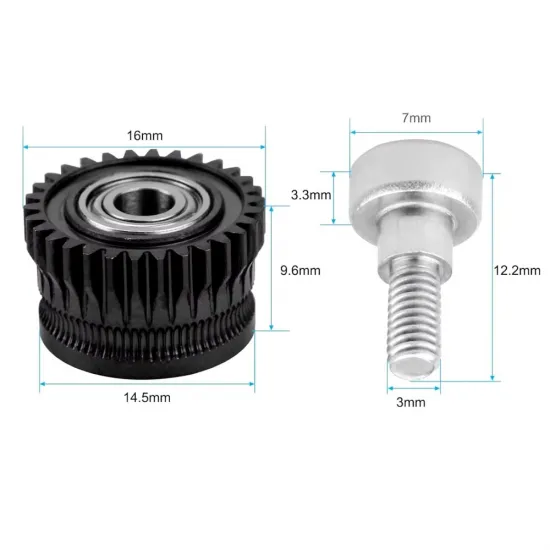
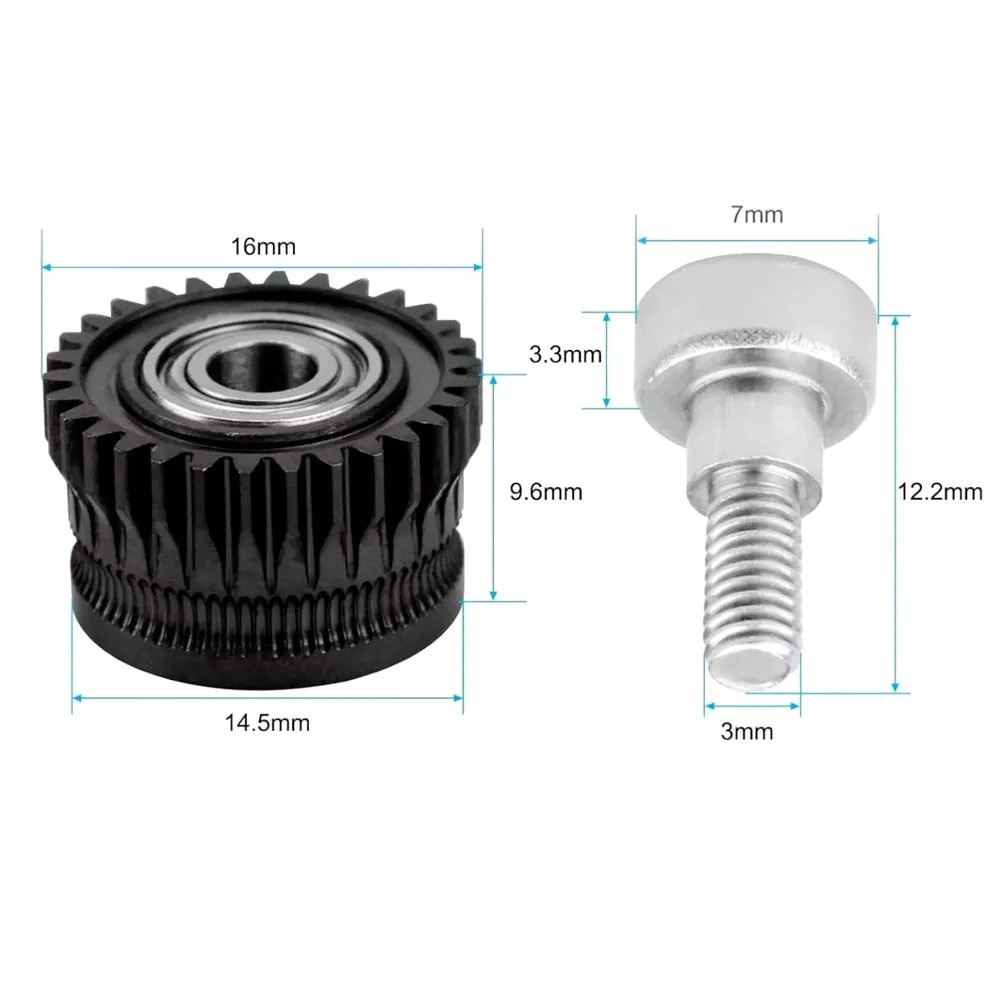
- The drawing dimensions one of the gears: 16 mm outer diameter, 14.5 mm lower-section diameter and an indicated height of 9.6 mm. The screw drawing shows a 7 mm head diameter, 3.3 mm head height, 12.2 mm total length and 3 mm nominal thread diameter.
These dimensions do not describe the second gear and do not replace comparison with your original assembly, particularly its tooth pattern and bearing support.
Replacement and initial check
- Unload filament following your printer's procedure. Switch it off, unplug it and let the printhead cool before opening the extruder.
- Note or photograph the positions of the gears, screws and bearing. Do not force these parts into place if they differ from the original set.
- Replace the wheels and check that their teeth mesh, the filament path is aligned and the mechanism turns freely without unusual friction or play.
- Reload filament and test feeding and retraction. Check grip and extrusion with a small print before starting a long job.
Replacing gears with geometrically equivalent ones does not itself require a firmware change. Check filament feed and tune the extrusion profile if behaviour has changed. If under-extrusion continues, also investigate nozzle blockage, the filament path and hotend condition: gears are not a cure for every feeding problem.
Is it for you?
It is for you if your extruder uses this gear pair and you want to repair its drive wheels. It is not for you if you need a complete extruder or your mechanism has different geometry, even if the printer belongs to the same family.