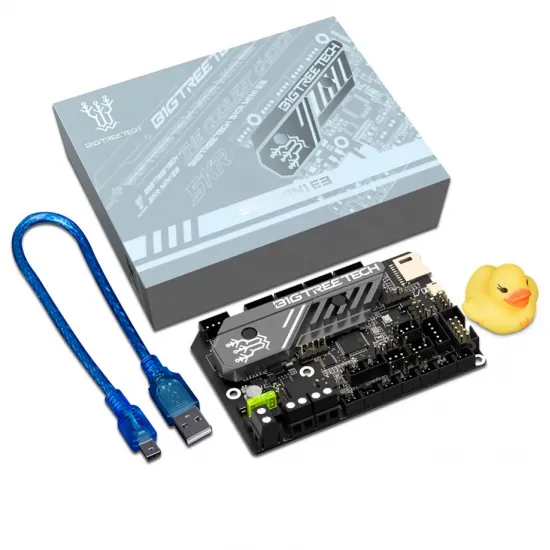
- Stock: 4
- Model: SKR-mini-E3-V3
Model:
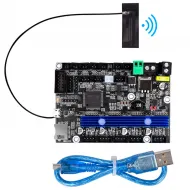
BTT E3 RRF V1.1 Wifi
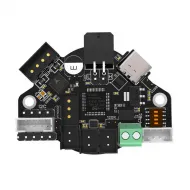
SKR mini E3 V3
Pay in three interest-free installments with PayPal. 0% APR.
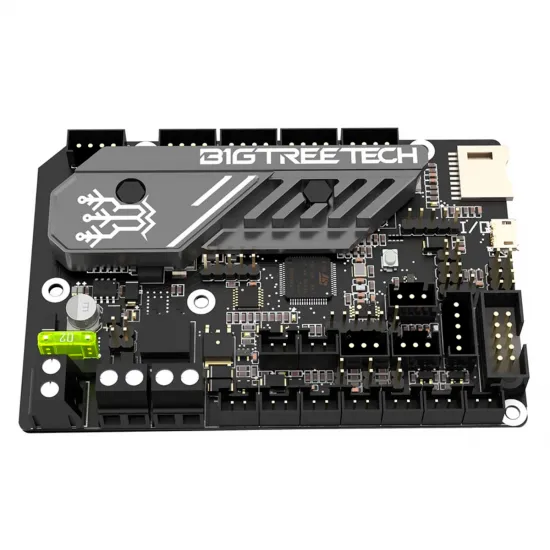
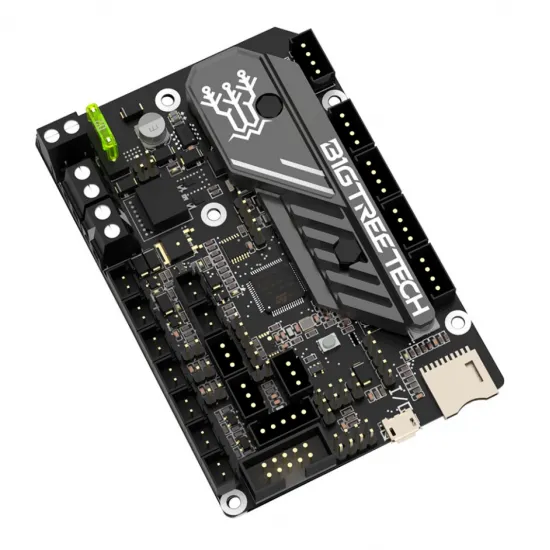
The BIGTREETECH SKR Mini E3 V3.0 is a 32-bit controller board for desktop 3D-printer upgrades. It integrates five UART-configurable TMC2209 drivers, accepts 12 or 24 V DC input and brings together the usual motor, heater, fan, probe and display connections.
It is not a universal drop-in replacement: check connector layout, display type, machine voltage and the firmware required by your exact printer before purchase.
Key specifications
| Processor | STM32G0B1RET6, ARM Cortex-M0+ |
|---|---|
| Input power | 12/24 V DC |
| Drivers | 5 × UART TMC2209 |
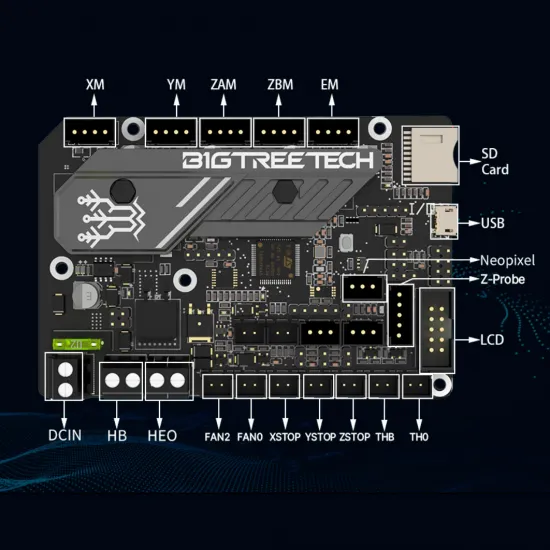
| Motor connectors | X, Y, ZA, ZB and E |
| Temperature inputs | TH0 hotend and THB bed, protected against short to Vin |
| Fans | 3 PWM outputs; final function is firmware-defined |
| Heaters | Hotend and heated-bed outputs |
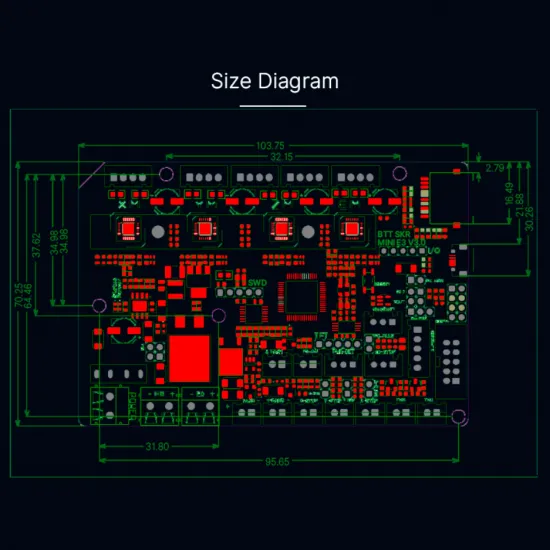
| Board size | 103.75 × 70.25 mm |
Compatibility and firmware
This board is commonly used for upgrades in Ender-3, Ender-3 Pro, Ender-5 and some CR-10 families, but actual compatibility depends on the exact printer version. Verify voltage, connectors, mounting, enclosure cooling and display interface. A 12864 LCD must use CR10_STOCKDISPLAY. ZA and ZB are two physical Z-motor connectors sharing one axis control.
For Marlin, start from a configuration made specifically for SKR Mini E3 V3.0 and your printer. For Klipper, compile for STM32 / STM32G0B1 with an 8 KiB bootloader, 8 MHz clock and USB on PA11/PA12. Build printer.cfg for the exact machine; do not reuse pins from V2.0, V3.0.1 or another board.
To update, place firmware.bin, with its name unchanged, in the root of a microSD card while the printer is off. Confirm that the board has processed the file after power-up.
It is for you if…
- You are upgrading a compatible printer to 32-bit electronics with integrated quiet drivers.
- You can verify wiring and configure Marlin or Klipper for the actual machine.
- You need five motor outputs and three PWM fan outputs in a compact board.
It is not for you if…
- You need a no-check, no-firmware-change replacement.
- You require two fully independent Z drivers.
- Your display, power supply or peripherals have not been checked against this revision.
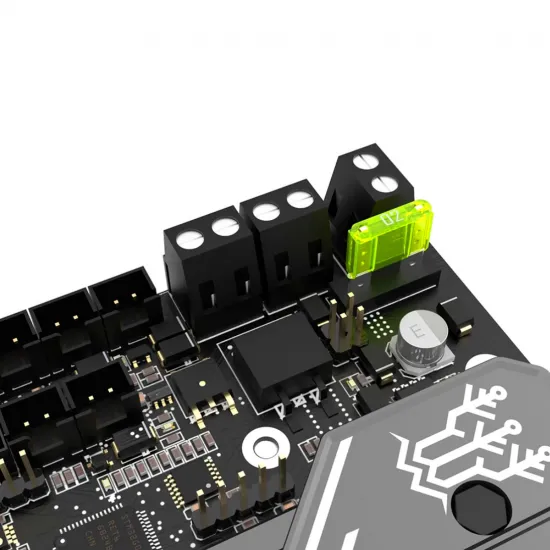
Important: wire the board only with the power supply disconnected. Check polarity, terminal tightness and cable size before powering the printer.