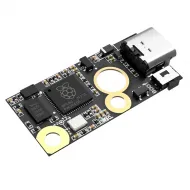


- Stock: 24
- Model: DCDC5V-Module

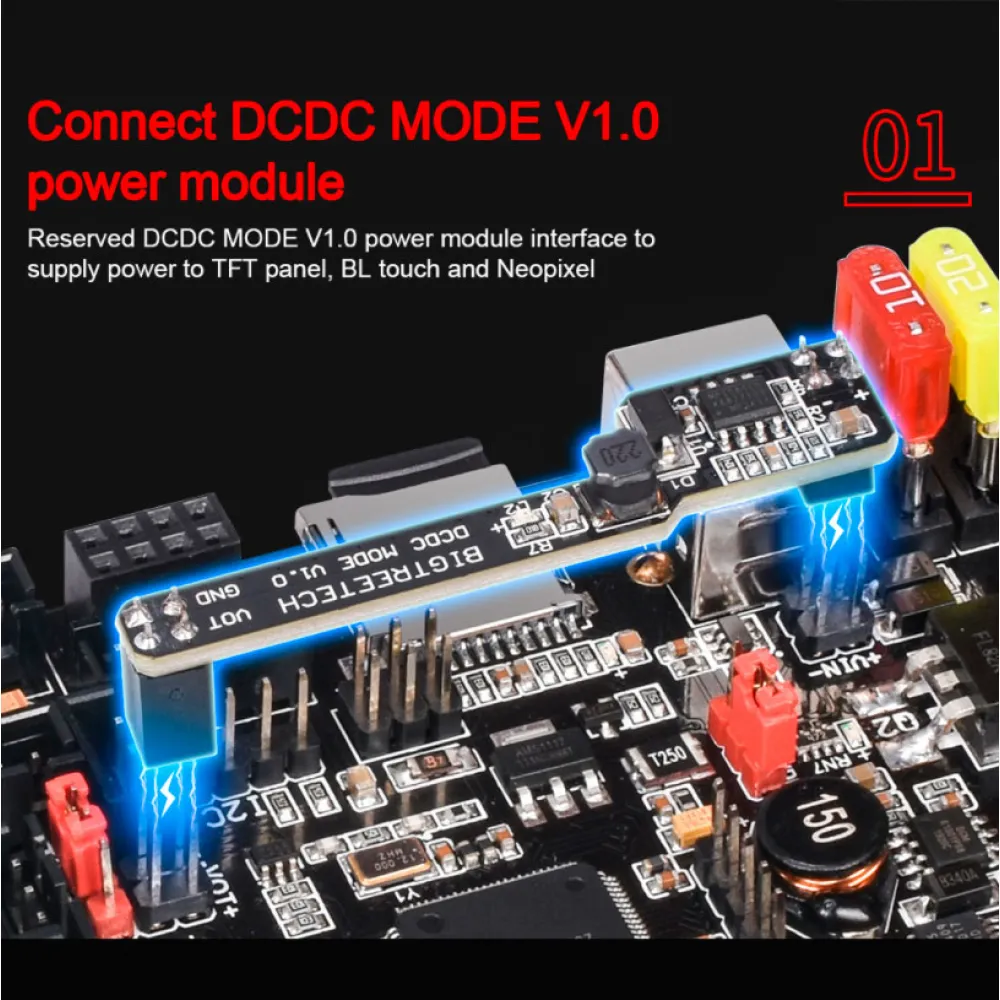
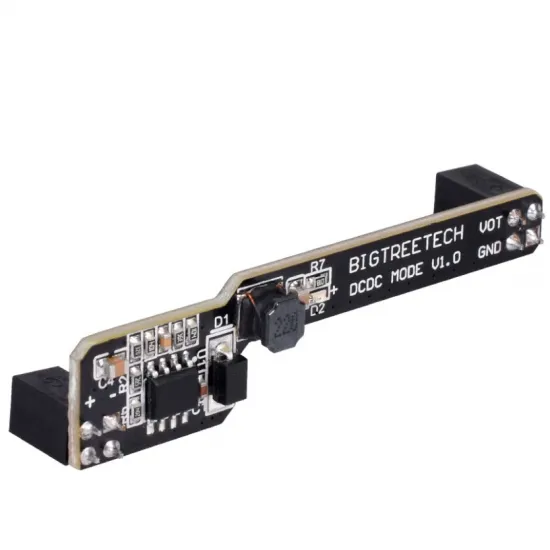
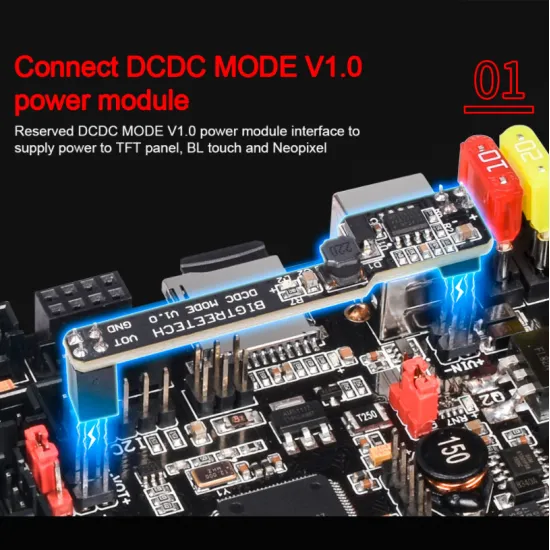
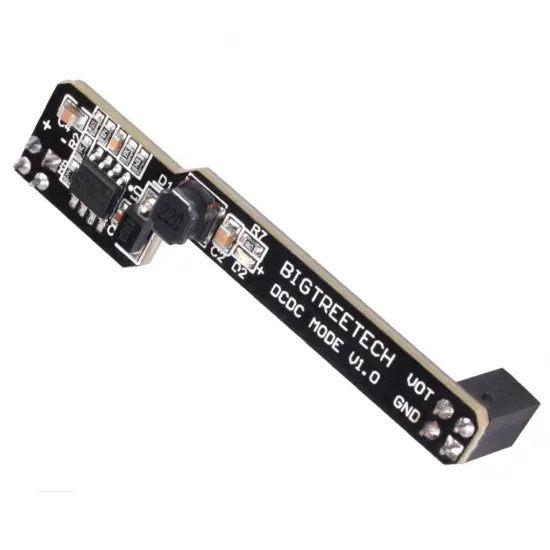
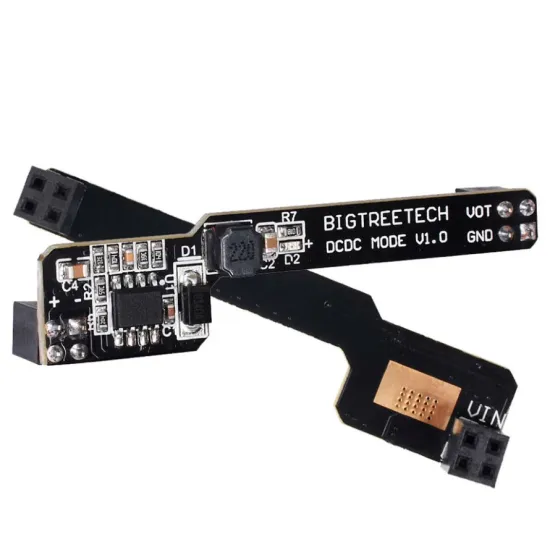
The BIGTREETECH DCDC MODE V1.0 is a DC-DC step-down module designed to provide a stable 5 V output at up to 3 A for peripherals connected to SKR V1.4 and SKR V1.4 Turbo control boards.
It converts the printer's main 12 or 24 V supply and reduces the load placed on the control board's integrated 5 V regulator. It is particularly useful when fitting TFT displays, BLTouch probes, NeoPixel or RGB lighting, WiFi modules and other compatible 5 V accessories.
Main features
- Brand: BIGTREETECH.
- Model: DCDC MODE V1.0.
- Type: plug-in DC-DC step-down converter.
- Input voltage: 12 or 24 V DC.
- Output voltage: 5 V DC.
- Maximum rated output: 3 A.
- Documented direct compatibility: BIGTREETECH SKR V1.4 and SKR V1.4 Turbo.
- Contents: 1 module.
When is it useful?
This expansion is particularly useful when additional 5 V accessories increase the load placed on the control board's integrated regulator. Its dedicated conversion stage can supply peripherals such as TFT displays, BLTouch probes, NeoPixel lighting or ESP-01S modules.
The combined consumption of all connected devices must remain below the manufacturer's stated 3 A limit. The current limits of each individual connector and of the control board must also be observed.
Compatibility
The manufacturer documents direct installation on:
- BIGTREETECH SKR V1.4.
- BIGTREETECH SKR V1.4 Turbo.
Do not confuse it with the E3 DCDC5V V1.0 module, which has a different shape and is intended for specific SKR Mini E3 boards. Compatibility with SKR 3, SKR 3 EZ or other boards must not be assumed from a visually similar connector.
Safe installation
- Disconnect the printer completely from mains power.
- Check that the control board has the reserved DCDC MODE interface.
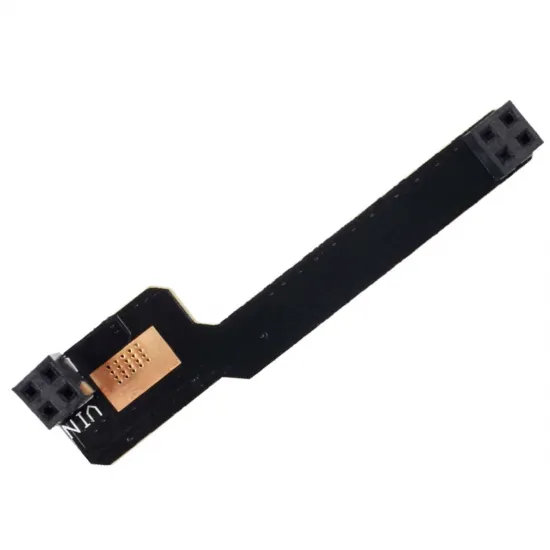
- Check the orientation and align both connectors before inserting the module.
- Insert both ends fully without offsetting any row of pins.
- Set the 5 V power selector and jumpers according to the manual for the exact control-board revision.
- Before connecting sensitive peripherals, verify that the selected port provides approximately 5 V with the correct polarity.
Important: never install, remove or change jumpers while the board is powered. Do not connect 12 or 24 V devices to an output configured for 5 V.
Firmware
This module operates solely as a power supply and does not require its own Marlin, Klipper or RepRapFirmware configuration. Firmware configuration is only required for the connected peripheral and must follow the control board and accessory documentation.