

This offer ends in:
- Stock: 5
- Model: BTT-CB1

Model:

BTT CB1

BTT CB2
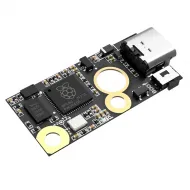
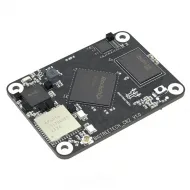
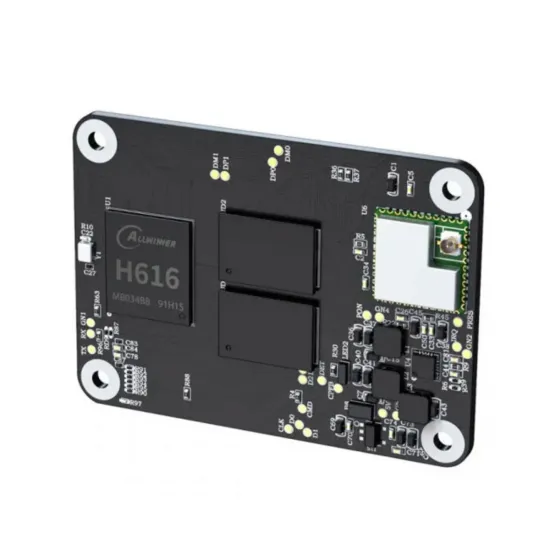
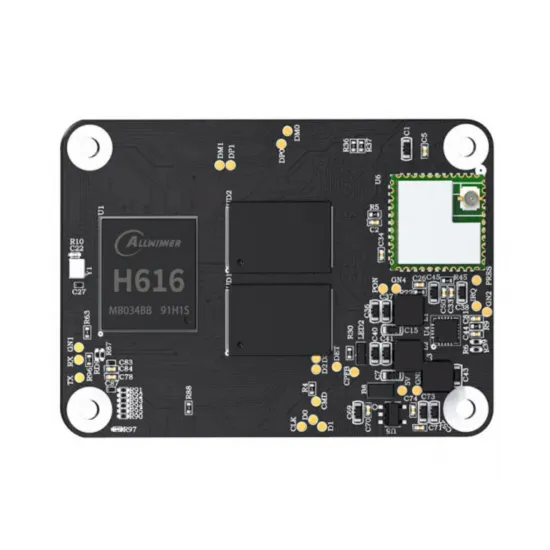
The BIGTREETECH CB1 V2.2 with 1 GB RAM is a compact computer module designed to run Linux and act as a host for Klipper, Moonraker and Mainsail on compatible carrier boards. It combines a quad-core 1.5 GHz Allwinner H616 Cortex-A53 processor with 2.4 GHz Wi-Fi and provides the signals required for a BIGTREETECH Manta board to expose Ethernet, HDMI, USB and microSD storage.
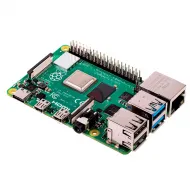
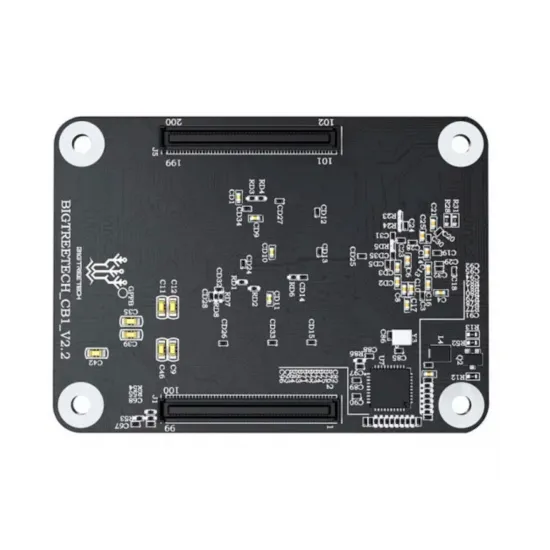
It shares the Raspberry Pi CM4 form factor, four mounting points and two 100-contact BTB connectors, but it is not a universal CM4 replacement. Processor, operating-system image, GPIO mapping and several interfaces differ; install it only on a carrier whose documentation explicitly supports CB1.
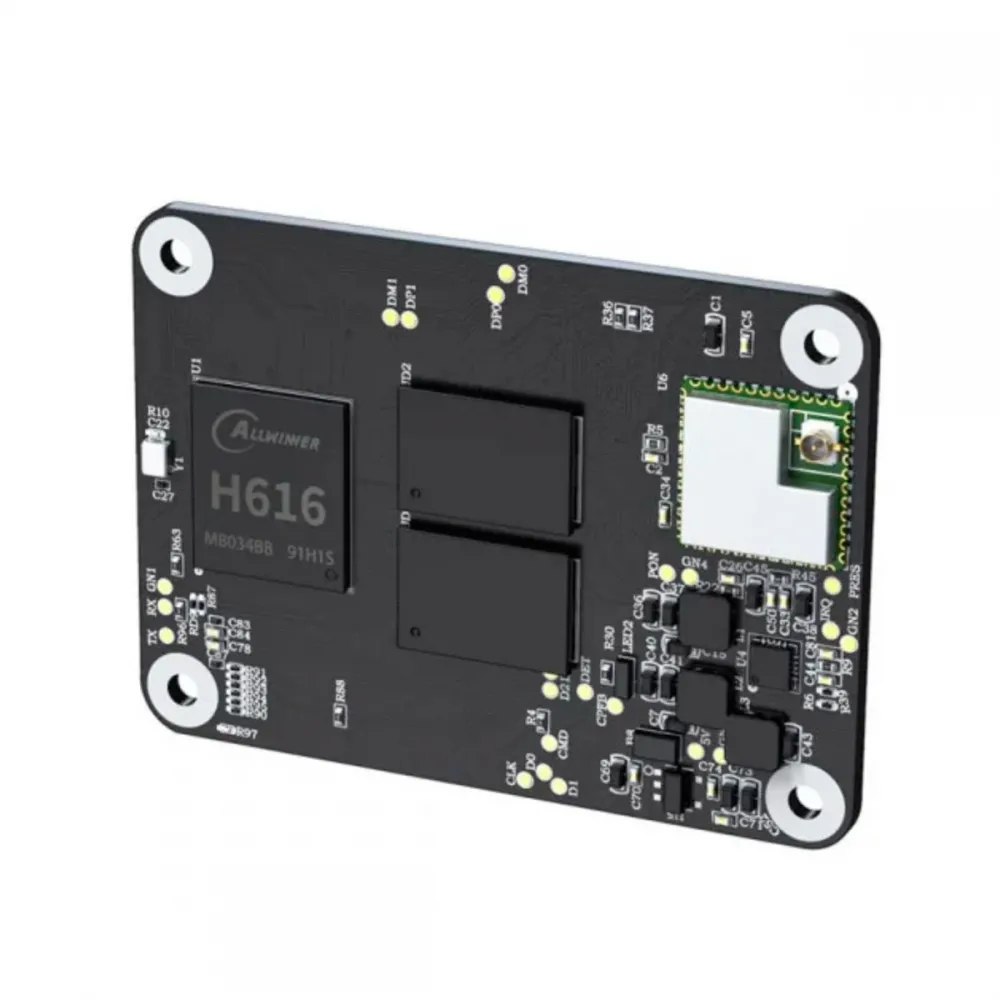
Main features
- CPU: Allwinner H616 with four 64-bit ARM Cortex-A53 cores at 1.5 GHz.
- GPU: Mali-G31 MP2 with manufacturer-declared OpenGL 3.2 support.
- Memory: 1 GB DDR3L on this product.
- Integrated Wi-Fi: 2.4 GHz IEEE 802.11 b/g/n.
- Wired network: 100 Mbit/s Ethernet when the carrier provides the corresponding RJ45 socket.
- Video: HDMI 2.0A signals and declared 4K support, subject to carrier, OS image, cable and display.
- USB: USB 2.0 through the carrier board.
- Storage: boots from a microSD card fitted to the compatible carrier.
- Connection: two 100-contact micro-BTB connectors.
- V2.2 revision: PC6-PC15 GPIO operate at 3.3 V.
Technical specifications
| Feature | Value |
|---|---|
| Manufacturer and model | BIGTREETECH CB1 V2.2 |
| Processor | Allwinner H616, quad-core Cortex-A53 at 1.5 GHz |
| GPU | Mali-G31 MP2 |
| RAM | 1 GB DDR3L |
| Power | 5 V +/-5%, 2 A, supplied by the carrier |
| Wi-Fi | 2.4 GHz, 802.11 b/g/n |
| Ethernet | 100 Mbit/s through a compatible carrier |
| Video and USB | HDMI 2.0A and USB 2.0 through a compatible carrier |
| Storage | microSD on carrier; this is not the CB1 eMMC version |
| Dimensions | 40 x 55 mm |
| Mounting centres | 33 x 48 mm |
Carrier-board compatibility
BIGTREETECH documents CB1 for Manta M4P, M5P, M8P and Manta E3EZ boards as well as the PI4B Adapter. Within our catalogue it can be paired with the BIGTREETECH Manta M4P or the newer BIGTREETECH Manta M8P V2. Always follow the manual for the exact board revision because microcontroller, ports, selectors and firmware build settings differ.
| Combination | Status | Checks required |
|---|---|---|
| Manta M4P / M5P / M8P / E3EZ | Documented by BIGTREETECH | Board revision, orientation, selectors, microSD, CB1 image and MCU firmware. |
| PI4B Adapter | Documented by BIGTREETECH | Adapter revision, power, exposed ports and connected accessories. |
| Third-party CM4 carrier | Not guaranteed | It must explicitly support CB1; matching connector or form factor is not sufficient. |
| Raspberry Pi OS / Raspberry Pi GPIO accessories | Not equivalent by default | CB1-specific OS, drivers, overlays, pinout and logic levels. |
CB1's role in a Klipper printer
CB1 is the Linux host computer: it runs the Klipper host, Moonraker, Mainsail or Fluidd and supporting services. The Manta board retains its own microcontroller, which generates step signals, reads sensors and controls heaters and fans. Installing CB1 therefore does not remove the need to build and flash firmware for the exact controller revision.
This also avoids a common Marlin misunderstanding: Marlin runs on the controller MCU, not on CB1. A Manta can use Marlin without CB1 where its configuration and connections permit; CB1 is primarily intended for integrated Klipper installations.
Getting started with an official image
- Download the appropriate CB1 image from the official repository. BIGTREETECH publishes minimal builds and builds with Klipper, Moonraker and Mainsail pre-installed.
- Extract the image and write it to a reliable microSD card with Raspberry Pi Imager or balenaEtcher. Carefully verify the destination drive because it will be formatted.
- Follow that release's notes to configure network and hostname. On images using
system.cfg, Wi-Fi is set withWIFI_SSIDandWIFI_PASSWD; do not assume Raspberry Pi Imager customisation will be applied. - With power removed, fit CB1 in the orientation shown in the Manta manual, secure all four screws without forcing the connectors and insert the microSD card into the carrier.
- Connect Ethernet or wait for Wi-Fi to obtain an address. Find the IP in your router or use the hostname documented by the image release.
- Connect through SSH, immediately change any default password and update only according to the procedure for the installed image.
- Build and flash the MCU using the exact Manta board settings. Do not copy another revision's configuration merely because it also supports CB1.
- Read the actual MCU identifier, add it to
printer.cfgand adapt the whole machine configuration: pins, sensors, drivers, currents, kinematics and safety limits.
The official repository evolves. For a new installation, check the current release and its known issues instead of reusing an old stored image without verification.
GPIO, displays and expansions
On V2.2, PC6 through PC15 ports operate at 3.3 V. They were 1.8 V on V2.1, so instructions or accessories made for another revision may require different wiring. Allwinner GPIO may appear in Klipper as host:gpioN; BIGTREETECH documents PC7 as gpio71 and PH10 as gpio234.
The BIGTREETECH TFT35 SPI can be used when the carrier provides its interface and matching overlay, cable and rotation settings are enabled. The BIGTREETECH IO2CAN can provide MCP2515 CAN in documented configurations, but it shares SPI1 with TFT35 SPI: do not assume both expansions can be combined freely without checking system resources.
Cooling
The H616 can become noticeably warm during compilation, KlipperScreen, camera use, resonance measurement and other sustained loads. Provide airflow in the electronics enclosure and use the dedicated BIGTREETECH CB1 heatsink, checking thermal contact, orientation and available clearance. The heatsink is sold separately.
It is for you if
- You want to integrate the Klipper computer directly into a compatible Manta board.
- You need a compact 1 GB solution with Wi-Fi, Ethernet and HDMI through the carrier.
- You will use the CB1-specific OS image and GPIO map.
- You want fewer external USB cables and separate power connections than a standalone computer.
It is not for you if
- You need a fully compatible Raspberry Pi CM4 for Raspberry Pi OS, BCM GPIO, CSI/DSI or an arbitrary CM4 carrier.
- Your board does not explicitly list CB1 support.
- You need 5 GHz Wi-Fi, integrated Bluetooth or eMMC storage on the module.
- You want a plug-and-play product without writing an OS, configuring the network, building the MCU firmware and adapting Klipper.
- You need more processing power or newer interfaces; in that case consider the BIGTREETECH CB2, checking carrier and accessory compatibility first.
Safe installation
- Disconnect both PSU and USB before fitting or removing CB1, microSD or any internal expansion.
- Align both BTB connectors and apply even pressure; never use the screws to pull the module into place.
- Do not connect 5 V signals to 3.3 V GPIO and do not copy a Raspberry Pi pin map.
- Use a supply and carrier capable of providing stable 5 V at the required current.
- Maintain airflow around the module and monitor temperature and stability during the first sustained loads.
- Back up your Klipper configuration before upgrading the operating-system image.
Package contents
- 1 BIGTREETECH CB1 V2.2 1 GB module.
Manta board or adapter, microSD card, heatsink, display, cables and other accessories are sold separately unless explicitly stated in the selected option.
Technical documentation
See the official BIGTREETECH CB1 repository for the manual, schematic, operating-system images and settings, and the official Releases section to download the appropriate image.