

- Stock: Out of Stock
- Model: BTT-CB2

Model:

BTT CB1

BTT CB2
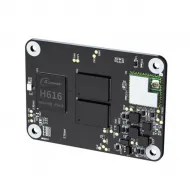
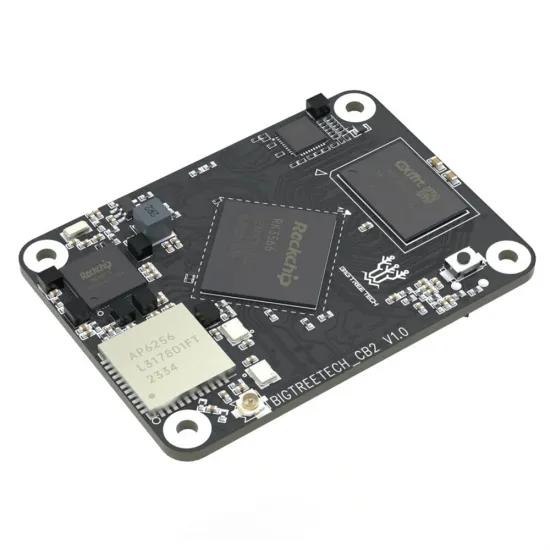
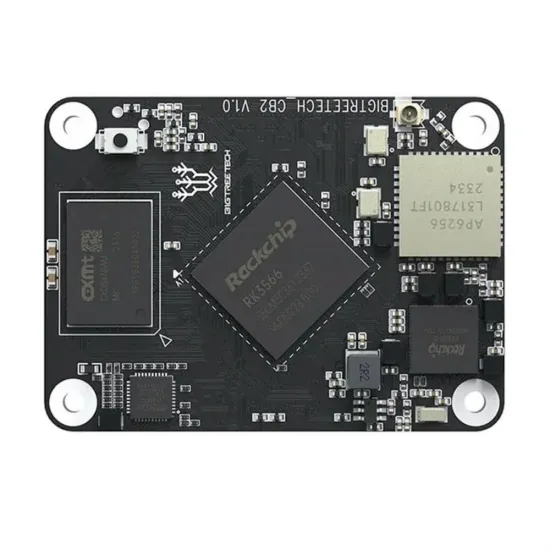
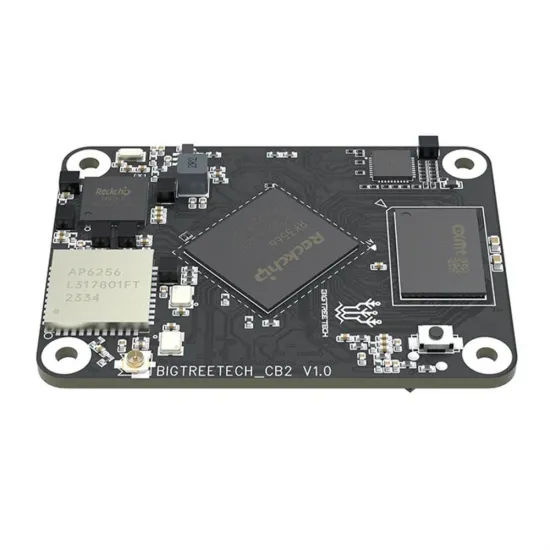
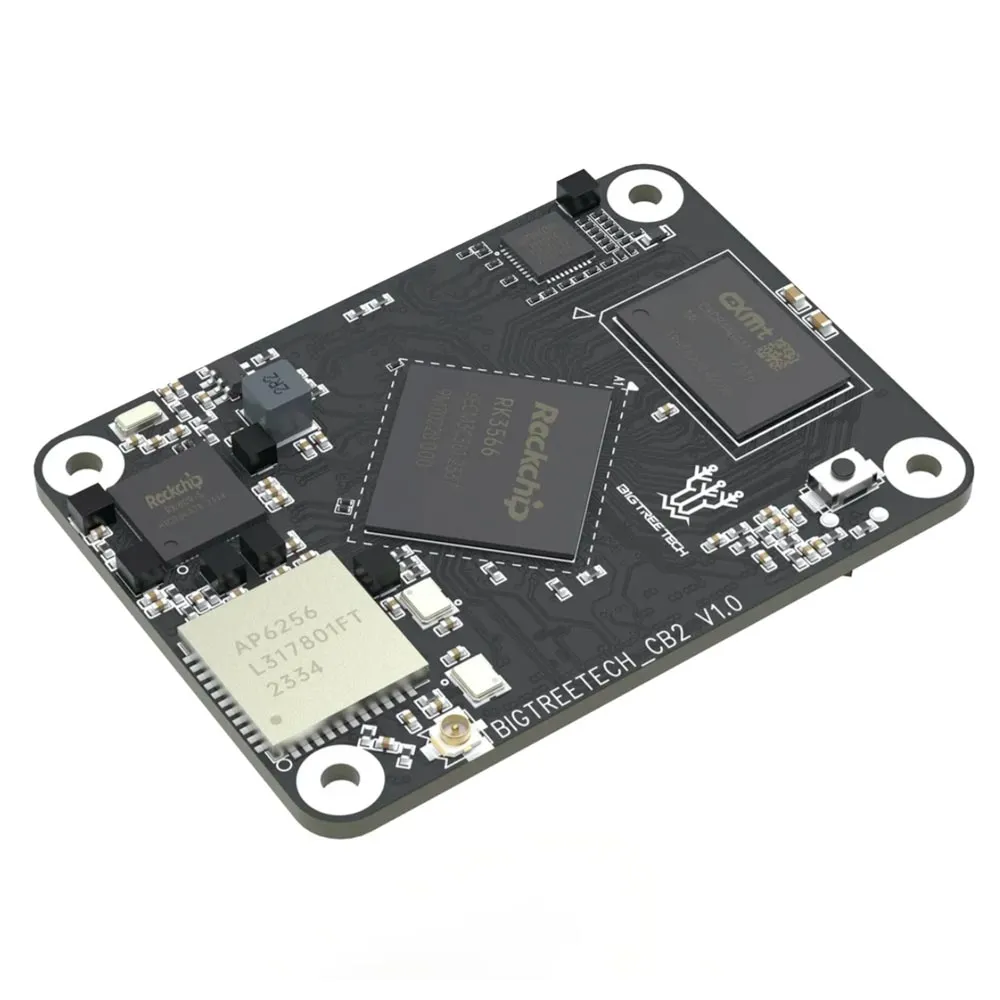
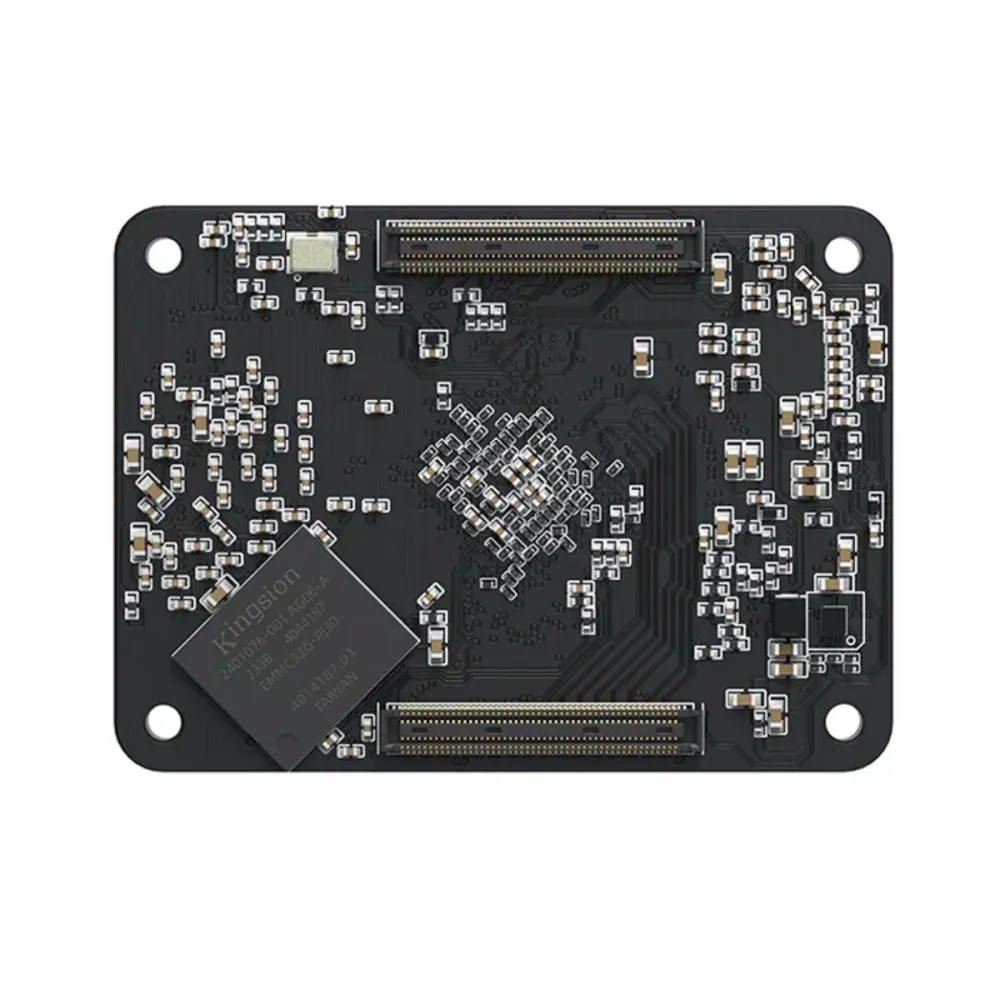
The BIGTREETECH CB2 V1.0 is a computer module for running Linux and Klipper on a compatible carrier board such as a Manta. It has a quad-core Rockchip RK3566, 2 GB of LPDDR4 RAM, 32 GB of onboard eMMC storage and 2.4/5 GHz Wi-Fi. Its mounting format and two underside connectors follow the Raspberry Pi CM4 approach, but its processor, operating-system image and configuration are different.
CB2 is the printer's host computer: it can run Klipper and its control interface, but it does not itself replace the controller board that operates motors, sensors and heaters. It needs a suitable carrier, power and CB2-specific software setup.
Features of this version
- Processor: Rockchip RK3566 with four ARM Cortex-A55 cores at up to 1.8 GHz.
- Memory and storage: 2 GB LPDDR4 and 32 GB onboard eMMC. Once properly set up, the eMMC can host the operating system without relying on a microSD card for normal use.
- Wireless: dual-band 2.4/5 GHz Wi-Fi and Bluetooth. An external Wi-Fi antenna is included; attach it carefully to the small module connector.
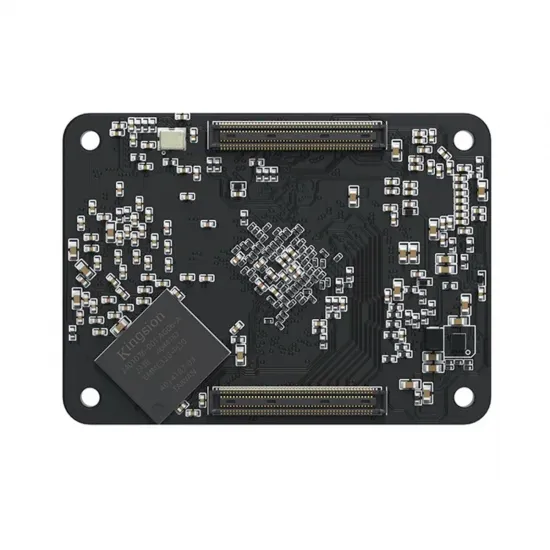
- Form factor: 40 × 55 mm board, mounting holes 33 × 48 mm apart, with two 100-contact BTB connectors underneath.
- Module power: 5 V ±5 %; the manufacturer's specification calls for a supply capable of providing 2 A, delivered by a suitable carrier. If a Manta board takes a 12 or 24 V input, the carrier electronics provide 5 V to the CB2: never connect 12/24 V directly to the module.
Gigabit Ethernet, HDMI, USB, CSI camera, DSI display or microSD can be available through a carrier board exposing those connections and a system image supporting them. The bare CB2 does not have these external sockets, and it does not guarantee plug-and-play operation with every CM4 display or accessory.
Manta boards and compatibility
Pair it with the BIGTREETECH Manta M8P V2.0 as a Linux host for a Klipper printer. It is also an option for the Manta M4P when the exact board revision, system image and interfaces are configured according to its manual. With other CM4-format carriers, explicitly check power, signal mapping, orientation, cooling, peripheral support and operating-system image before assuming compatibility.
CB2, CB1 and Raspberry Pi CM4 are not software equivalents. Do not install Raspberry Pi OS or a CB1 image on the CB2. Download a CB2 image from the official BIGTREETECH repository. Likewise, do not use another Manta revision's firmware or pin map for your controller board. The CB2 Linux processor and the Manta microcontroller are separate devices with independent setup and updates.
Getting started
- Choose the carrier and check its revision. With power disconnected, align both BTB connectors and secure the module without forcing it. Check clearance for cooling; a CB1 heatsink must not be assumed to fit a CB2.
- Install the CB2 system. Write the official image to a suitable microSD card to boot from the carrier's slot, or follow the official procedure to install it on eMMC. Imaging erases the selected storage device. If a system is already present on eMMC, check the boot priority before assuming microSD will boot.
- Set up networking and access. Attach the antenna for Wi-Fi, or use Ethernet if available on the carrier. Follow the chosen image's initial network configuration instructions and change default credentials after first login.
- Set up Klipper for the controller. The CB2 host and the Manta MCU need separate setup steps. Build and flash the microcontroller firmware for the exact Manta model and revision; then configure the actual MCU path, motors, sensors, fans and heaters in
printer.cfgfor your printer. A sample file does not replace your machine's parameters.
For current eMMC flashing methods, Wi-Fi, screens, cameras and overlays, see the official CB2 setup guide. USB/Recovery procedures depend on carrier switches and image version; follow the instructions for your exact hardware. Power down before fitting or removing the module or connecting internal peripherals.
In the package
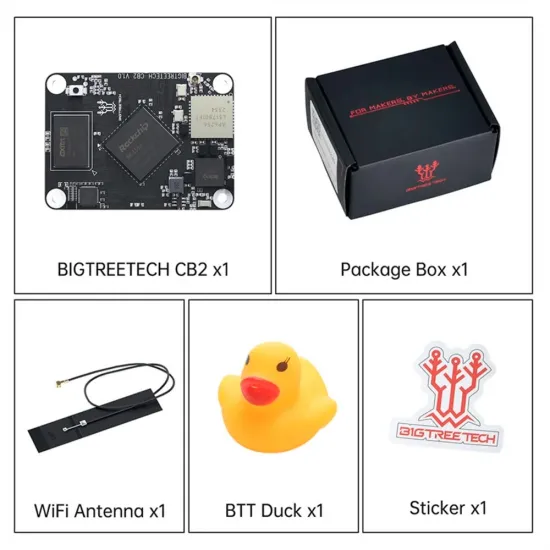
As shown in this product's gallery: one CB2 V1.0 module, a Wi-Fi antenna, product box, BIGTREETECH rubber duck and sticker. The Manta board, power supply, microSD card, display and heatsink are not part of this package. If you add a Manta, check the contents of that product separately.
Is it right for you?
Choose it if you want a compact Linux host with onboard eMMC for a compatible Manta and are ready to set up Klipper specifically for CB2. Choose something else if you need an actual Raspberry Pi CM4, Raspberry Pi OS, automatic compatibility with every 40-pin accessory or a motor controller that works without a Manta or other carrier board.