

- Stock: 1
- Model: Lámina Fysetc MK52

Model:

220x220mm

MK52
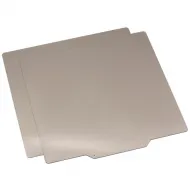
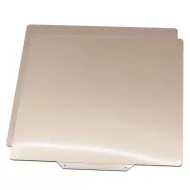
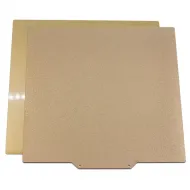
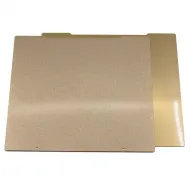
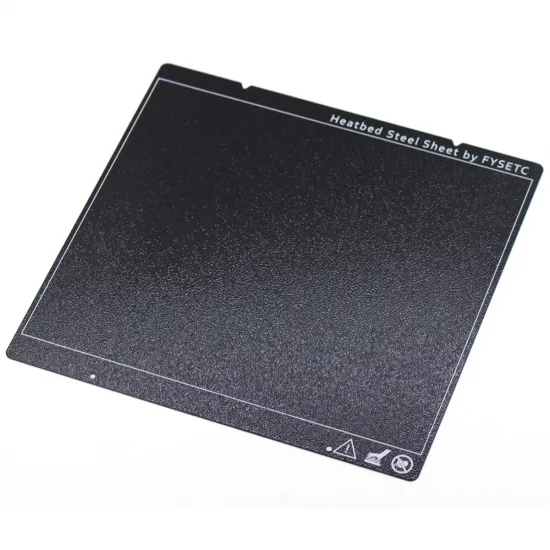
The FYSETC flexible sheet for MK52 magnetic beds is made from spring steel and coated with powder-coated textured PEI on both sides. Its rough surface promotes first-layer adhesion and leaves an even textured finish on the bottom of the printed part.
After printing, the sheet can be removed from the bed and flexed gently to help release the part. Allow it to cool first: many materials release on their own or require far less force once the temperature drops.
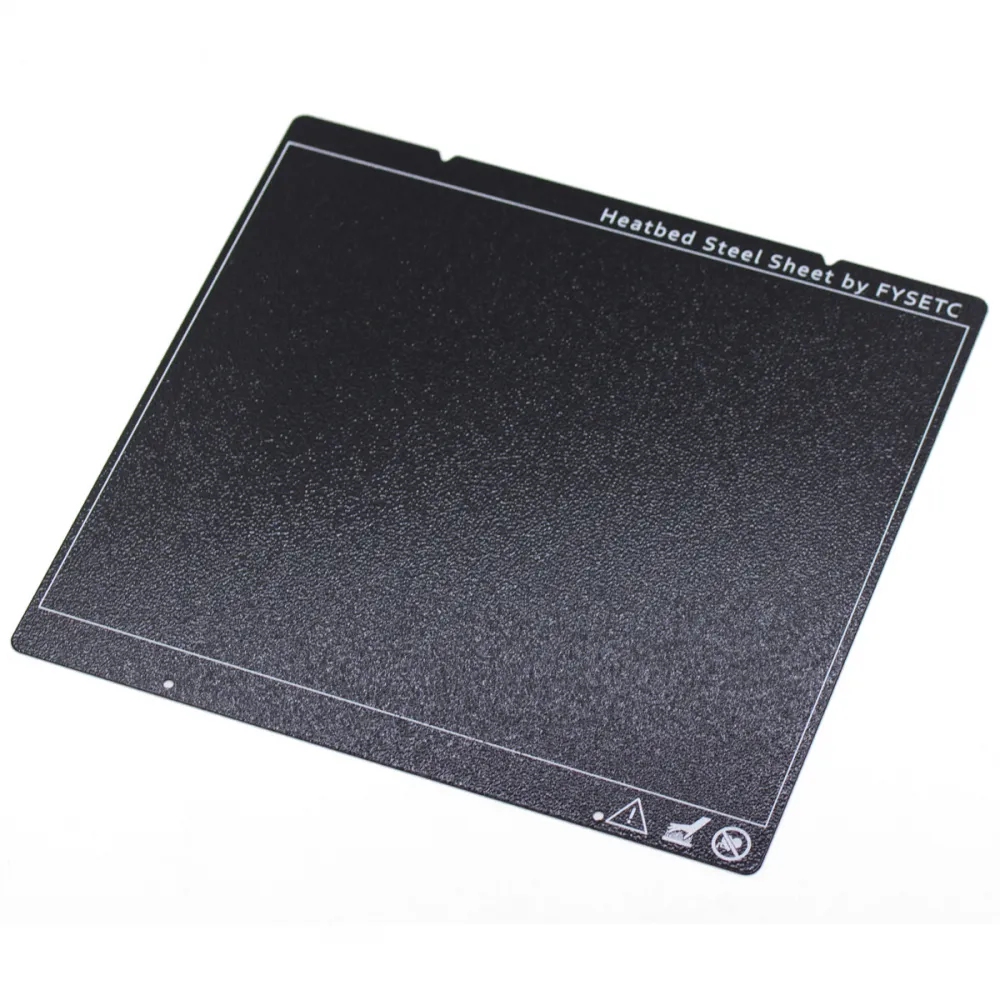
Main features
| Feature | Value |
|---|---|
| Brand | FYSETC |
| Core | Flexible spring steel |
| Surface | Powder-coated textured PEI on both sides |
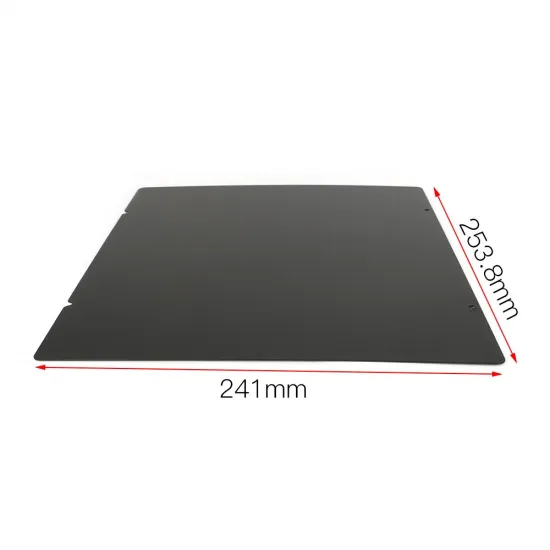
| Outer dimensions | 241 × 253.8mm |
| Format | Outline for an MK52-type magnetic bed |
| Removal | Removable and flexible after cooling |
| Part finish | Rough texture on the bed-facing surface |
The stated dimensions describe the outer outline, not a guaranteed printable area. Thickness is not stated because an unambiguous value for this exact part is not available.
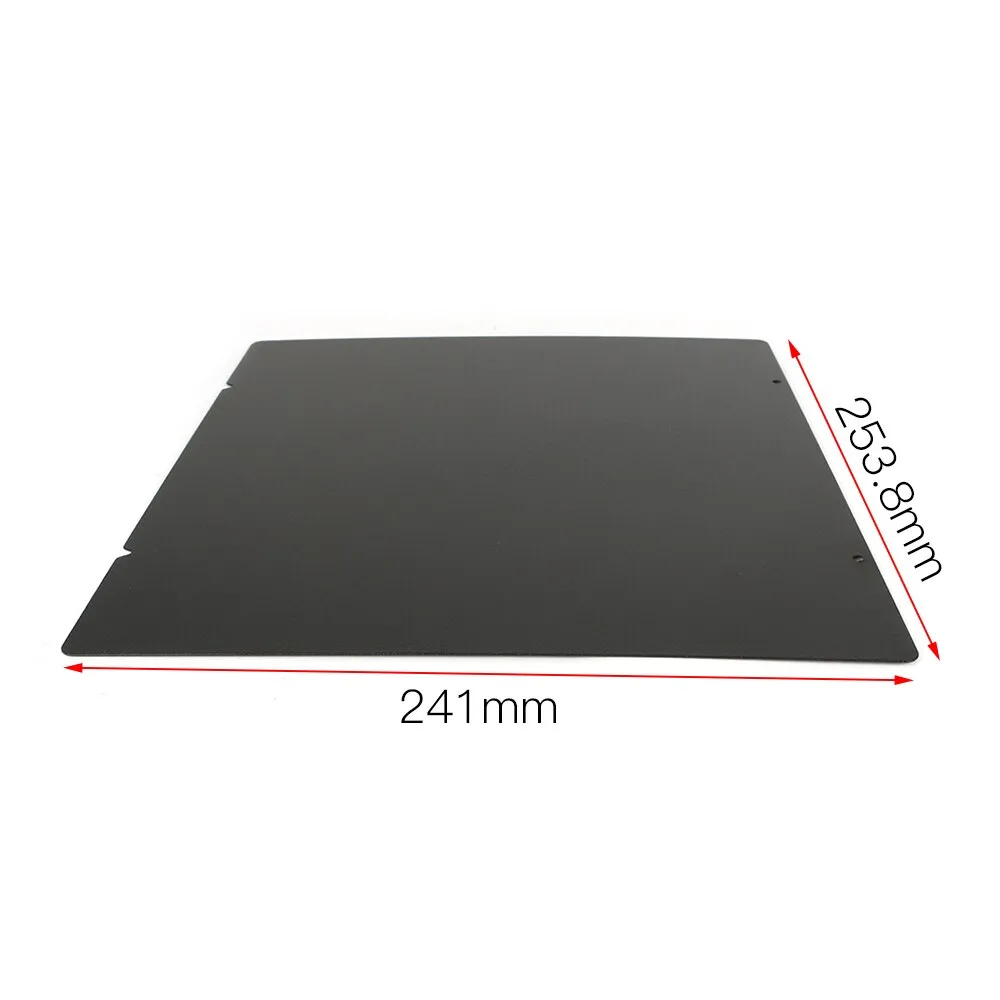
Bed and printer compatibility
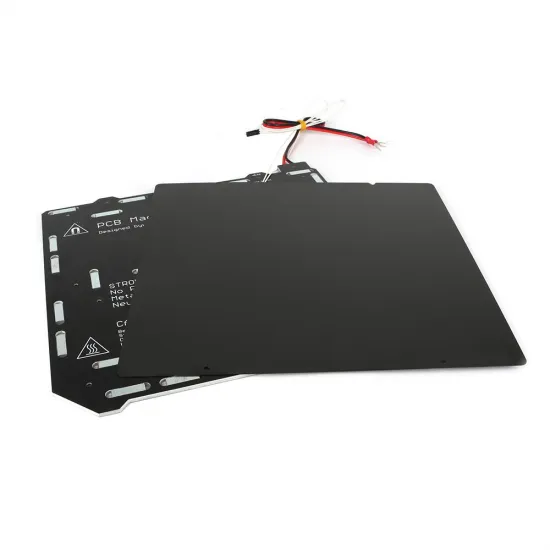
It is designed for MK52-type magnetic beds accepting a 241 × 253.8mm sheet outline. It is especially suitable for FYSETC clones and Prusa i3 MK3-derived builds reproducing the bed geometry, alignment stops and magnetic areas.
Its format may suit Original Prusa MK2.5/MK2.5S, MK3/MK3S/MK3S+, MK3.5/MK3.5S, MK3.9/MK3.9S, MK4/MK4S and CORE One, but the following must be physically compared before use:
- Outer dimensions and the outline of the installed sheet.
- Notches, corners and alignment points.
- Coverage and strength of the magnetic base.
- Free bed movement and absence of interference.
- Z adjustment and first-layer calibration.
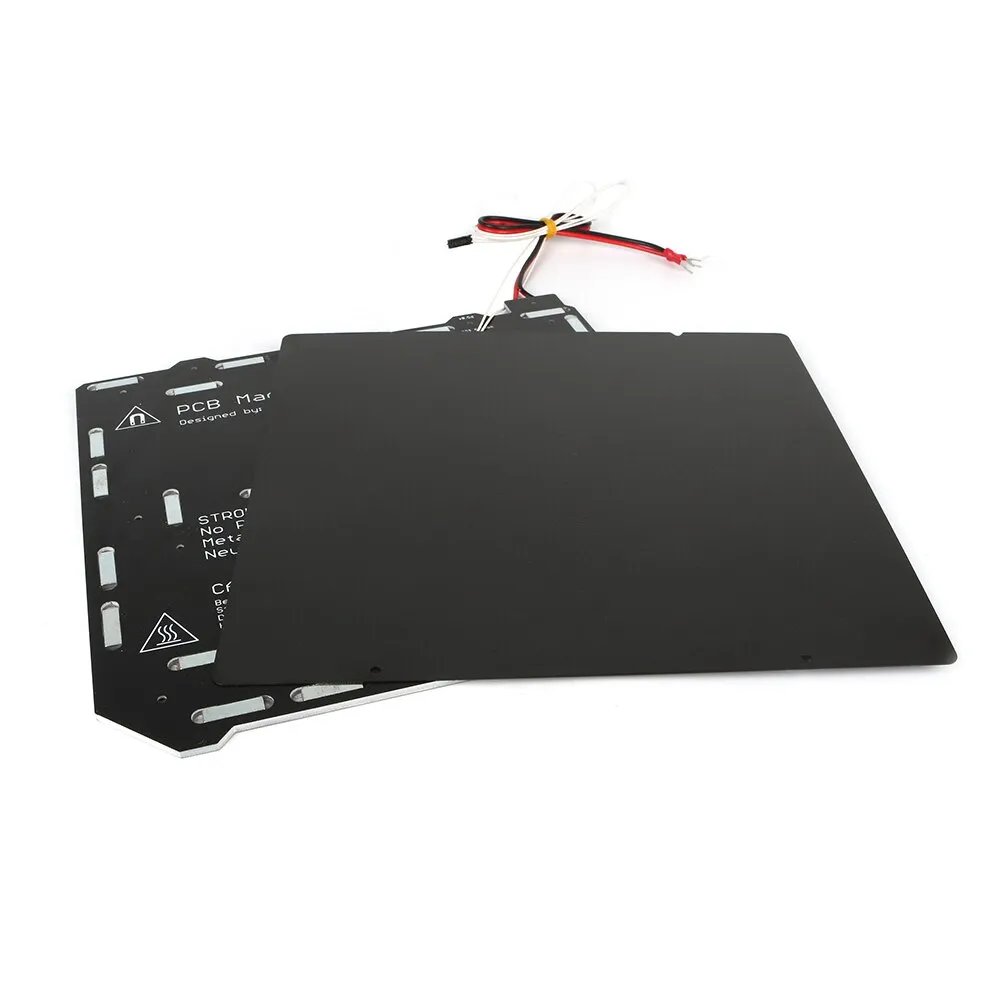
It is not a direct upgrade for an original Prusa MK2/MK2S that has not been fitted with the MK2.5 magnetic-bed upgrade. It must not replace a square 220 × 220 or 235 × 235mm sheet merely because the nominal print area appears similar.
Material usage guide
| Material | Use on textured PEI | Main precaution |
|---|---|---|
| PETG and CPE | Especially suitable | Allow to cool before removal and begin with a small test part |
| TPU / TPEE | Especially suitable; normally without adhesive | Do not over-squish the first layer because flexible materials may bond very strongly |
| PLA | Compatible | Small footprints may need a brim and a perfectly clean surface |
| ABS and ASA | Compatible with suitable preparation | Apply glue stick as a separation layer; also control warping and ambient temperature |
| Nylon and PC Blend | Conditional use | Apply glue stick as a separator and follow the filament instructions |
| Other engineering materials | Check before printing | Run a small test and check whether a dedicated surface or separator is required |
Glue stick is not always intended to increase adhesion: with materials bonding strongly to PEI, it may act as a separation layer and reduce the risk of pulling off the coating. Bed and nozzle temperatures must come from the profile for the specific filament and be tuned on the printer.
Installation and first layer
- Make sure the bed is cold, clean and free of debris beneath the sheet.
- Place the sheet fully against the magnetic base and its alignment points.
- Check that no edge protrudes into the frame and that Y-axis movement remains unobstructed.
- Select or create a dedicated sheet profile if the firmware supports it.
- Readjust Z offset and calibrate the first layer because effective thickness may differ from another surface.
- Run a small first print before using the entire bed.
The steel core can be detected by many inductive probes, including probes used in PINDA systems, but this does not guarantee compatibility or the same detection distance with every sensor. Probe readings, mesh and actual first-layer height must be checked after the change.
Cleaning and maintenance
- Clean the sheet while cold with approximately 90% isopropyl alcohol or denatured alcohol and a clean cloth.
- Do not use skin sanitisers or similar products because they may contain oils, fragrances or sugars.
- If alcohol does not remove greasy residue, occasionally wash with warm water and a few drops of dishwashing liquid. Do not soak the sheet; rinse and dry it completely.
- Do not use acetone or ABS juice, as they can damage the textured coating.
- Do not use metal spatulas, blades or abrasive cleaners.
- Do not place the sheet in a freezer.
- Avoid touching the print area and alternate between both sides to distribute wear.
Removing printed parts
Wait until the sheet is cold, remove it from the magnetic base and flex it gently in several directions. Do not make a sharp bend or force a part corner with tools. If the print will not release, let it cool fully and check whether the material required a separation layer.
It is for you if
- Your magnetic bed uses the 241 × 253.8mm MK52 outline.
- You want a double-sided textured PEI surface.
- You regularly print PETG, CPE, TPU or materials benefiting from a rough texture.
- You want to remove parts by flexing the sheet after cooling.
It is not for you if
- Your printer does not have a compatible magnetic base.
- You need a square 220 × 220 or 235 × 235mm sheet.
- You want a completely smooth or glossy bottom surface.
- You cannot readjust Z offset and first-layer calibration after the change.
Package contents
- 1 × FYSETC flexible sheet with textured PEI on both sides.
Heated bed, magnetic base, filament, cleaning products and separation agents are sold separately.