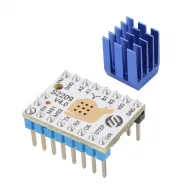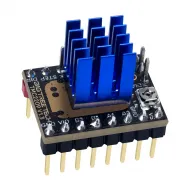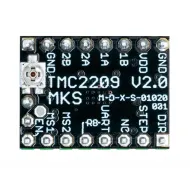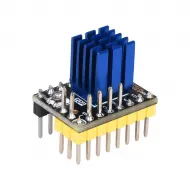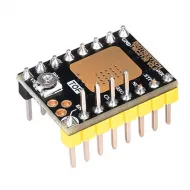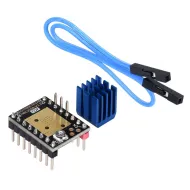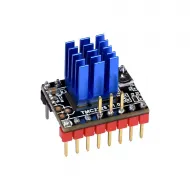


- Stock: 46
- Model: TMC2240-BTT

Model:

TMC2130 SPI

TMC2130 STEP/DIR

TMC2208 UART

TMC2209 - UART

TMC2225 UART

TMC2226 UART - STEP/DIR

TMC2240 SPI

TMC5160 pro SPI
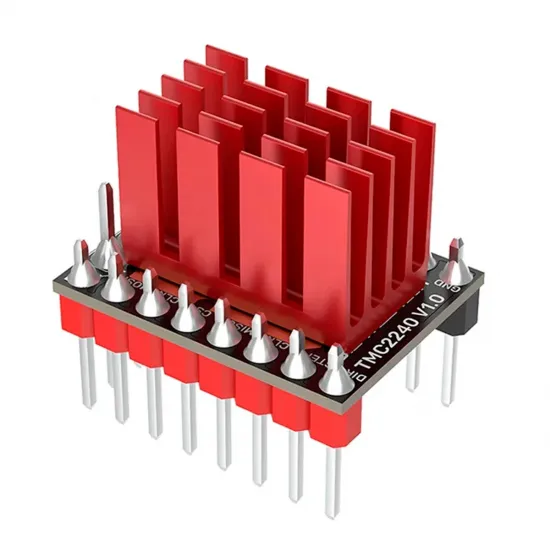
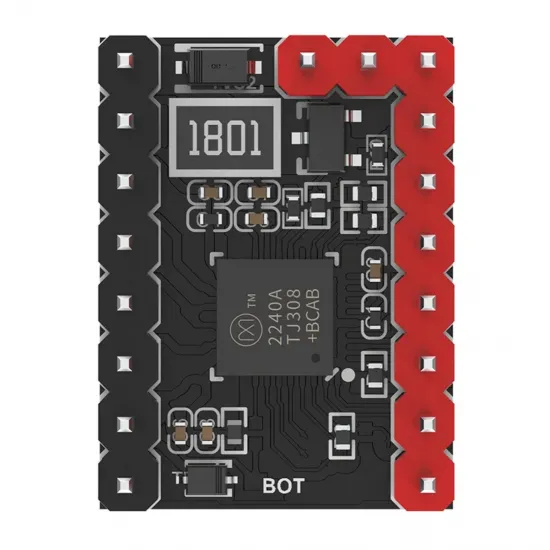
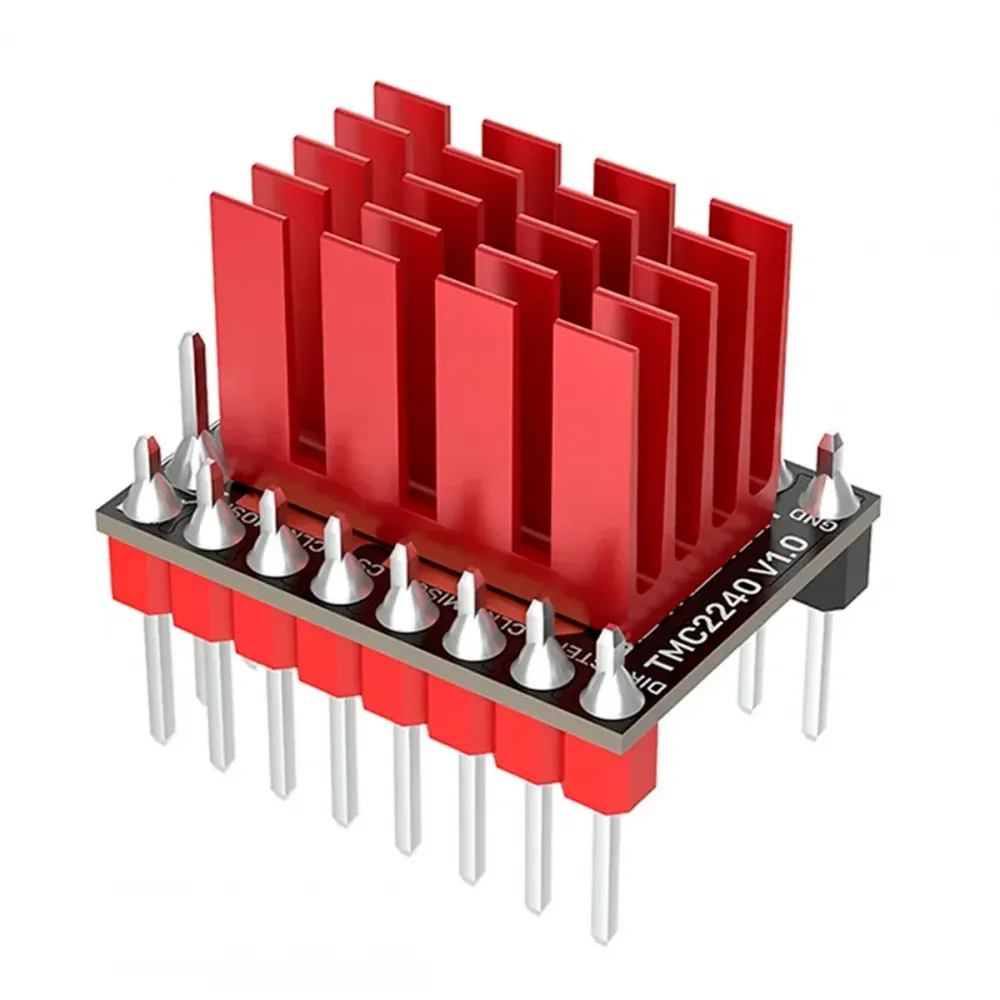
BIGTREETECH TMC2240 V1.0 is an intelligent two-phase stepper motor driver combining quiet motion, dynamic control, digitally adjustable current and advanced diagnostics. This version is supplied in its factory SPI configuration, allowing the firmware to configure and query the driver without physical potentiometers.
It is particularly suitable for fast, quiet or advanced 3D printers. HTA3D uses it in our HPRO-330, HPRO-330 kit and HPRO-400 machines alongside the BIGTREETECH Octopus Pro H723, with excellent results when voltage, jumpers, cooling and firmware are correctly configured.
Main features
- Supply voltage: 4.5-36 V DC.
- Manufacturer current rating: 2.1 A RMS and 3 A sine-wave peak.
- Interface: STEP/DIR and factory-configured SPI.
- Resolution: 1 to 256 microsteps, with MicroPlyer interpolation to 256.
- StealthChop2: particularly quiet operation where speed and load permit.
- SpreadCycle: dynamic control for firmer response at higher speed and acceleration.
- CoolStep: adaptive current control to reduce power and temperature where suitable.
- StallGuard2 and StallGuard4: load detection and optional sensorless homing.
- Advanced diagnostics: driver temperature, motor temperature estimation and protection monitoring.
- Heatsink included.
Technical specifications
| Parameter | Value |
|---|---|
| Model | BIGTREETECH TMC2240 V1.0 |
| Motor type | Two-phase bipolar stepper motor |
| VM supply | 4.5-36 V DC |
| IC current rating | Up to 2.1 A RMS / 3 A sine-wave peak, subject to cooling and installation |
| Typical H+L RDS(on) | 230 mΩ at 25 °C |
| Microsteps | 1-256 |
| Module communication | Factory SPI |
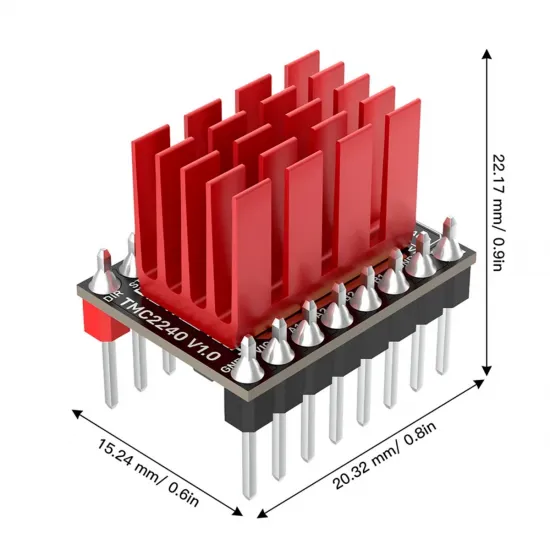
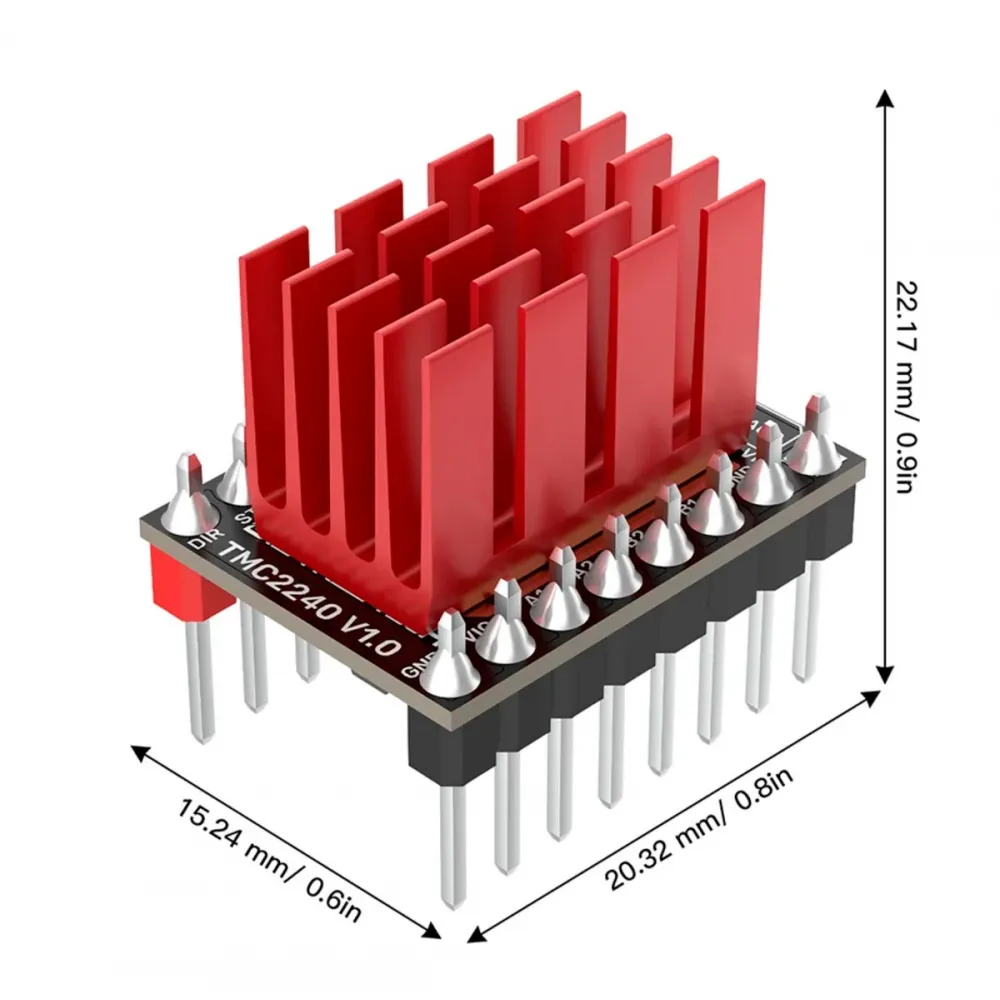
| Approximate footprint | 20.32 × 15.24 mm |
| Approximate height with heatsink | 22.17 mm according to the gallery drawing |
The driver's maximum rating is not an automatic motor-current setting. The correct value depends on the exact motor, wiring, load, speed, airflow and measured temperature. Excessive current can overheat the motor, driver, connectors or controller board.
StealthChop2, SpreadCycle and CoolStep
StealthChop2 reduces motor electrical noise and is useful when quiet operation is the priority. SpreadCycle generally provides more consistent response for fast moves, high acceleration or demanding loads. Firmware can select one mode or define a speed-based transition.
CoolStep adapts current to detected load. Analog Devices advertises energy savings of up to 75% under suitable conditions, but actual results depend on the motor and motion profile. Validate stability, temperature and homing behaviour before relying on it.
Pinout and orientation
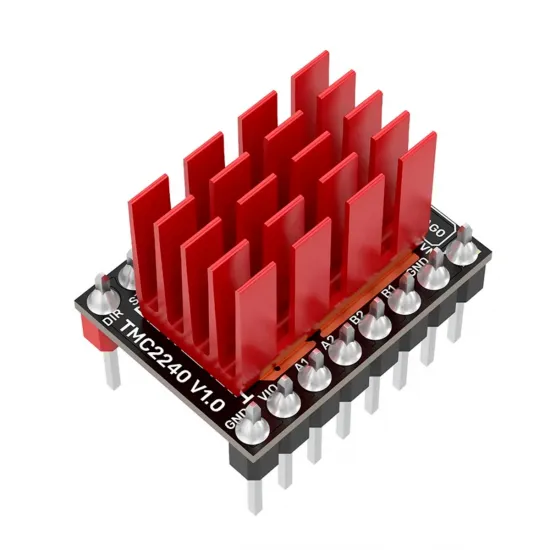
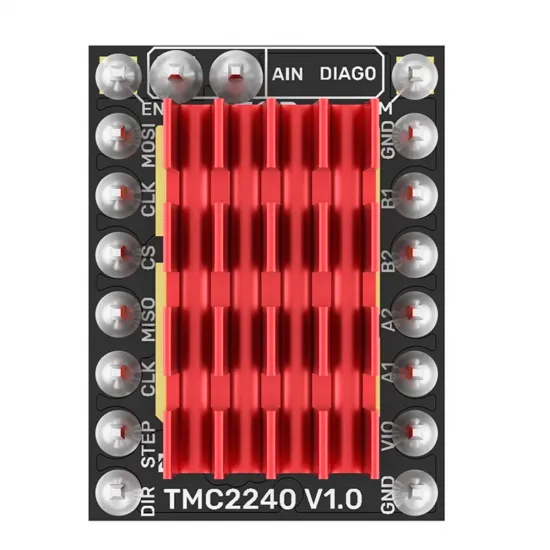
The control side carries EN, MOSI, CLK, CS, MISO, CLK, STEP and DIR. The opposite side carries VM, GND, B1, B2, A2, A1, VIO and GND. Top pads provide AIN and DIAG0.
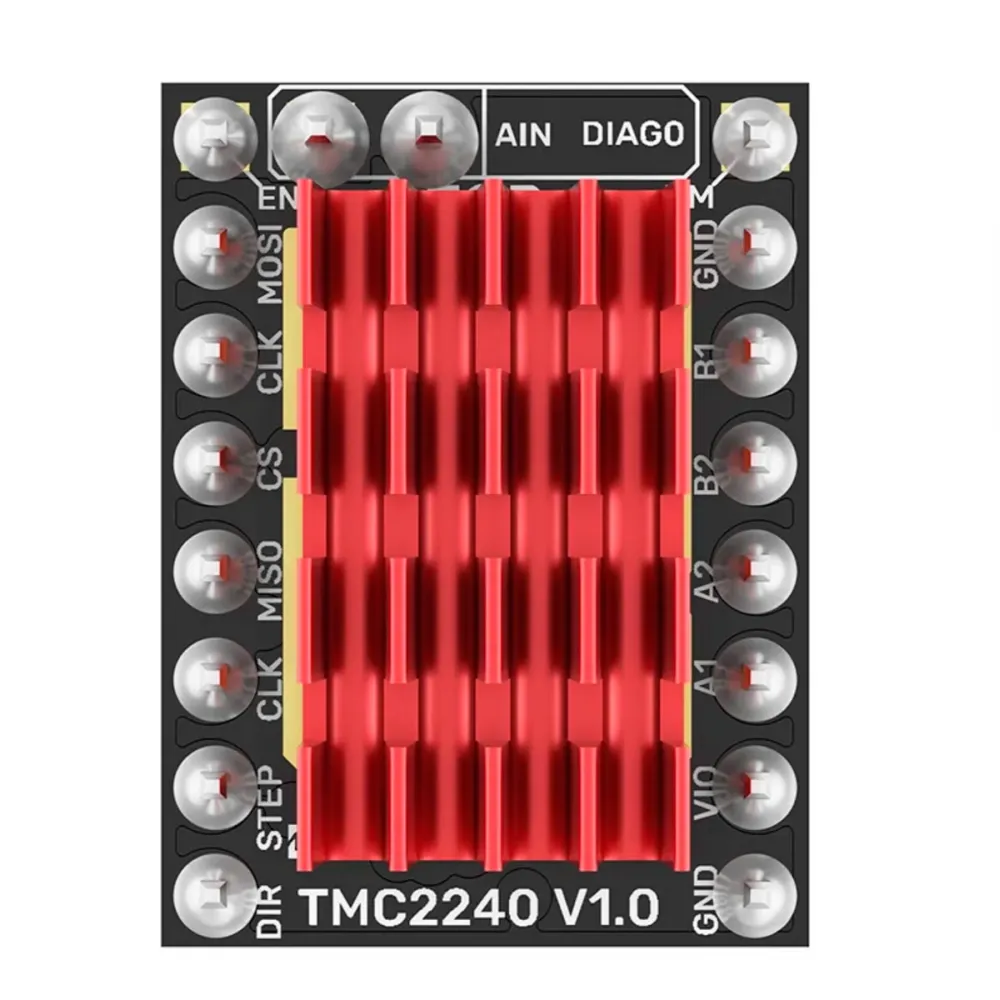
Always confirm VM and GND orientation before insertion. A reversed module may destroy both the driver and controller board. Turn off every power source and disconnect USB before inserting or removing the driver, changing jumpers or connecting the motor.
Installing on a BIGTREETECH Octopus Pro
- Identify the exact Octopus Pro revision and consult its matching pinout.
- With the board fully unpowered, set the socket jumpers for SPI mode.
- Use the individual voltage-selection jumper to route a TMC2240-compatible motor supply.
- Confirm VM/GND orientation and insert the module without bending pins.
- Fit the heatsink to the thermal area and provide airflow.
- Connect the motor only while the controller is unpowered.
- Configure firmware, current and microsteps before testing short moves.
- Verify communication and temperature before increasing current, speed or acceleration.
Important on 36/48 V systems: the Octopus Pro can route either main power or a separate motor-power input to each socket. The TMC2240 is rated to a maximum of 36 V. It must never receive 48 V. On an HPRO with a 48 V auxiliary motor rail, select the compatible main supply for this driver and physically verify the jumper before power-up.
BIGTREETECH also requires active cooling above 24 V or 1.2 A. Even below those values, enclosed electronics without adequate airflow may still require forced ventilation.
Basic Klipper configuration
Klipper provides dedicated TMC2240 support. On an Octopus Pro the shared SPI bus is normally spi1; CS depends on the socket. This example is for MOTOR0/stepper_x and uses an illustrative current only:
[tmc2240 stepper_x]
cs_pin: PC4
spi_bus: spi1
run_current: 0.80
interpolate: True
stealthchop_threshold: 0
Do not copy 0.80 A without checking your motor. run_current is expressed in RMS amperes and must suit the exact motor. Klipper advises against setting hold_current unless there is a specific need. stealthchop_threshold: 0 keeps SpreadCycle active; if StealthChop is required, choose a suitable threshold and validate the machine.
| Octopus Pro socket | cs_pin | DIAG/endstop |
|---|---|---|
| MOTOR0 | PC4 | PG6 |
| MOTOR1 | PD11 | PG9 |
| MOTOR2 | PC6 | PG10 |
| MOTOR3 | PC7 | PG11 |
| MOTOR4 | PF2 | PG12 |
| MOTOR5 | PE4 | PG13 |
| MOTOR6 | PE1 | PG14 |
| MOTOR7 | PD3 | PG15 |
Use DUMP_TMC STEPPER=stepper_x to check communication. If reads fail, power down and inspect orientation, SPI jumpers, CS, bus, supply and solder joints before proceeding.
Sensorless homing in Klipper
The TMC2240 can provide a virtual endstop through diag0_pin or diag1_pin, together with a machine-specific driver_SGT or driver_SG4_THRS value. There is no universal sensitivity: it changes with current, temperature, speed, moving mass, belt tension and friction.
Configure and tune one axis at a time, use a moderate homing speed and avoid sensorless Z homing where an inaccurate trigger could drive the nozzle into the bed. Klipper temporarily selects the required driver mode during homing, but DIAG wiring and machine mechanics must still be correct.
Basic Marlin configuration
Current Marlin supports TMC2240 as an SPI driver. Select it for each relevant axis in Configuration.h:
#define X_DRIVER_TYPE  TMC2240
#define Y_DRIVER_TYPE  TMC2240
The motherboard definition must match the physical board: BOARD_BTT_OCTOPUS_PRO_V1_0 for V1.0 STM32F446/F429, BOARD_BTT_OCTOPUS_PRO_V1_0_1 for V1.0.1 H723 or BOARD_BTT_OCTOPUS_PRO_V1_1 for V1.1 H723. Do not reuse a different revision's configuration because some pins change.
Use Configuration_adv.h to set RMS axis current, homing current, microsteps and TMC features. Useful commands include:
M122: verify communication and inspect diagnostics.M906: report or adjust current in mA.M913: adjust hybrid threshold when enabled.M914: tune sensorless homing sensitivity when configured.M911andM912: report and clear thermal pre-warning flags when monitoring is enabled.
Compile for the exact board revision and MCU, keep a backup of the working configuration, and begin with short moves while an emergency power-off remains accessible.
Compatibility requirements
- Controller: plug-in socket with compatible pinout and orientation.
- Voltage: 4.5-36 V at VM, without transients exceeding the limit.
- Motor: two-phase bipolar type with a suitable safe RMS current.
- Firmware: TMC2240 support and correct SPI, CS, STEP, DIR and EN assignments.
- Cooling: correctly fitted heatsink and airflow appropriate to current, voltage and ambient temperature.
- Sensorless homing: DIAG connection, suitable mechanics and individual calibration.
Sharing a module footprint does not guarantee functional compatibility. Check socket voltage carefully: a controller designed for high-voltage drivers can still destroy a TMC2240 if the wrong rail is selected.
This is for you if
- You want a modern, quiet and highly configurable SPI driver.
- You need diagnostics, digital current control and optional sensorless homing.
- Your controller and firmware provide TMC2240 SPI support.
- You will manage voltage, cooling and motor current carefully.
- You use a validated HPRO/Octopus Pro configuration or will reproduce its electrical requirements accurately.
This is not for you if
- The socket will receive 48 V or any voltage above 36 V.
- You require a drop-in UART driver without modifying the module.
- Your controller only supports standalone mode or lacks compatible SPI.
- You intend to use maximum current without active cooling and temperature checks.
- You expect sensorless homing to work universally without calibration.
Contents
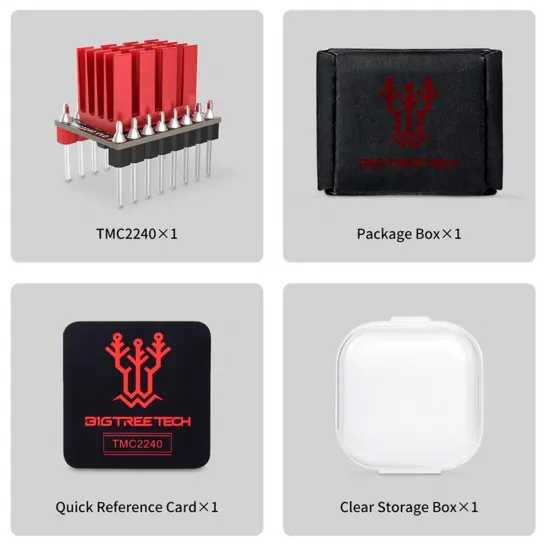
- 1 × BIGTREETECH TMC2240 V1.0 driver.
- 1 × heatsink.
Technical files and manufacturer updates are available in the official BIGTREETECH driver repository.