

- Stock: Out of Stock
- Model: BTT-PiV2

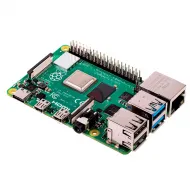
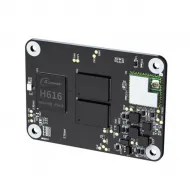
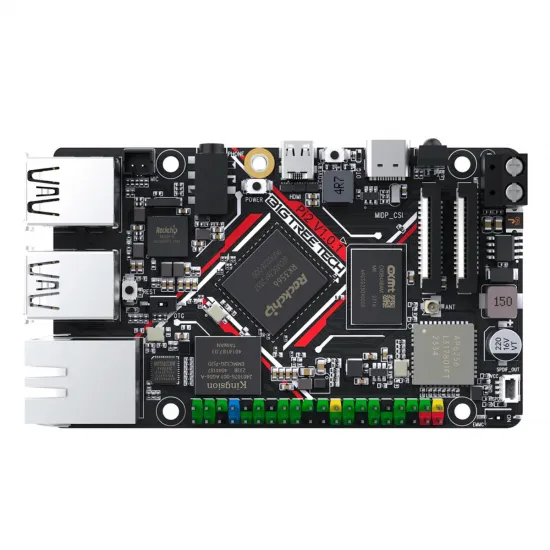
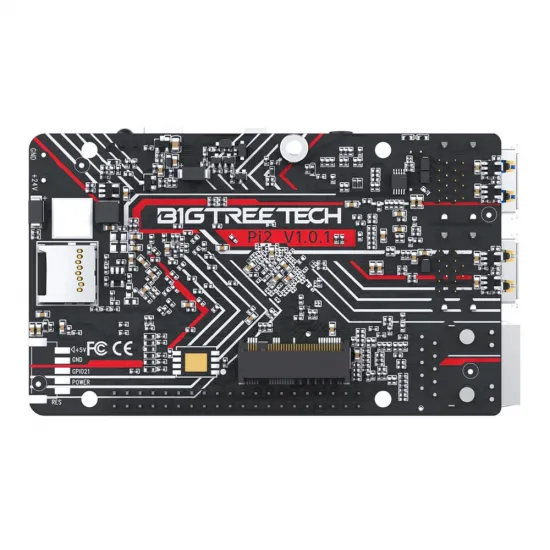
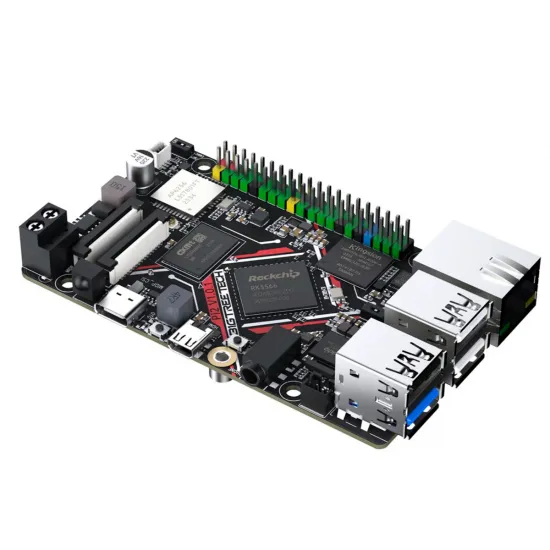
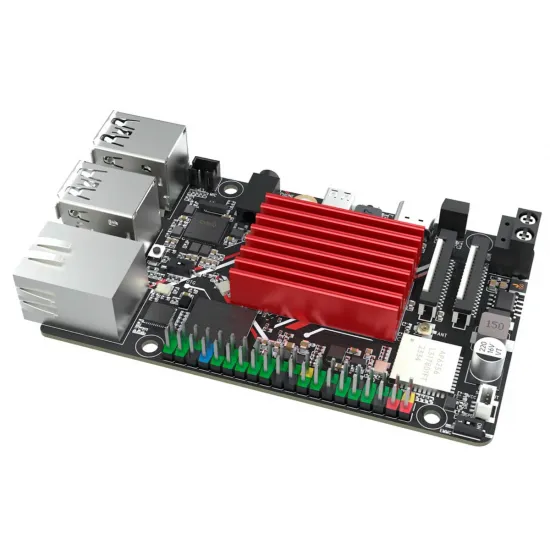
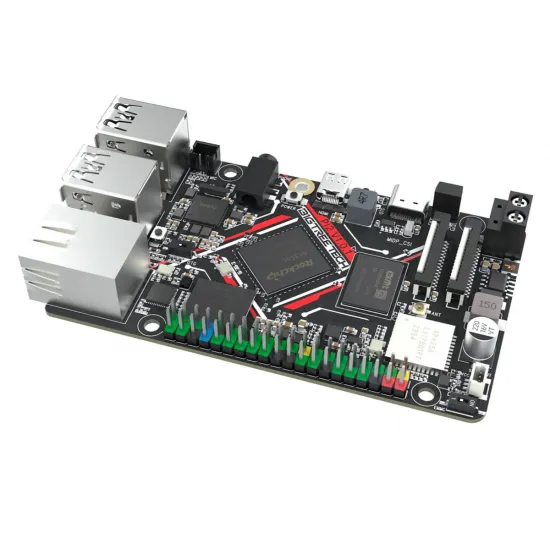
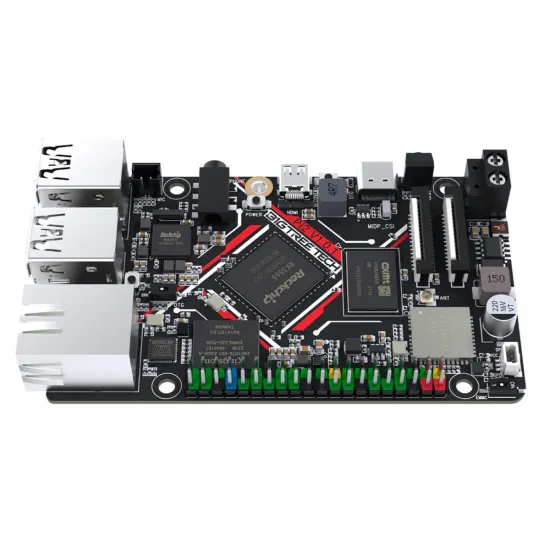
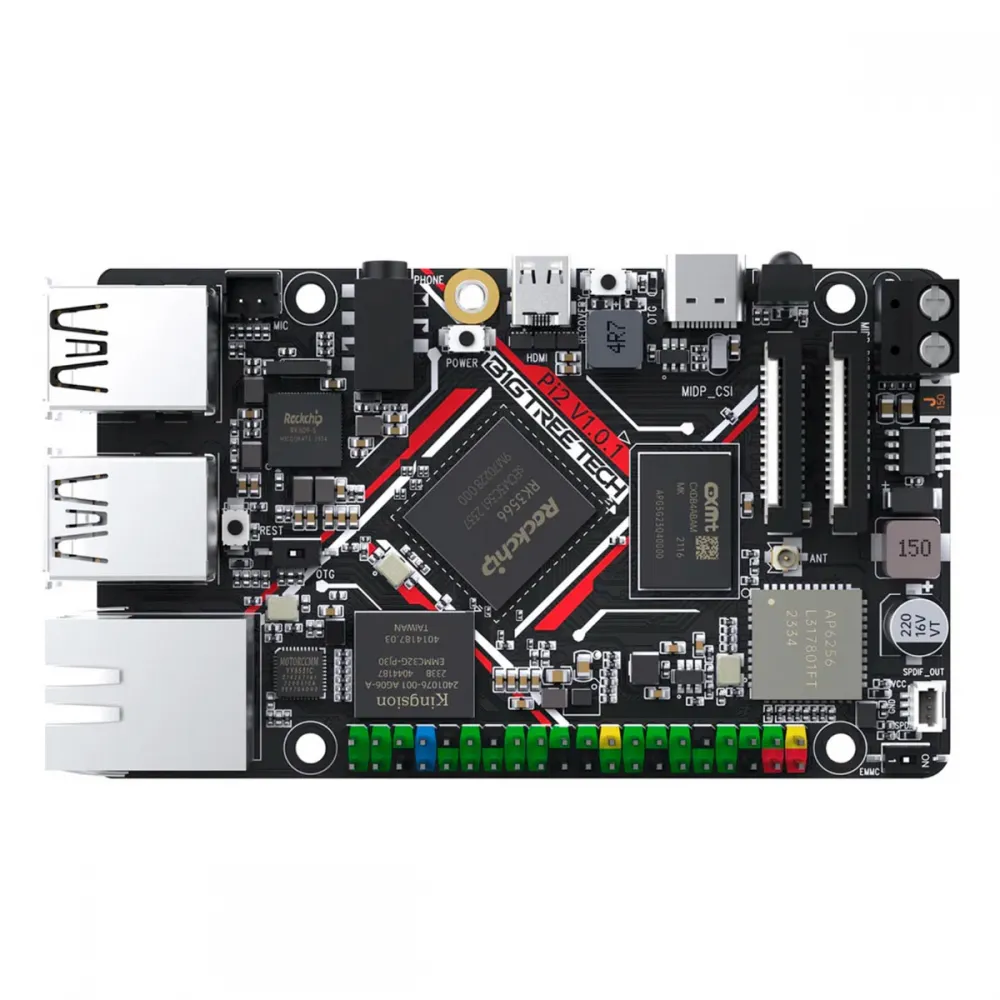
The BIGTREETECH Pi 2 is a compact Linux computer for running Klipper and network services on a 3D printer. It combines a quad-core Rockchip RK3566, 2 GB RAM and 32 GB onboard eMMC storage, with Ethernet, Wi-Fi, USB and video connectivity.
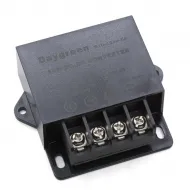
Its practical advantage in a 24 V printer is the 12–24 V DC terminal input; it can also be powered with 5 V through USB-C. It is the host computer, not a replacement for the printer's motion-control board.
Key specifications
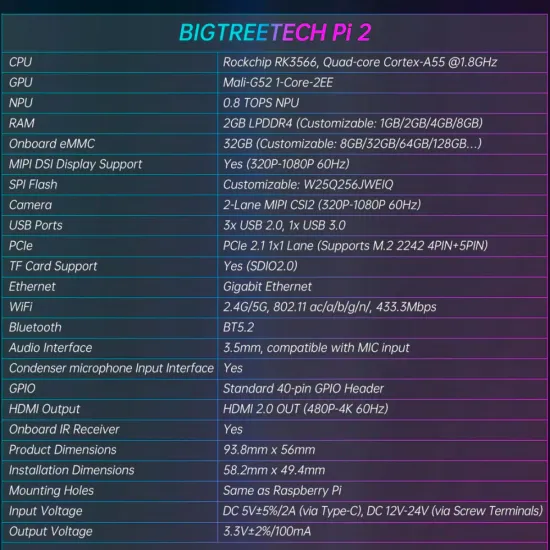
| Processor | Rockchip RK3566, 4 × Cortex-A55 up to 1.8 GHz |
|---|---|
| Memory and storage | 2 GB LPDDR4, 32 GB eMMC and microSD slot |
| Networking | Gigabit Ethernet, 2.4/5 GHz Wi-Fi and Bluetooth 5.2 |
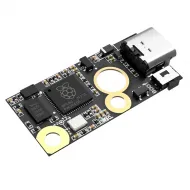
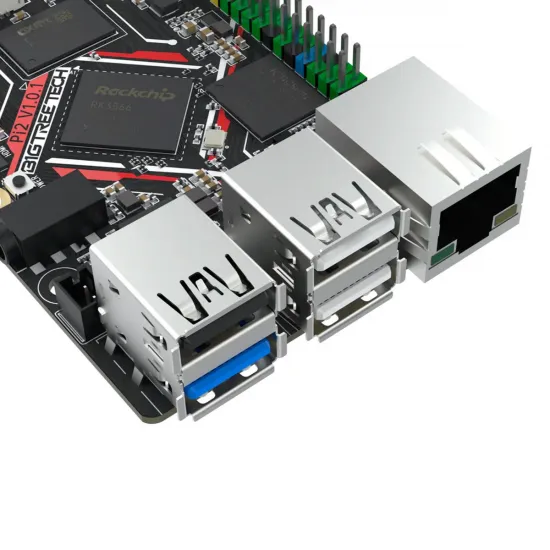
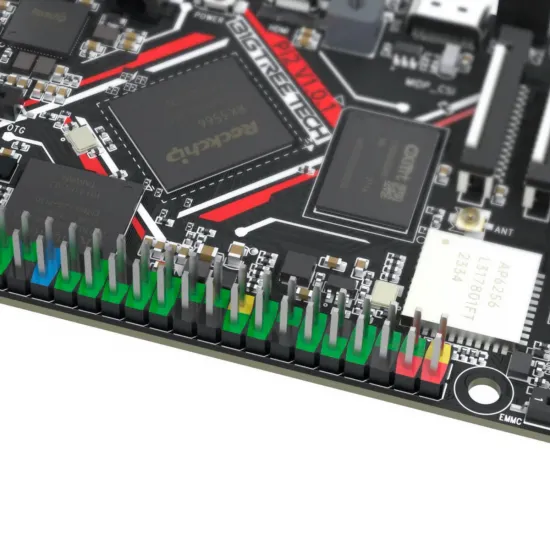
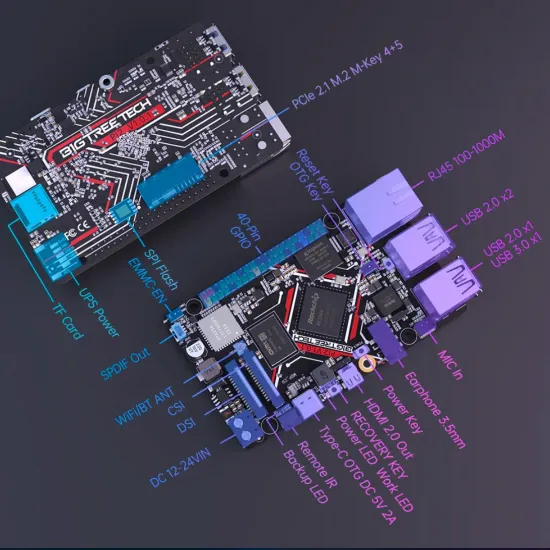
| Interfaces | 3 USB 2.0 ports, 1 USB 3.0 port, HDMI 2.0, 40-pin GPIO, DSI, CSI-2 and a specific PCIe M.2 2242 connector |
| Power | 5 V / 2 A via USB-C or 12–24 V DC via terminal block |
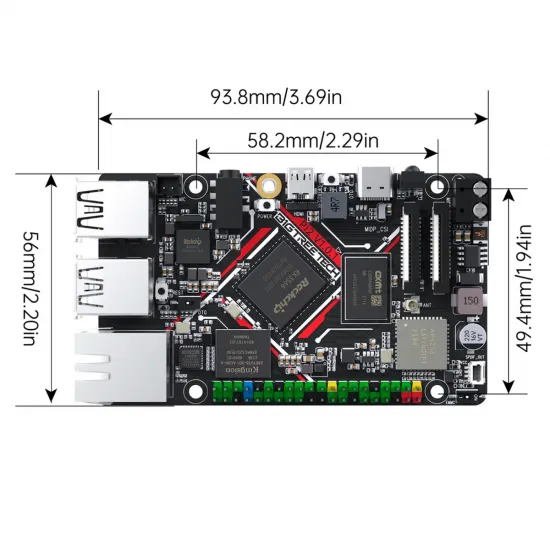
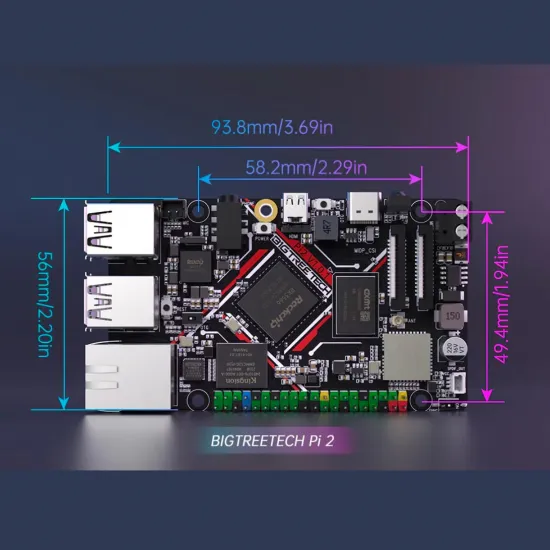
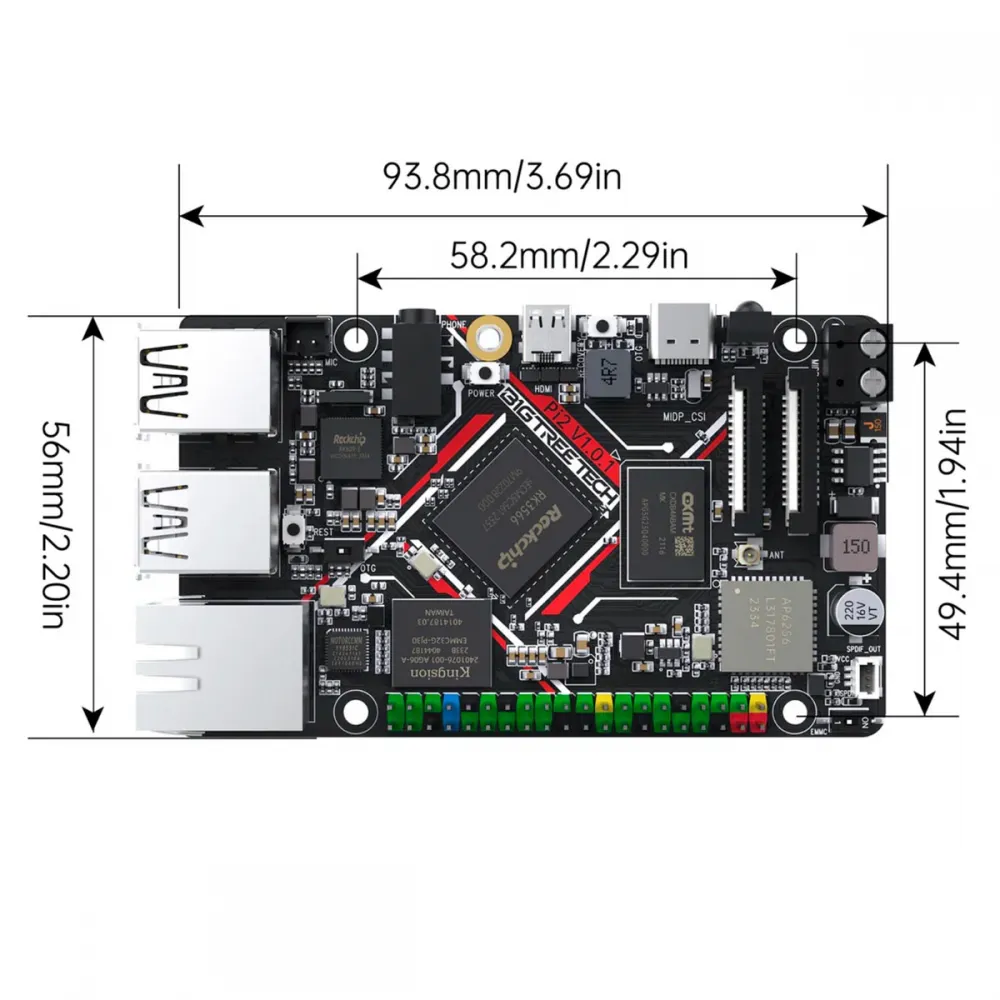
| Size | 93.8 × 56 mm; mounting-hole centres 58.2 × 49.4 mm |
Using it with Klipper
Pi 2 can run the Linux side of Klipper, Moonraker and a web interface. A compatible printer controller remains responsible for motors, heaters and sensors. The two boards can communicate through USB or another interface supported by the specific hardware and firmware. Ethernet is convenient for initial setup; Wi-Fi is available where needed.
The onboard eMMC provides an alternative to running the system from microSD. Do not assume that a ready-to-boot image is preinstalled. Use the official Pi 2 images and confirm the intended boot medium.
Power and safe integration
- Terminal block: use a stable 12–24 V DC supply with correct polarity, wiring and suitable protection.
- USB-C: provide 5 V and at least 2 A as specified by BIGTREETECH.
- Keep voltages separate: 12–24 V belongs to the power input, not to GPIO signals. Check the pinout and logic level of every accessory.
- Select one power method: do not simultaneously feed USB-C and the terminal block unless an explicitly validated design requires it.
Getting started
- Download the official Pi 2 system image and follow its microSD or eMMC installation guide. Flashing a card overwrites the selected device.
- With the board powered off, connect the chosen power source and network. Ethernet is useful for first-time setup.
- Boot the board, locate it on your network and verify the system before connecting the printer controller.
- Configure communication with that controller and adapt Klipper's configuration to your actual printer and MCU.
- Change any default passwords supplied by the image and keep a configuration backup.
Programming the eMMC may involve OTG, Recovery and the eMMC-EN switch. Follow the complete official Pi 2 manual before changing switches or erasing storage.
Compatibility checks
The mounting-hole pattern matches Raspberry Pi's, but the 93.8 mm-long board may not fit a closed Raspberry Pi case. A 40-pin header does not guarantee software, pinout or HAT compatibility. HDMI, DSI or SPI displays and CSI cameras require support from the chosen operating-system image, overlays and the exact peripheral. For M.2 storage, check the specified PCIe interface, 2242 size, keying, power and software support; do not hot-plug a drive.
Is it right for you?
Choose it if you need a compact Klipper host with 12–24 V DC input, eMMC, Ethernet and several USB ports. Look elsewhere if you need a drop-in Raspberry Pi 2 replacement, a standalone motion controller or guaranteed compatibility with every Raspberry Pi case, HAT, display or SSD.