

- Stock: Out of Stock
- Model: Raspberry Pi 4 1GB

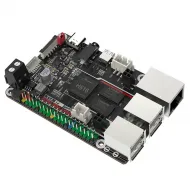
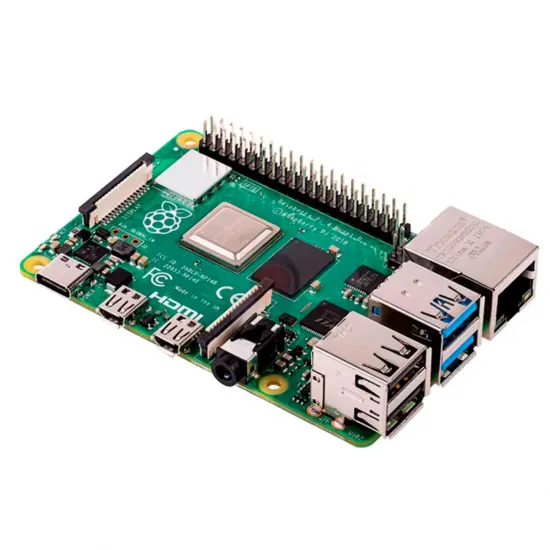
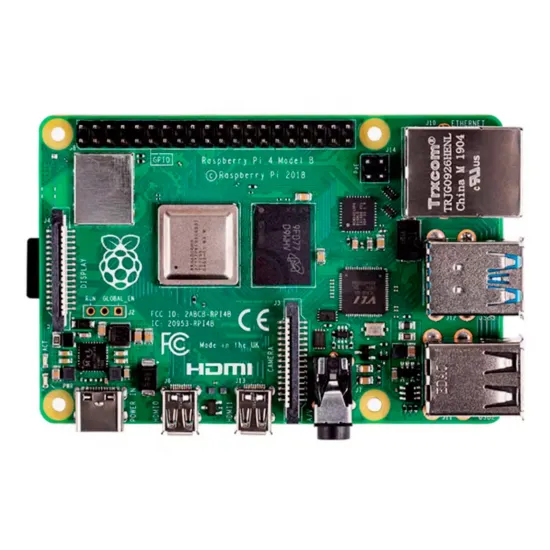
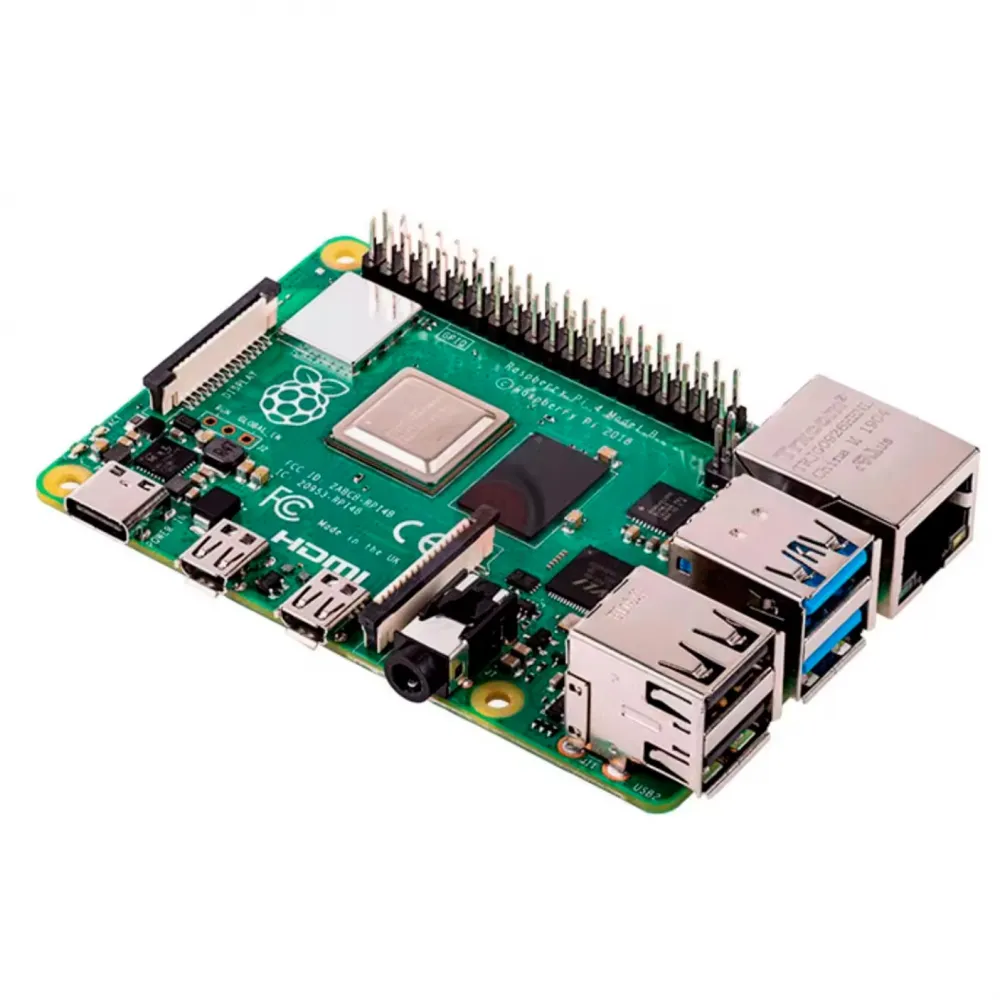
Raspberry Pi 4 Model B with 1GB LPDDR4 memory, a compact single-board computer for automation, learning, lightweight servers, electronics projects and as a Linux host for a Klipper-powered 3D printer. It combines a 64-bit quad-core Broadcom BCM2711 processor with dual-band wireless networking, Bluetooth 5.0, Gigabit Ethernet and four USB ports.
The 1GB version is particularly useful when a stable platform is required for a dedicated task without a heavy desktop or many simultaneous services. Raspberry Pi states that the Model 4 B will remain in production until at least January 2034.
Main features
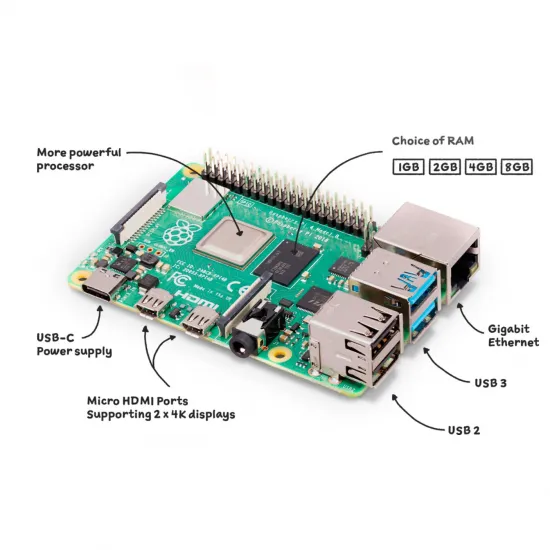
- Processor: Broadcom BCM2711, 64-bit quad-core Cortex-A72 ARMv8 at 1.8GHz.
- Memory: 1GB LPDDR4-3200.
- Networking: Gigabit Ethernet and 2.4/5GHz 802.11ac Wi-Fi.
- Bluetooth: Bluetooth 5.0 and BLE.
- USB: 2 × USB 3.0 and 2 × USB 2.0.
- Video: 2 × micro-HDMI for one or two displays.
- Expansion: 40-pin GPIO, CSI camera and DSI display connectors.
- Storage: microSD slot for the operating system and data.
- Format: approximately 85 × 56mm board.
Technical specifications
| Item | Specification |
|---|---|
| SoC | Broadcom BCM2711, quad-core Cortex-A72, 64-bit, 1.8GHz |
| RAM | 1GB LPDDR4-3200 |
| Video | Two micro-HDMI ports; up to two 4K30 displays or one 4K60 display through HDMI0 with suitable configuration |
| Multimedia | H.265 decode up to 4K60, H.264 decode up to 1080p60 and encode up to 1080p30 |
| Connectivity | Dual-band Wi-Fi, Bluetooth 5.0/BLE and Gigabit Ethernet |
| Interfaces | 2 × USB 3.0, 2 × USB 2.0, 40-pin GPIO, CSI, DSI and AV jack |
| Power | 5V/3A through USB-C or GPIO; PoE requires a separate HAT |
| Dimensions | 85 × 56mm; approximate 58 × 49mm mounting centres |
| Ambient temperature | 0–50°C according to Raspberry Pi |
Raspberry Pi 4 as a Klipper host
Klipper lists Raspberry Pi 4 among its recommended host computers. The Raspberry Pi runs Linux, Klipper, Moonraker and a front end such as Mainsail or Fluidd; it does not replace the controller board that drives motors, heaters and sensors.
A dedicated 1GB system can be a practical choice for one printer and a lightweight installation. The operating system, front end, camera and any additional services all share the available memory: multiple printers, high-resolution video, a graphical desktop, containers or demanding plugins may justify a model with more RAM.
- Write a compatible image to a microSD card using Raspberry Pi Imager, MainsailOS or another documented installation method.
- Configure networking and remote access before integrating the computer into the machine.
- Connect the controller through the interface supported by that board: normally USB, or UART/CAN when the hardware and documentation provide for it.
- Use a configuration file for the exact printer and controller revision.
- Check power, temperature and communications under load before relying on long unattended prints.
Power and cooling
Raspberry Pi recommends a 5V/3A USB-C power supply for Raspberry Pi 4. An undersized supply, a long or thin cable and connector voltage drop can cause undervoltage warnings, instability or data corruption.
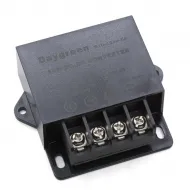
For integration into a 12 or 24V printer, a 12/24V to 5V DC-DC converter for Raspberry Pi may be used if its version, wiring, fuse and voltage measured at the board under load are suitable. Perform a clean shutdown before switching off the main supply and avoid joining two 5V power sources through USB or GPIO.
The board does not require a fan for every workload, but an enclosed case, heated chamber or sustained processing load may require a heatsink or airflow. Install it on a non-conductive surface and leave clearance around the connectors and processor.
Connectivity and expansion
- The two USB 3.0 ports suit storage, cameras and adapters that need greater bandwidth.
- All four USB ports share a limited power budget; high-current devices may require a powered hub.
- GPIO uses 3.3V logic. Do not apply 5V to signal pins.
- PoE is not available directly from the Ethernet socket: a compatible PoE HAT is required and sold separately.
- Cases and HATs must be designed for Raspberry Pi 4 Model B and allow for micro-HDMI, USB-C, camera, display and cooling clearances.
It is for you if
- You need a compact computer for Klipper, home automation, learning, a lightweight server or automation.
- You prefer a platform with a broad community, Raspberry Pi OS and extensive official documentation.
- Your project fits reasonably within 1GB RAM and does not need a demanding desktop.
- You can add the appropriate microSD card, power supply, case, cooling and cables.
It is not for you if
- You need to run many applications, containers, demanding cameras or multiple printers without reviewing memory use.
- You need a controller that directly connects motors, heaters and thermistors.
- You need storage, power supply, case and cooling supplied as an integrated unit.
- Your case or HAT is designed for a different model and mounting, connectors and power have not been checked.
Package contents
- 1 × Raspberry Pi 4 Model B with 1GB RAM.
- microSD card, power supply, case, heatsink, fan and cables are not included unless expressly stated in the order.
Useful documentation
See the official Raspberry Pi 4 Model B specifications and the official Klipper installation guide to adapt the system to your project.