

- Stock: 7
- Model: Orbiter-V2-sensors

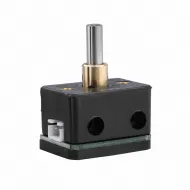
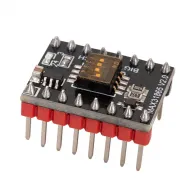
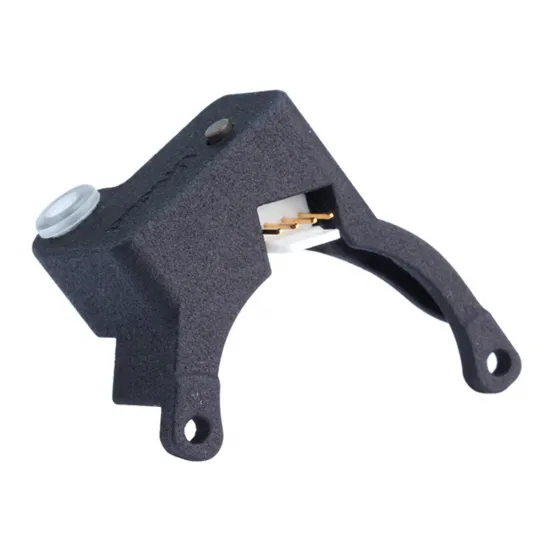
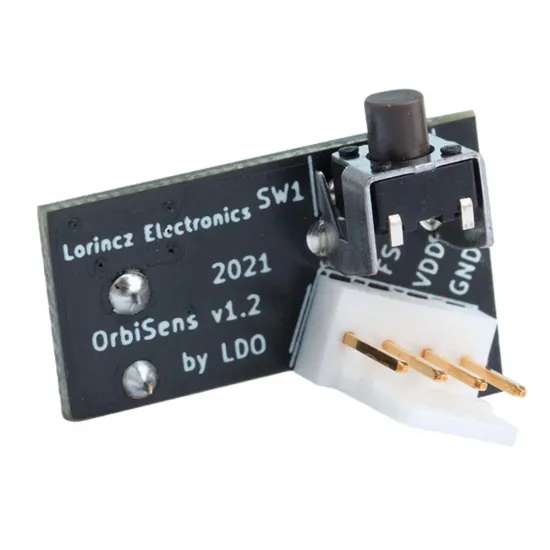
The LDO OrbiSens v1.2 is a filament-presence sensor designed for direct integration with the Orbiter V2 extruder. In addition to detecting filament insertion and runout, it incorporates a separate unload button and a bi-colour illuminated inlet.
With suitable firmware configuration, its presence signal can pause a print when the material runs out and start an automatic loading routine when new filament is inserted. The additional button can execute an unload macro without first using the printer interface.
Automatic loading and unloading are not autonomous sensor functions: they must be implemented through firmware macros or events.
Main functions
- Filament presence and runout detection.
- Ability to pause a print when material runs out.
- Automatic loading on filament insertion through a configured macro.
- Separate button for starting an unload macro.
- Bi-colour illuminated filament inlet.
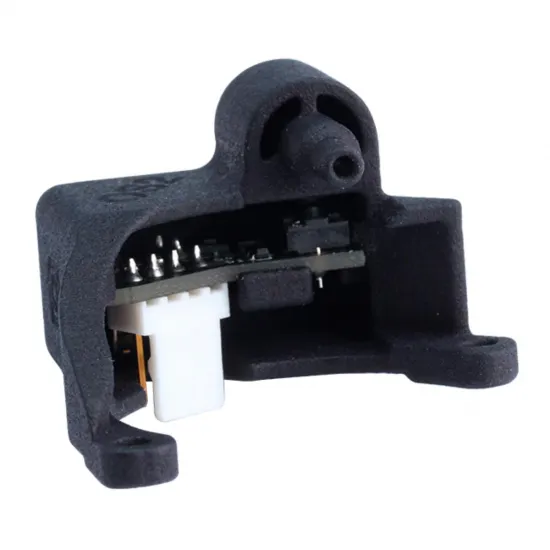
- Compact housing designed around the Orbiter V2 geometry.
- Mechanical detection suitable for different filament colours and transparency levels.
This product is a presence sensor. It does not measure filament movement and therefore cannot independently detect a jam, tangled spool or slipping extruder while material remains inside the sensor.
How it works
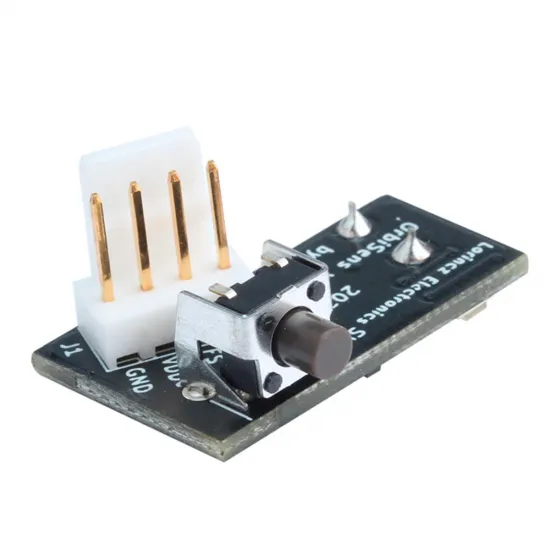
When filament is inserted, a 6 mm steel ball transfers its displacement to the small detector switch on the board. This prevents the filament from rubbing directly against the switch surface while keeping the mechanism compact.
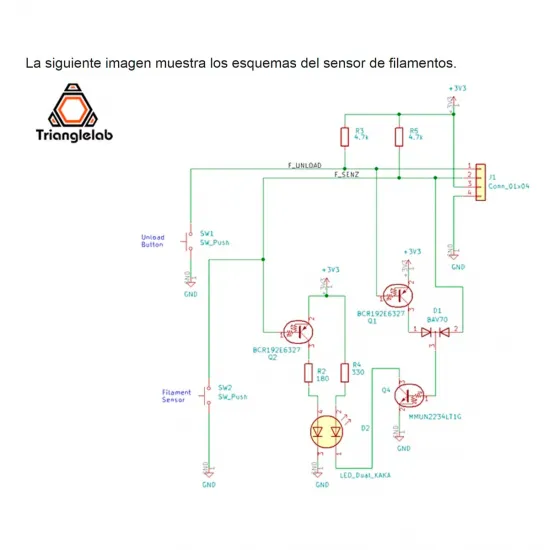
The board provides two separate signals:
- FS — Filament Sensor: reports filament presence or absence.
- FU — Filament Unload: changes state when the unload button is pressed.
Two free digital inputs are required to use every function. If only FS is connected, the unit can operate as a conventional runout sensor, but the unload button will not be available.
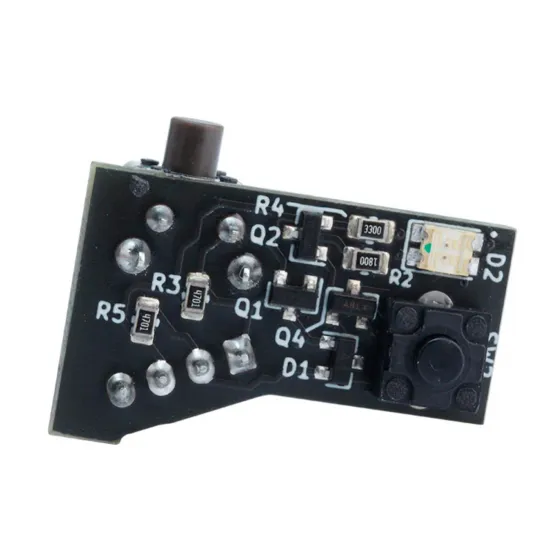
Status light
- Red: no filament detected.
- Green: filament present.
- Yellow or orange: unload button pressed while filament is present.
The transparent inlet ring distributes the LED light, making the sensor state visible directly on the toolhead.
Wiring
The documented wire assignment for this first-generation sensor is:
- Blue: GND.
- Red: recommended 3.3 V supply.
- Green: FS filament-presence signal.
- Yellow: FU unload-button signal.
The designer allows a 5 V supply when the controller inputs are electrically compatible, but recommends 3.3 V operation. Never connect the sensor to 12 or 24 V.
Before applying power, always check the board markings, controller pinout and cable continuity. Do not directly reuse the signal-polarity instructions for later OrbiSens v2.2 revisions.
Mechanical installation
The supplied housing is manufactured specifically for installation on an Orbiter V2. It should not be treated as a universal mount or assumed to fit Orbiter V2.5, Orbiter V3 or other extruders without first checking their geometry.
- A reverse Bowden tube is recommended to guide the filament correctly into the inlet.
- When no reverse Bowden is used, the designer recommends inserting approximately 2–3 cm of PTFE tube inside the illuminated guide.
- The filament should enter in alignment without applying side loads to the housing.
- Cutting a clean filament tip before loading is recommended.
- Do not force a swollen or deformed filament tip, as it may become trapped inside the mechanism.
Klipper configuration
Orbiter Projects provides a configuration file containing loading, unloading, runout, pause and resume macros:
Download the official Klipper configuration
Before using it:
- Replace both pin placeholders with the actual FS and FU inputs.
- For this OrbiSens v1.2, the official file instructs the user to remove the
!inversion used by v2.2 sensors. - Check the actual states with filament inserted, removed and with the unload button pressed before enabling automatic movement.
- Adapt loading and unloading temperatures to the material being used.
- Adjust purge length, unload distance and parking position to the printer.
- Review the included
PAUSEandRESUMEmacros. If the printer already has macros with these names, integrate them or remove the duplicates.
The official macros command automatic extruder movements. Test them with the printer attended, the hotend at a safe temperature and conservative distances. Automatic loading and unloading must remain disabled while printing, apart from the controlled runout-change procedure.
Marlin configuration
The FS output can be used in Marlin as a conventional filament-runout switch:
#define FILAMENT_RUNOUT_SENSORDo not enable FILAMENT_MOTION_SENSOR, as this unit detects presence rather than movement. Assign a valid input pin, check its state with and without filament and set FIL_RUNOUT_STATE according to the observed behaviour.
Using M600 for filament changes requires the appropriate advanced-pause and nozzle-parking features for the installed Marlin version.
Automatic loading on insertion and the FU unload button require additional customisation. There is no universal setup that can be transferred directly between every Marlin controller and version.
RepRapFirmware configuration
In RepRapFirmware, FS and FU can be connected to two inputs capable of generating events. The original project creates logical inputs with M950 J and assigns them with M581 to separate loading and unloading macros.
Pin names, trigger numbers, extruder, temperatures and distances must be adapted to the controller and RepRapFirmware version. Some trigger numbers may already be reserved, so example commands should not be copied without reviewing the existing configuration.
The macros must explicitly prevent automatic loading or unloading while a print is in progress. Runout detection during printing also needs a suitable filament monitor or dedicated event; it is not provided merely by the loading and unloading macros.
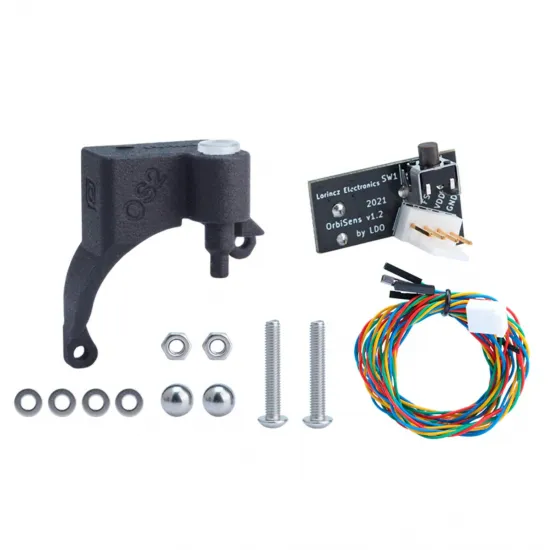
Package contents
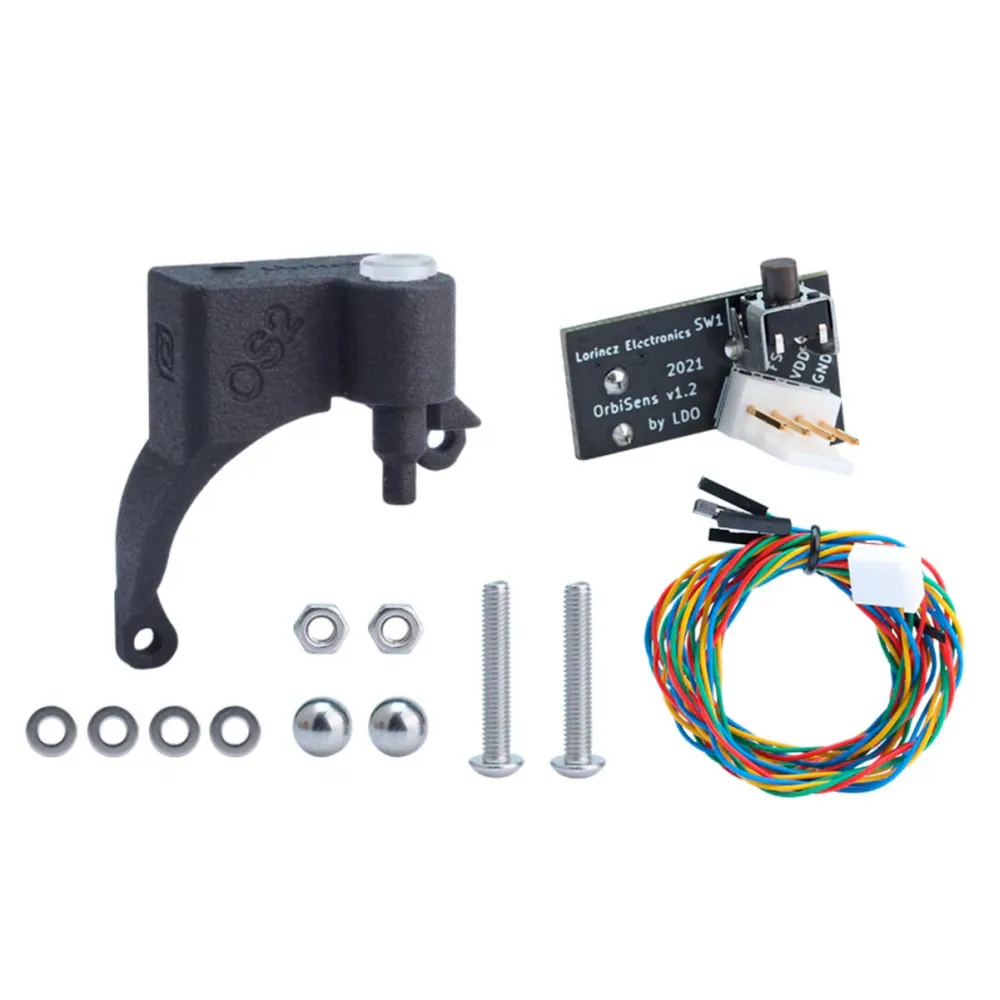
- LDO OrbiSens v1.2 electronic board.
- Orbiter V2 nylon housing with illuminated filament guide.
- Four-wire power, FS and FU cable.
- 2 × 6 mm steel balls.
- 2 × M3 × 20 screws.
- 2 × M3 nuts.
- 4 × M3 washers.
Alternatives
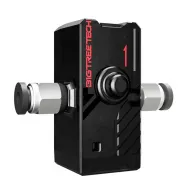
For an extruder-independent installation, a 1.75 mm mechanical filament-presence sensor can be used. When actual filament movement also needs to be monitored, the BIGTREETECH SFS uses an internal motion encoder.