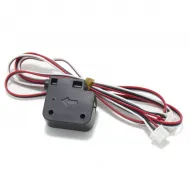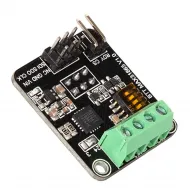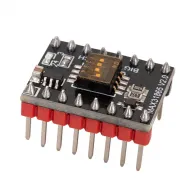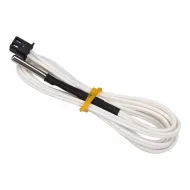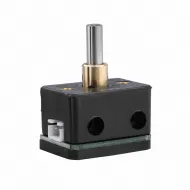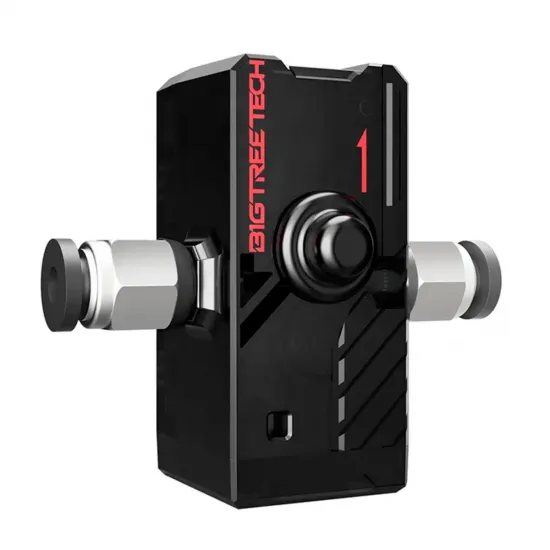
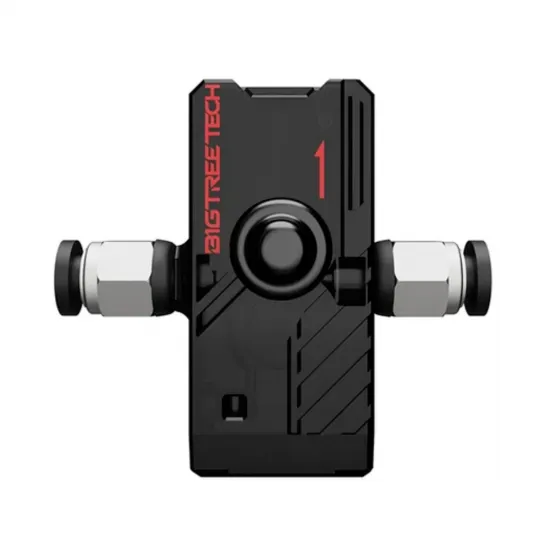


- Stock: 36
- Model: SFS V2.0-1.75

The BIGTREETECH Smart Filament Sensor SFS V2.0 combines two monitoring systems for 1.75 mm filament: a switch that detects its presence and a photoelectric encoder that checks whether the material is moving during extrusion.
This combination can detect both filament runout and incidents that stop its movement, including a jam, tangled spool or extruder drive failure. The sensor cannot automatically identify the exact cause, but it allows the firmware to pause the print when absence or missing movement is detected.
Two independent signals
- Presence sensor: reports whether filament is inside the module.
- Motion sensor: changes its output state approximately every 2.88 mm of filament movement.
To use both functions simultaneously, the controller must provide two compatible digital inputs. Either output can also be used independently when the electronics or firmware cannot support both.
What can it detect?
- Filament running out during a print.
- Filament movement stopping because of a blockage.
- Tangled or hard-turning spools.
- Extruder drive slippage or failure.
- Unexpected interruption of material movement.
Motion detection is only meaningful while the firmware is commanding extrusion. When the printer is idle, travelling without extrusion or waiting, the absence of pulses does not indicate a jam.
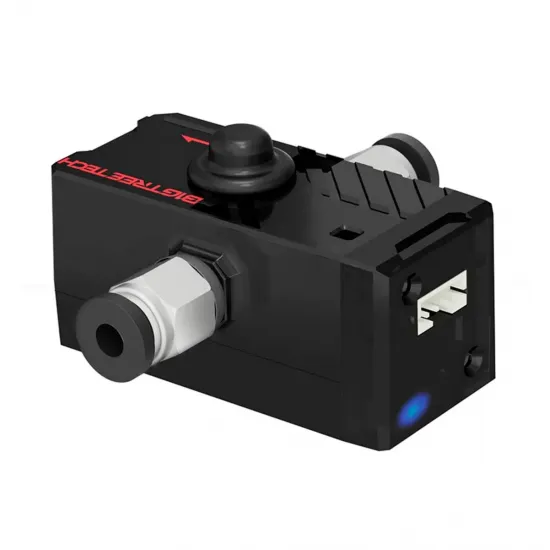
Indicator lights
- Red light on: no filament is present in the module.
- Blue light flashing: filament is moving.
- Blue light continuously on or off: no movement is being registered.
A static or unlit blue indicator should only be treated as a problem when the extruder is expected to be advancing filament.
Technical specifications
- Manufacturer: BIGTREETECH.
- Model: SFS V2.0.
- Filament: 1.75 mm.
- Supply voltage: 3.3–5 V.
- Theoretical pulse distance: 2.88 mm.
- Recommended starting setting: 3 mm.
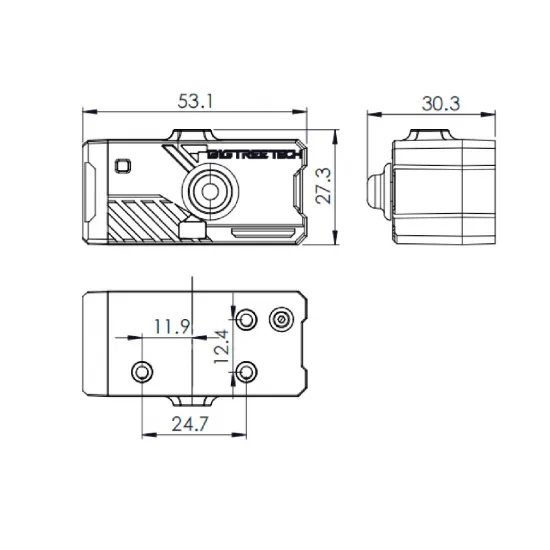
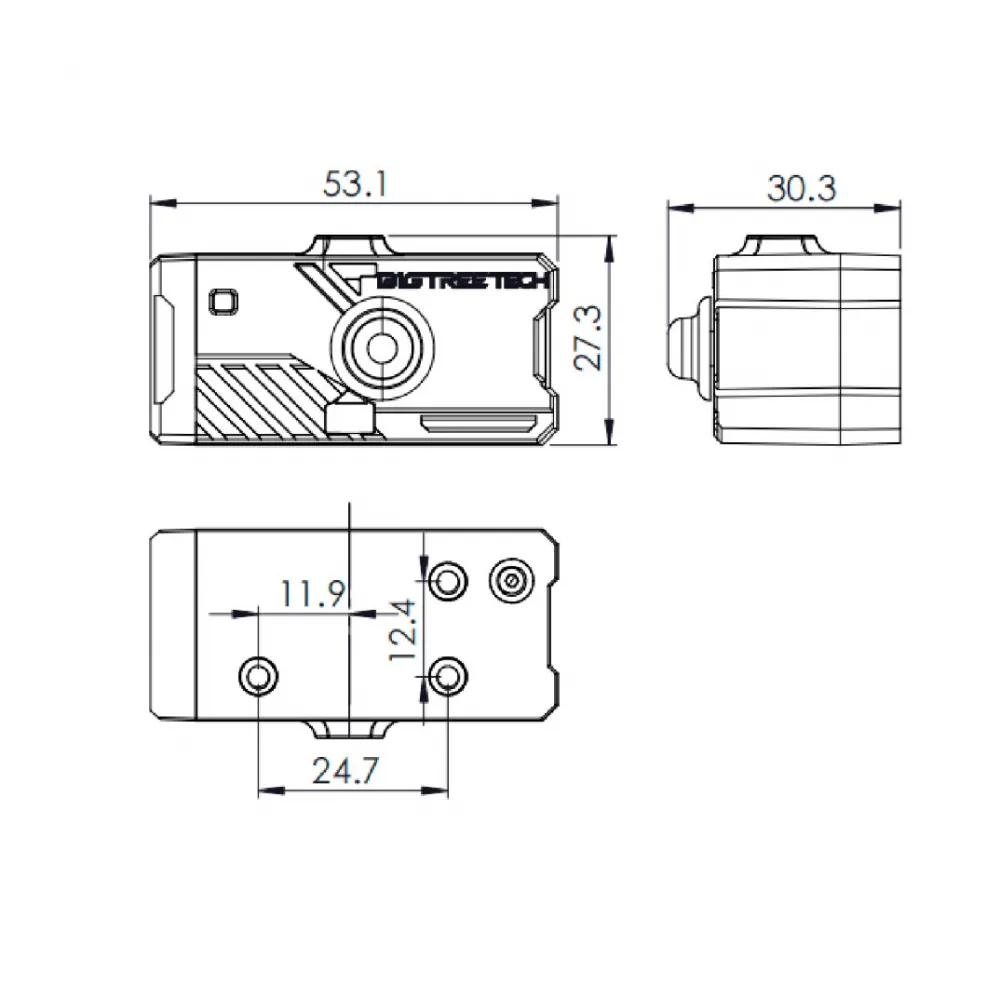
- Dimensions: 53.1 × 30.3 × 27.3 mm.
- Weight: approximately 36 g.
- Declared operating temperature: -10 to 50 °C.
- Declared operating humidity: 10 to 90%.
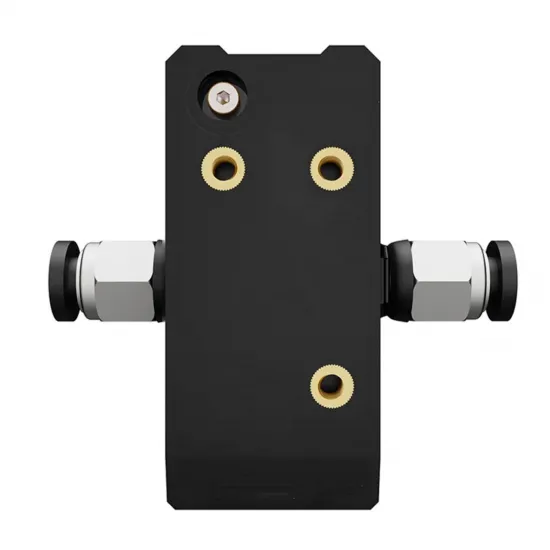
- Nominal mounting spacing: 12.4 × 24.7 mm.
- Filament direction: bidirectional.
Important: never connect the module to 12 or 24 V. Any voltage above 5 V may damage it.
Wiring
The included cable splits into two three-pin controller connectors and one four-pin sensor connector:
- Black: GND.
- Red: 3.3 or 5 V supply.
- Green: motion-sensor signal.
- Blue: filament-presence signal.
Both signals require inputs configured with a pull-up. Before connecting the sensor, always check the markings, pinout and exact controller revision. Do not rely only on wire colours or connector shape.
Controllers documented by BIGTREETECH
The official manual provides wiring and configuration examples for:
- BIGTREETECH SKR 3.
- BIGTREETECH Octopus V1.1.
- BIGTREETECH Octopus Pro V1.0.1 and V1.1.
- BIGTREETECH Octopus MAX EZ.
- BIGTREETECH SKR Mini E3 V3.0.
- BIGTREETECH Manta E3EZ.
- BIGTREETECH Manta M5P.
- BIGTREETECH Manta M8P V1.0, V1.1 and V2.0.
These examples do not make the sensor universally plug-and-play. Pin assignments differ between models and revisions, so the diagram for the exact controller must be checked.
Mechanical installation
The SFS V2.0 is bidirectional, allowing filament to pass through it in either direction. It can be installed in Bowden or direct-drive systems when there is enough space for the module, a suitable mount and a correctly aligned filament path.
- Insert the PTFE tube fully into the fittings.
- Keep the filament path aligned and as low-friction as possible.
- Avoid tight bends and side loads on the fittings.
- Do not repeatedly or excessively tighten the PC4-M6 fittings, as this may damage the housing.
- Install the sensor as close to the extruder as practical to reduce play and elasticity in the filament path.
Klipper configuration
Klipper can configure the two outputs independently:
[filament_switch_sensor switch_sensor]
switch_pin: ^PRESENCE_PIN
pause_on_runout: True

[filament_motion_sensor encoder_sensor]
switch_pin: ^MOTION_PIN
detection_length: 3.0
extruder: extruder
pause_on_runout: True
Replace PRESENCE_PIN with the GPIO connected to the blue wire and MOTION_PIN with the GPIO connected to the green wire. The ^ prefix enables the pull-up used in the official examples.
A working [pause_resume] section and suitable pause and resume macros are also required. Before printing, test both sensors individually:
QUERY_FILAMENT_SENSOR SENSOR=switch_sensor
QUERY_FILAMENT_SENSOR SENSOR=encoder_sensor
Test with filament inserted and removed, and then while advancing material under controlled conditions. When pause_on_runout: False is used, a runout_gcode must be provided or the event will not pause the printer.
Marlin configuration
On recent Marlin versions supporting combined switch and motion monitoring, BIGTREETECH recommends the following starting configuration:
#define FILAMENT_RUNOUT_SENSOR
#define FILAMENT_RUNOUT_ENABLED_DEFAULT true
#define FILAMENT_RUNOUT_DISTANCE_MM 3
#define FILAMENT_MOTION_SENSOR
#define FILAMENT_SWITCH_AND_MOTION
#define FIL_MOTION1_PIN MOTION_PIN
The controller's FIL_RUNOUT_PIN must correspond to the presence output, while FIL_MOTION1_PIN must be replaced with the GPIO connected to the motion output.
FILAMENT_SWITCH_AND_MOTION is not available in every older Marlin release. If the build does not recognise it, update Marlin or configure only the motion output using the structure supported by that version.
Using M600 for filament changes also requires:
#define NOZZLE_PARK_FEATURE
#define ADVANCED_PAUSE_FEATURE
Parking coordinates, retraction, temperature and purge length must be adapted to the printer and hotend.
RepRapFirmware configuration
BIGTREETECH provides the following example for the motion output:
M591 D0 P7 C"e0stop" L2.88 R75:125 E9 S1Replace e0stop, the extruder, drive and remaining parameters with those required by the controller and RepRapFirmware version.
This command configures only motion monitoring. Using the separate presence output requires another input and an additional configuration compatible with the controller and firmware version.
Sensitivity adjustment
The 2.88 mm figure is the theoretical distance between pulses and should not be treated as guaranteed accuracy in every installation. BIGTREETECH recommends starting at 3 mm.
If false triggers occur:
- Check wiring and the reported state of both outputs.
- Inspect alignment, friction and play in the filament path.
- Confirm that filament moves freely through the sensor.
- Increase the detection length in 1 mm steps until operation is stable.
The farther the sensor is installed from the extruder, the larger the required value may become because of play and elasticity in the filament path. A higher setting reduces sensitivity and delays the pause, so it should not be increased more than necessary.
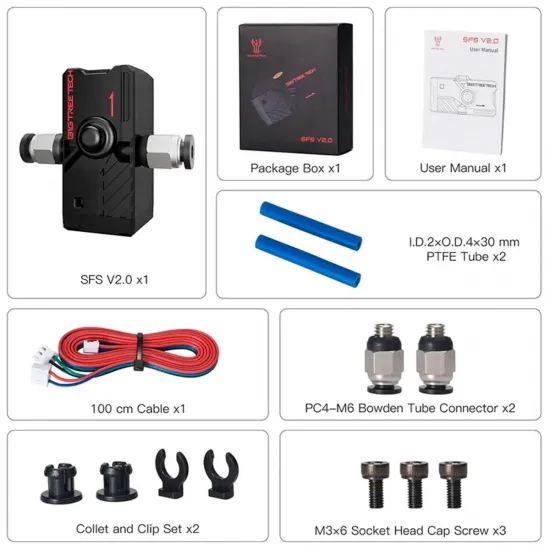
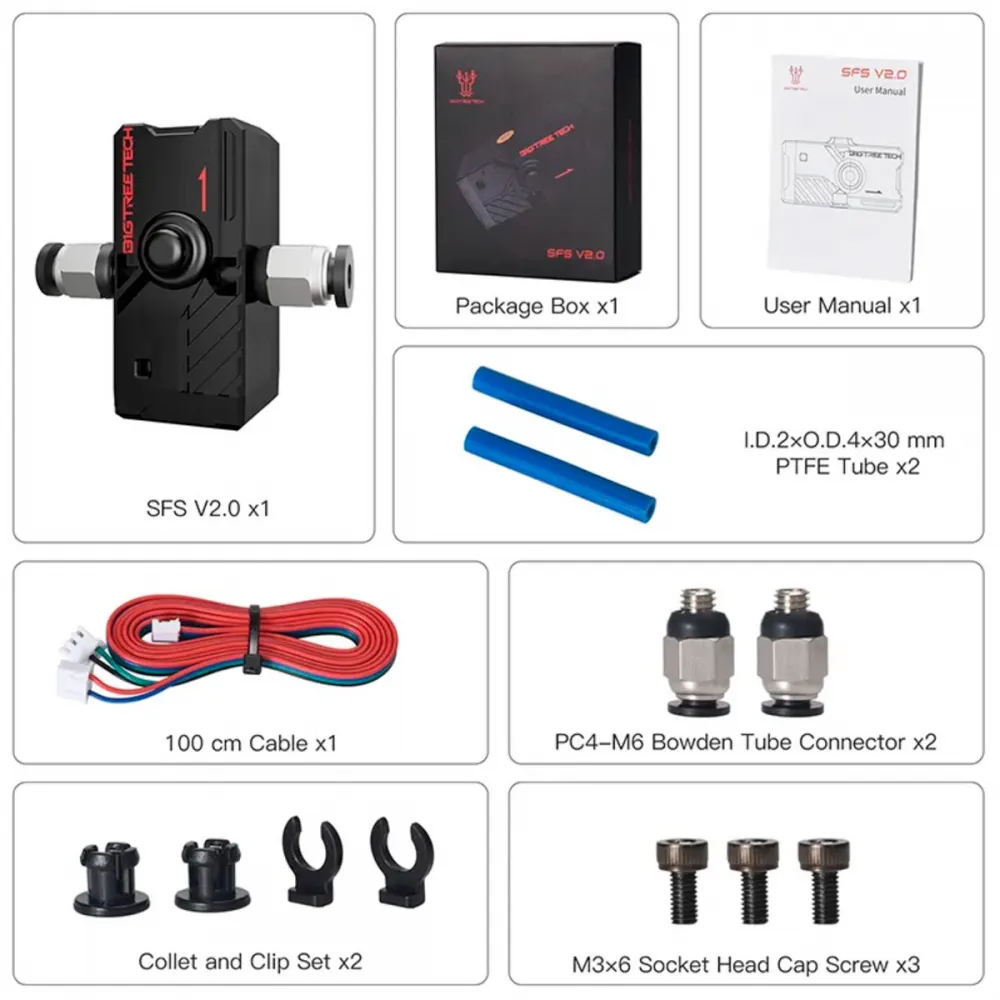
Package contents
- 1 × BIGTREETECH SFS V2.0.
- 1 × approximately 100 cm splitter cable.
- 2 × PC4-M6 fittings.
- 2 × 2 × 4 × 30 mm PTFE tubes.
- 2 × fitting collet and clip sets.
- 3 × M3 × 6 screws.
- User manual.
Simpler alternative
If only filament presence needs to be checked, without monitoring its movement, a 1.75 mm mechanical filament-presence sensor requires only one input and a simpler firmware configuration.