

- Stock: 8
- Model: Robin-Wifi

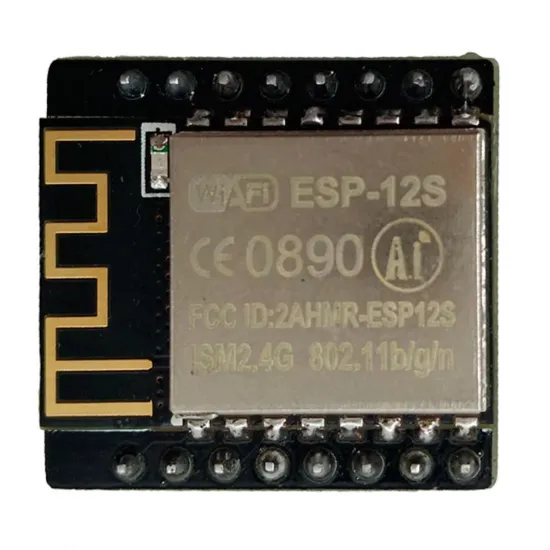
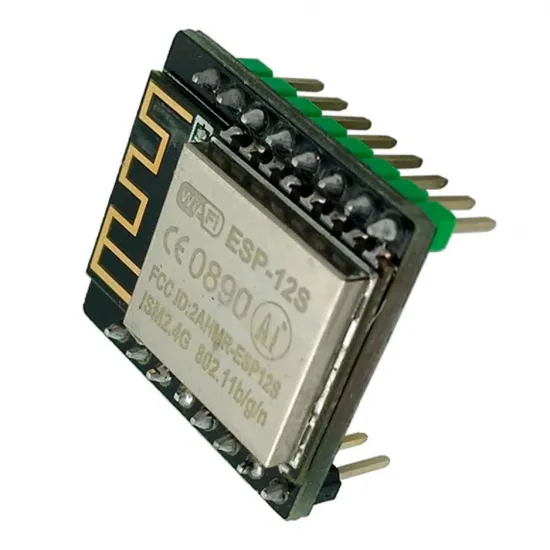
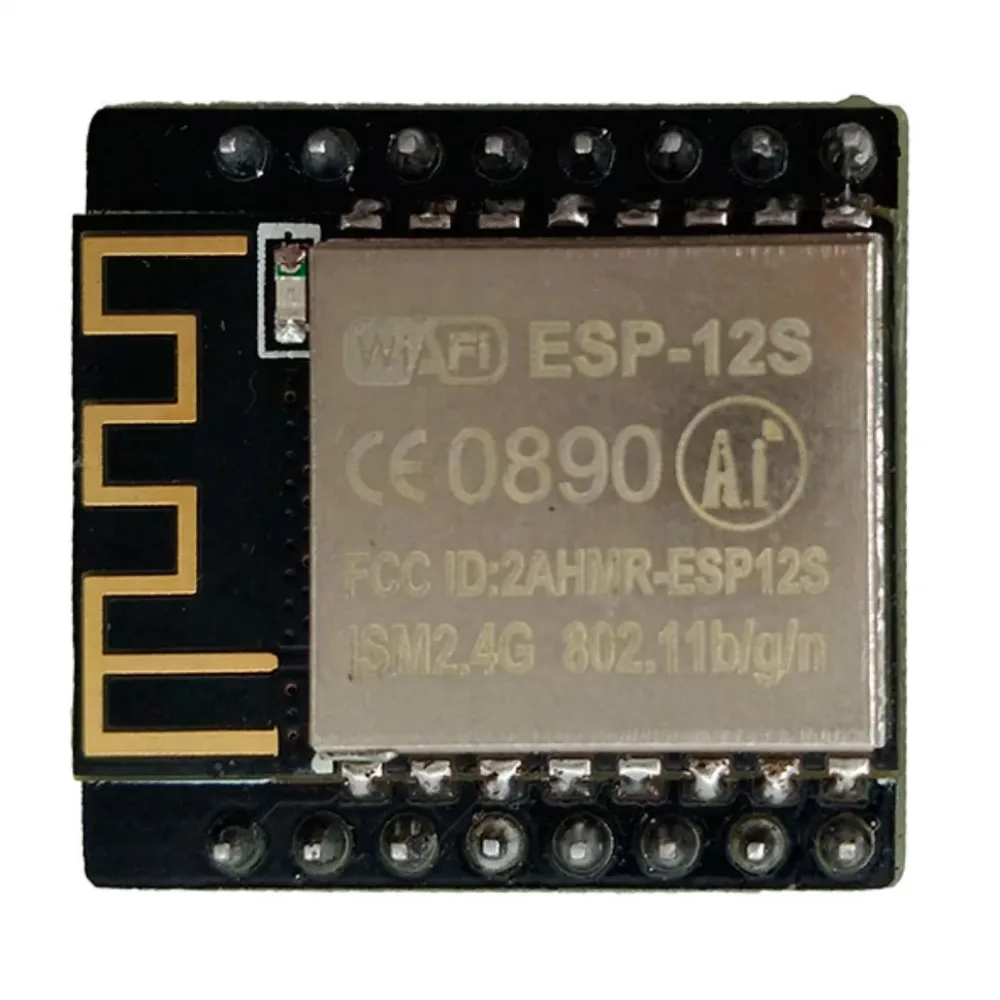
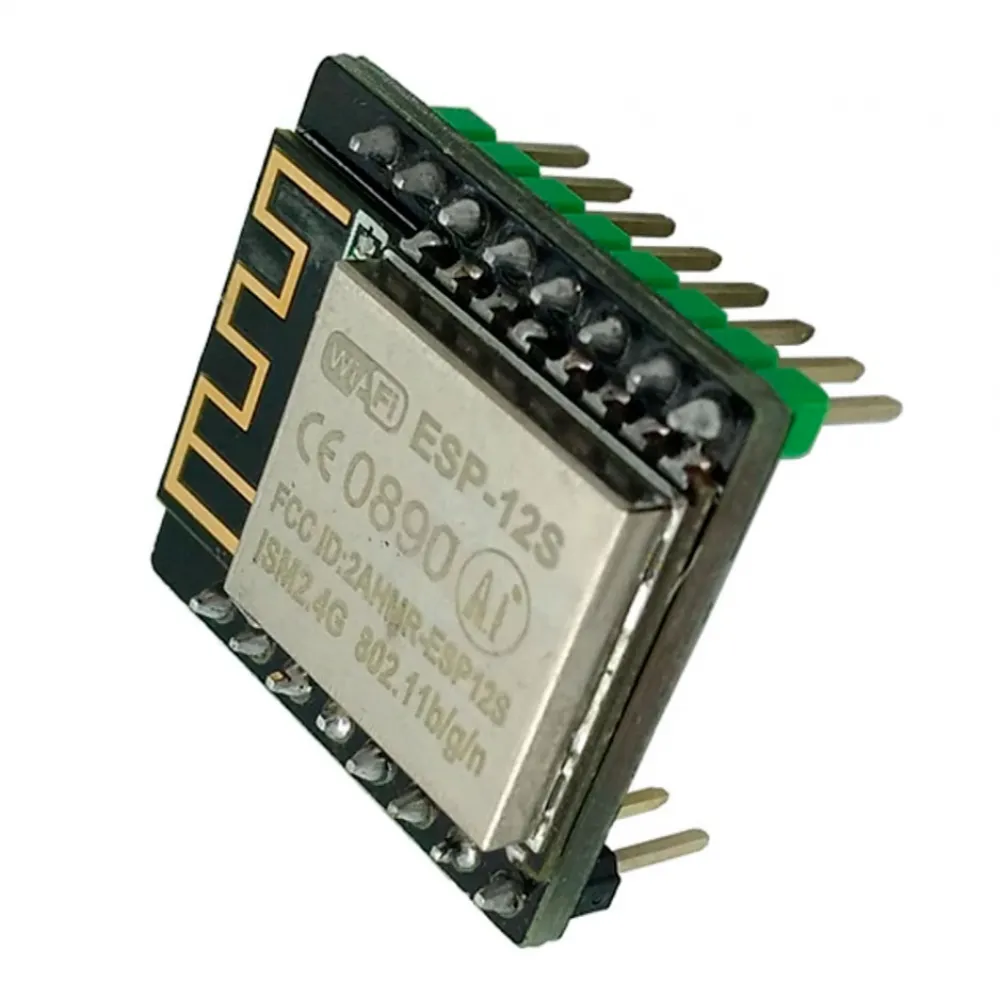
The MKS Robin WiFi adds 2.4 GHz wireless connectivity to compatible Makerbase controller boards fitted with the dedicated socket for this module. It uses an ESP8266-based ESP-12S and can transfer files, report status and relay commands from compatible applications over a local network.
It is not a universal WiFi adapter or a direct USB replacement. It requires an MKS controller with the correct socket, 3.3 V signals and host firmware that explicitly implement the MKS WiFi protocol.
Confirmed specifications
| Feature | Value |
|---|---|
| Manufacturer and family | Makerbase MKS Robin WiFi |
| Wireless module | ESP8266-based ESP-12S |
| Network | 2.4 GHz WiFi, IEEE 802.11 b/g/n |
| Supply | 3.3 V from a compatible MKS Robin WiFi socket |
| Connector | Two rows of eight pins; dedicated orientation and pinout |
| Shared signals | UART TX/RX, RESET, EN, GPIO0 and GPIO4/IO1 |
| Official dimensions | 22.50 × 24.13 mm |
| Antenna | Integrated into the ESP-12S |
| Published official firmware | MKS WiFi V1.0.4 family |
| Contents | 1 MKS Robin WiFi module |
What it can do
- Connect a compatible MKS controller to a 2.4 GHz WiFi network.
- Transfer G-code files to storage managed by the host controller.
- Read temperatures, progress, active filename and printer state when supported by the host firmware.
- Relay start, pause, resume and stop commands from compatible software.
- Operate over a LAN with the MKS WiFi plugin for Cura and compatible TCP tools such as Repetier-Host or Pronterface.
Makerbase states a typical transfer speed of approximately 100 kB/s. This is a guideline rather than a guaranteed rate: actual performance depends on coverage, interference, firmware, file, storage and controller load.
Controller-board compatibility
Makerbase documents the module for several families fitted with an MKS Robin WiFi socket, including:
- MKS Robin and MKS Robin Mini.
- MKS Robin Nano V1.x and V2.x.
- MKS Robin Nano V3.x when used with a compatible controller and firmware configuration.
- MKS Robin2.
- The MKS Eagle with five integrated TMC2209 drivers, available in our catalogue with a verified dedicated socket.
This list identifies documented families but does not guarantee every hardware revision or firmware build. Before ordering, check the controller silkscreen, revision manual, physical MKS Robin WiFi socket and firmware support.
Some MKS Robin Nano V2 display and WiFi combinations share communication resources. Makerbase notes, for example, that using an MKS H43 with WiFi is not handled in the same way as on Nano V3 because V2 lacks an independent serial port. Accessories must be checked as a complete system.
Do not confuse it with MKS TFT WiFi
The two product families use related firmware but different adapters and sockets. This product plugs directly into a compatible MKS Robin controller. MKS TFT touchscreens fitted with the 2 × 4 WiFi connector require the separate MKS TFT WiFi module.
- Do not connect it directly to RAMPS, Arduino Mega, Creality, BIGTREETECH SKR or generic ESP sockets merely because the pins appear similar.
- Do not install it in an MKS TFT touchscreen; that family uses another adapter.
- Do not apply 5, 12 or 24 V. The Robin version receives 3.3 V directly.
V1.0 and V1.1 hardware
Makerbase publishes drawings for MKS Robin WiFi V1.0 and V1.1. Both have the same overall dimensions and essential signals, while V1.1 adds HSPI clock, MISO and MOSI lines. The product photographs do not show the side carrying the revision identification, so no specific version is assigned to current stock.
This difference is another reason not to hand-wire the module from a generic diagram. When a host controller provides the official socket, follow the orientation shown by its silkscreen and revision manual.
Safe installation
- Switch the printer off, disconnect its power supply and USB cable, and allow the electronics to discharge.
- Identify the exact controller model and hardware revision.
- Confirm in its schematic that the connector is intended for MKS Robin WiFi and supplies the correct 3.3 V pinout.
- Locate pin 1 and orientation from the controller silkscreen and documentation rather than from a photograph alone.
- Align both complete rows. Do not fit the module reversed, offset or at an angle.
- Keep the ESP-12S antenna area clear and away from metal enclosures, ground planes, motor wiring and heater conductors.
- Do not enable movement or heating during the first start. Confirm that the firmware detects the module and displays its status or IP address.
- Transfer a small test file and verify the received file before starting a print.
Network configuration
MKS firmware can operate as an access point or join an existing network. In its initial mode it may create a network whose name begins with MKSWIFI and use 192.168.4.1. The controller and its user interface normally scan networks and pass the SSID and password to the module.
| Service | Firmware port | Purpose |
|---|---|---|
| HTTP | 80 | Interface and configuration |
| TCP | 8080 | Control from compatible software |
| UDP | 8989 | Local-network discovery |
| Transfer | 11188 | Auxiliary file service |
Using it with Cura
The community-maintained MKS WiFi Plugin for Cura can locate or configure the printer by IP, transfer files, display status and control supported functions. It can also add model previews for selected displays.
The project states support for Cura 5 and later, but its latest tagged stable release is version 1.4.5 from 2024 and the published development history does not explicitly cover every newer Cura release. Check that the plugin installs and works with your exact Cura version before relying on this feature.
Marlin, Klipper and other firmware
Marlin: in compatible LVGL user-interface configurations, support is identified by the option:
#define MKS_WIFI_MODULEDo not enable this option in isolation or copy it to an arbitrary controller. The board definition, WiFi pins, graphical interface and Marlin version must all match. Some Marlin 2.1.x and MKS Robin Nano combinations have experienced WiFi initialisation or update problems; use a configuration validated for the exact revision and test every function before heating or moving the machine.
Klipper: this module does not replace the network connection of the host computer and has no direct Moonraker, Mainsail or Fluidd integration. A Klipper installation normally configures networking on the Raspberry Pi, MKS Pi, CB1 or other computer running the host software.
ESP3D: Makerbase states that ESP3D can run on this hardware, but this requires reflashing the ESP, adapting the interface and replacing the standard MKS firmware. It is an advanced modification and may remove MKS protocol file-transfer functions.
Updating the WiFi firmware
Makerbase publishes MKS WiFi firmware separately from version 1.0.4 onwards. The normal procedure uses a file named MksWifi.bin:
- Obtain a reliable MKS WiFi binary from the Makerbase repository.
- Copy
MksWifi.binto the root of the SD card used by the compatible controller. - Insert the card while the machine is switched off.
- Power on and allow the host firmware to finish programming the module.
- Do not remove the card or interrupt power during the update.
- Confirm the version, network connection and a test transfer before printing.
Compiling the source requires Makerbase's modified ESP8266 core; the generic Arduino ESP8266 core may not build the project correctly. Recompiling or reflashing is not recommended when the module already works and no specific modification is required.
Before printing over WiFi
- Confirm that the transferred file has the expected name and size.
- Test temperature reporting, start, pause, resume and stop while attending the machine.
- Do not preheat during the first transfer or send movement commands until communication is known to be stable.
- Keep physical access to the power switch and do not leave a printer unattended merely because WiFi control is available.
It is for you if
- Your controller has the dedicated MKS Robin WiFi socket and verified firmware support.
- You want to transfer files and control supported functions over your local network.
- You are prepared to check plugin compatibility with your Cura version or use compatible LAN software.
It is not for you if
- You need a universal WiFi adapter for any Marlin, Arduino, Creality or BIGTREETECH controller.
- You need a network interface for Klipper, Moonraker, Mainsail or Fluidd.
- Your controller only has a similar-looking connector but does not document the 3.3 V MKS Robin WiFi pinout.
- Your purchase depends on current MKS Cloud operation or direct Internet access.
Contents
- 1 MKS Robin WiFi module with ESP-12S and integrated antenna.
The controller board, display, microSD card and other accessories are sold separately.