

- Stock: Out of Stock
- Model: LCD-Cable-50cm
Length

50cm
1m
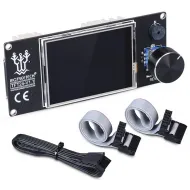
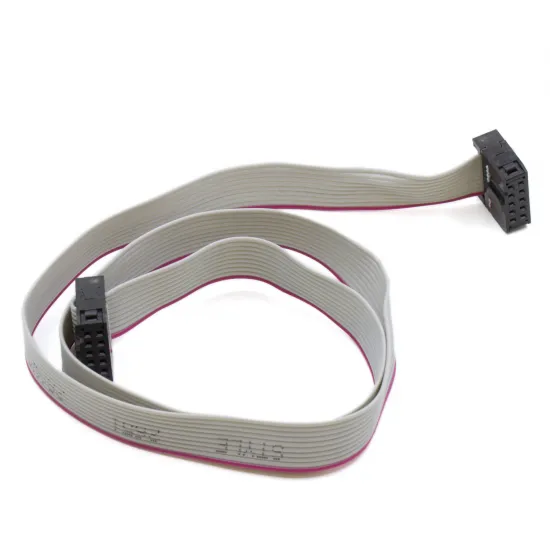
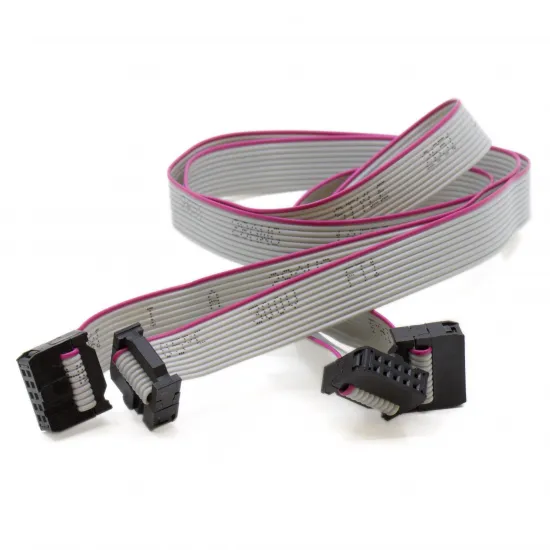
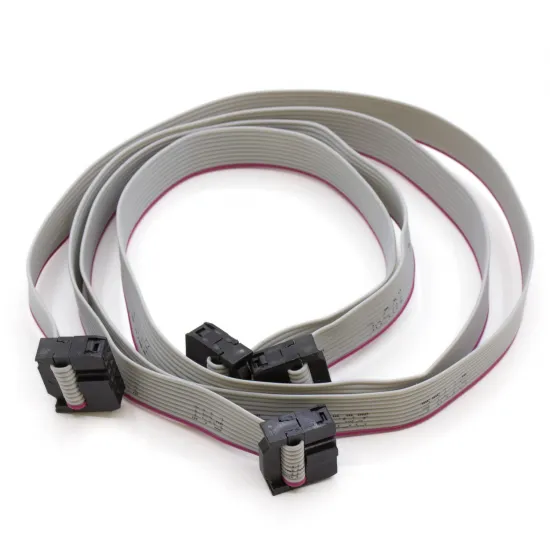
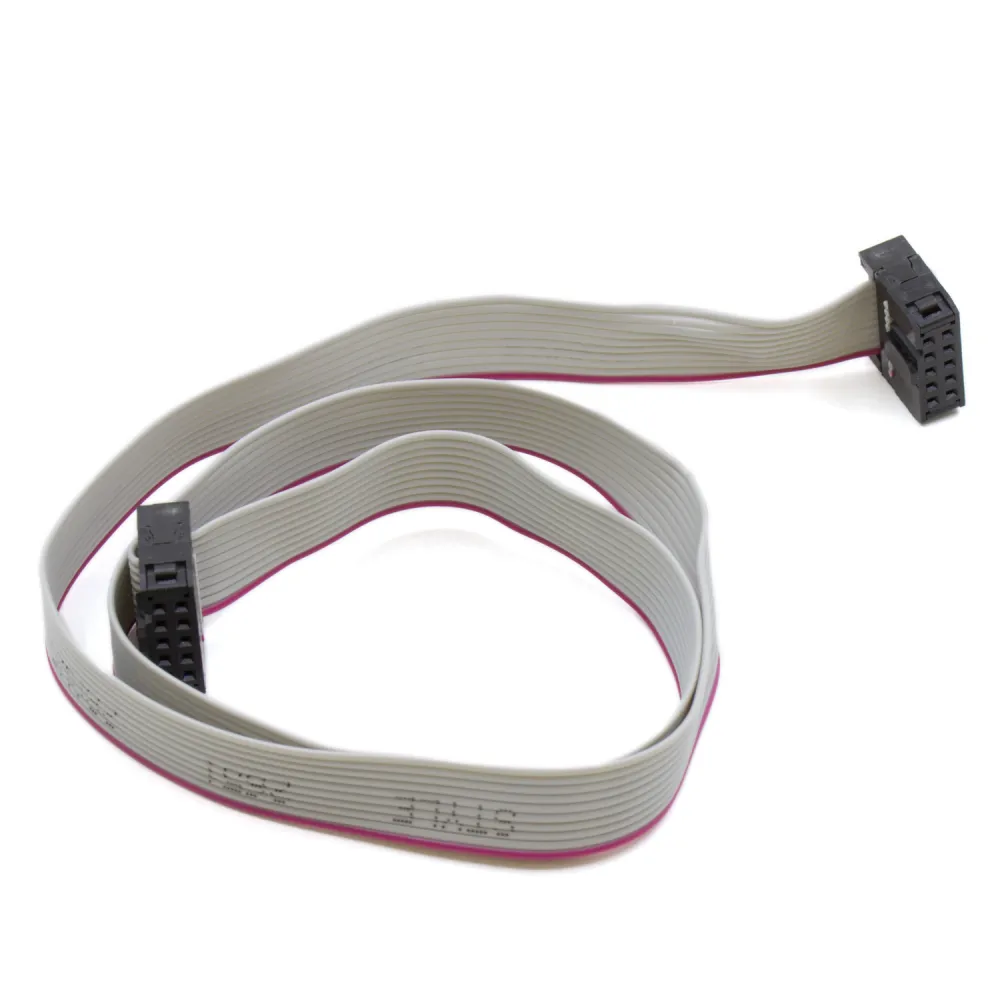
A 50 cm flat ribbon cable with ten conductors and 2 × 5 female IDC connectors, intended to connect RepRap LCD displays to controller boards or adapters that use matching EXP1 or EXP2 ports.
The flexible 28 AWG AWM 2651 ribbon keeps display wiring organised. Its red stripe identifies conductor 1 and helps compare orientation against the markings on the controller, display and original cable.
Features
| Feature | Value |
|---|---|
| Cable type | AWM Style 2651 flat ribbon |
| Conductors | 10 conductors, 28 AWG |
| Connectors | 2 female 10-position IDC connectors in a 2 × 5 layout |
| Nominal connector pitch | 2.54 mm |
| Identification | Red stripe on conductor 1 |
| Length | 50 cm |
| Ribbon voltage marking | 300 V |
| Contents | 1 cable |
LCD compatibility
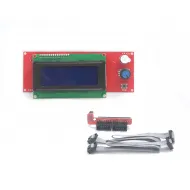
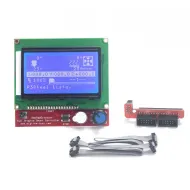
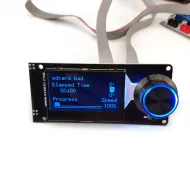
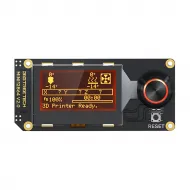
It can be used as an EXP1 or EXP2 cable in RepRap assemblies that share the same 2 × 5 IDC connector, 2.54 mm pitch, orientation and pinout. Displays in the catalogue using this connector family include the LCD 2004 Smart Controller, LCD 12864 Full Graphic Smart Controller and BIGTREETECH Mini 12864.
This product contains one cable. A display that uses both EXP1 and EXP2 requires two compatible cables. For a more distant installation, consider the pack of two 1 m IDC cables, bearing in mind that longer signal paths can be more susceptible to interference.
It is not intended for displays connected through HDMI, USB, FPC, DSI or proprietary connectors.
Checking and installation
- Fully power down and disconnect the printer before handling the display or controller.
- Identify EXP1 and EXP2 and do not swap the two ports.
- Locate pin 1 on the silkscreen and compare the red stripe and connector key with the original cable.
- If orientation or origin is unknown, check continuity conductor by conductor with a multimeter.
- Insert and remove the cable by the connector body without forcing the key or pulling the ribbon.
- Avoid sharp folds, edges, moving parts and long parallel runs beside motors, heaters or power cables.
The 300 V marking applies to the ribbon insulation classification: it does not make this assembly suitable for mains wiring or prove that its connectors, clearances and installation can operate at that voltage.
Firmware
The cable requires no dedicated Marlin, Klipper or RepRapFirmware setting. Display configuration depends on the LCD, controller and pinout. If faults appear after replacing the cable, first check orientation, continuity, EXP1/EXP2 assignment, routing and interference.