

- Stock: 12
- Model: USB-Wifi-module
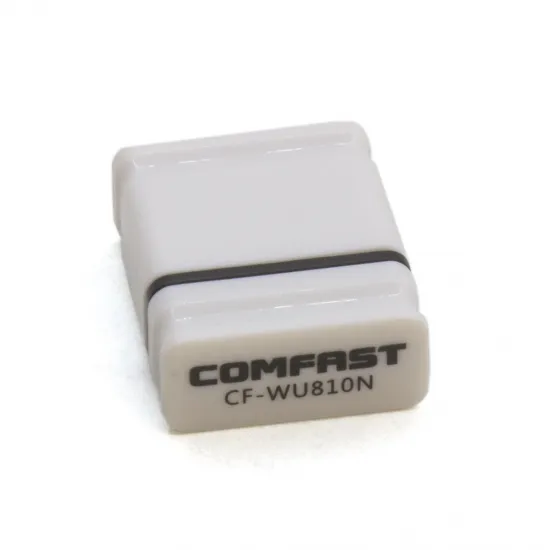
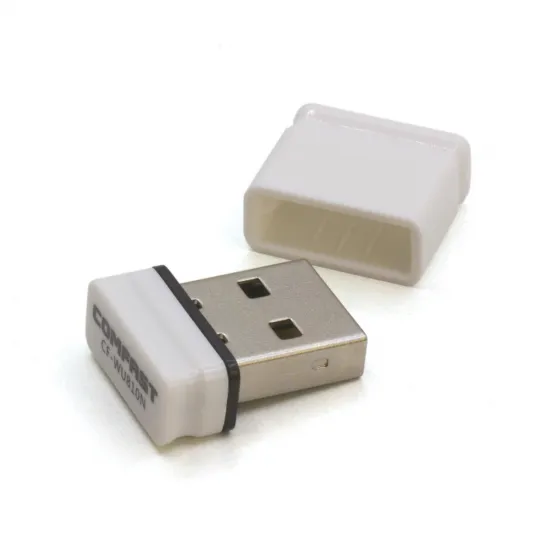
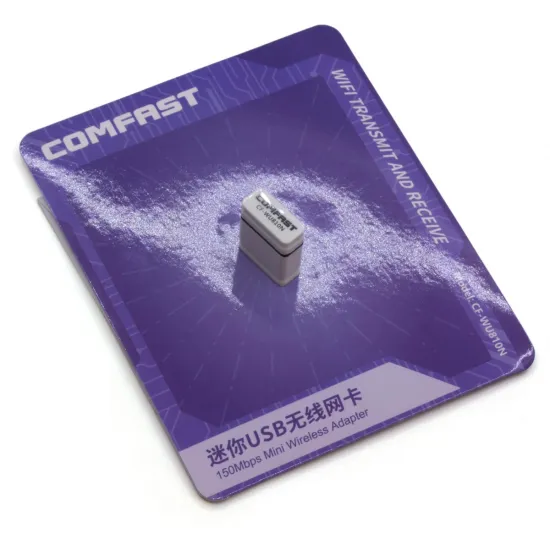
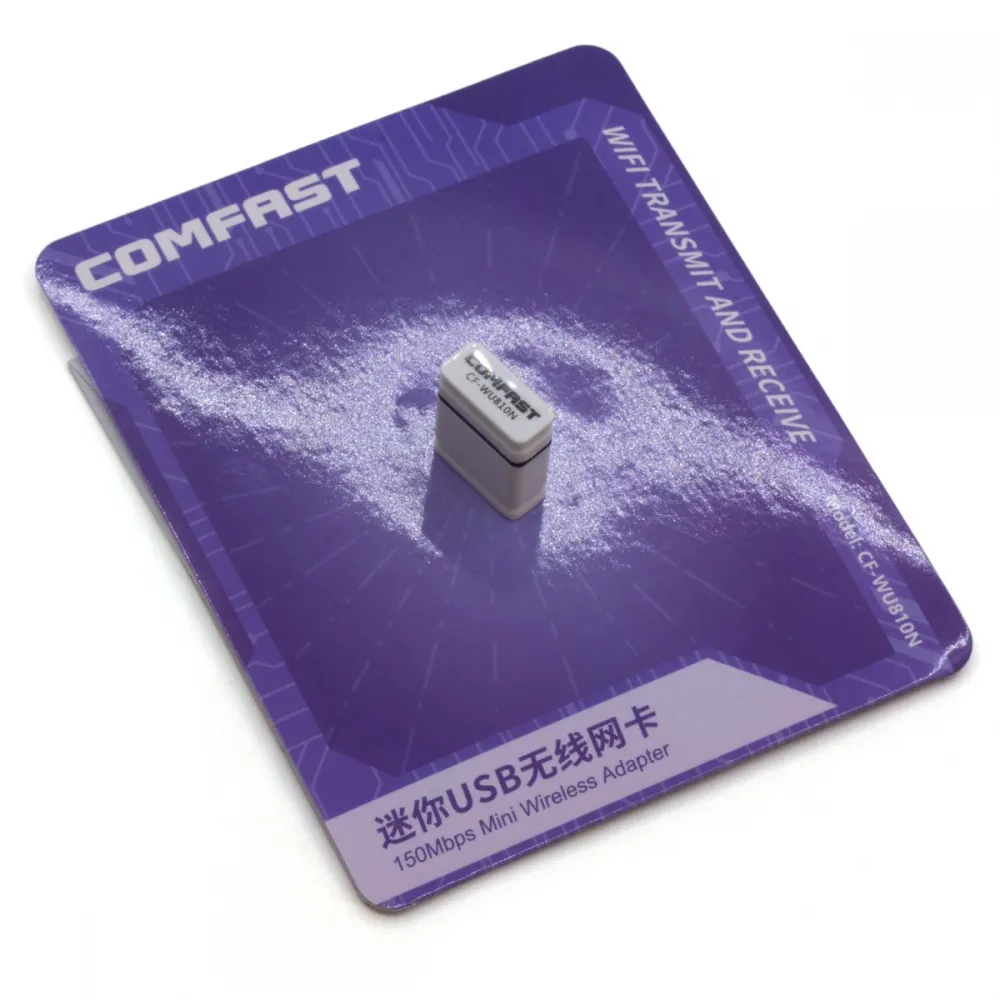
The COMFAST CF-WU810N is a compact USB WiFi adapter designed to add 2.4 GHz wireless connectivity to computers, Raspberry Pi boards and other devices equipped with a compatible USB host port. It supports IEEE 802.11b/g/n and provides a theoretical link speed of up to 150 Mbps.
Its small form factor allows it to remain connected without taking up much space. It can be particularly useful for providing network access to a Klipper host computer, provided that the operating system includes a suitable driver for the hardware revision received.
Main features
- Brand and model: COMFAST CF-WU810N.
- Interface: USB Type-A, USB 2.0.
- Wireless standards: IEEE 802.11b/g/n.
- Frequency band: 2.412–2.4835 GHz.
- Maximum link speed: up to 150 Mbps with 802.11n.
- Specified maximum transmit power: 18 dBm.
- Antenna: built in, with a nominal gain of 2 dBi.
- Documented security: WPA, WPA2, WPA-PSK, WPA2-PSK and WEP.
- Nominal dimensions: approximately 20 × 15 × 6 mm.
- Nominal weight: approximately 3 g.
Important: this adapter works exclusively with 2.4 GHz WiFi networks. It cannot connect to networks operating only on 5 GHz. The specified 150 Mbps is the theoretical wireless link rate; actual throughput depends on the access point, signal coverage, interference and host system.
Operating system compatibility
The manufacturer documented drivers for Windows up to Windows 10, macOS up to version 10.15 and selected Linux versions. Compatibility with Windows 11, current macOS releases, Apple Silicon computers, Raspberry Pi boards or modern Linux distributions depends on the chipset fitted to the supplied hardware revision and the availability of a suitable driver.
COMFAST has published CF-WU810N documentation identifying different chipsets, including the RTL8188EUS and RT5370. Before installing a driver manually, the actual USB device should therefore be identified. On Linux, this can be checked with:
lsusb
The reported USB identifier can then be used to select the appropriate driver without assuming that every CF-WU810N contains the same internal hardware.
Use with Klipper and Raspberry Pi
The adapter may be used to add WiFi connectivity to a Klipper host such as a Raspberry Pi or another SBC, provided that it has a USB host port and a compatible operating-system driver.
- The WiFi connection is configured in the host operating system.
- No dedicated section is required in
printer.cfg. - Klipper does not install or manage the adapter driver.
- Before relying on it as the only remote connection to a printer, check that it reconnects correctly after restarting the host.
Use with Marlin and RepRapFirmware
Marlin and RepRapFirmware do not configure this USB adapter directly. The CF-WU810N is intended for connection to a computer or another USB host device, not to the USB device port normally found on a 3D printer control board.
It should not be confused with ESP8266 or ESP32 WiFi modules designed for dedicated interfaces on compatible controller boards.
Recommended installation
- Connect the adapter to a USB host port on the computer or SBC.
- Allow the operating system to detect the device and install an available driver.
- If manual driver installation is required, identify the actual USB device and hardware revision first.
- Connect to a 2.4 GHz WiFi network.
- Use WPA2 security whenever possible. WEP is retained only for legacy compatibility and is not recommended.
- Check connection stability and automatic reconnection before using it to control a machine remotely.
Package contents
- 1 COMFAST CF-WU810N USB WiFi adapter.
Modern computers may not include an optical drive. When downloading a driver is necessary, it should be selected according to the unit's USB identifier and the operating-system version.