- Stock: Out of Stock
- Model: MKS Pi_TS35

Model:

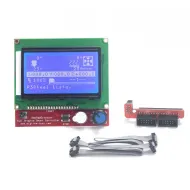
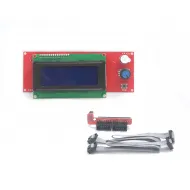
Mini 12864

PI_TS35

PS50
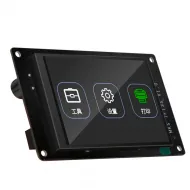
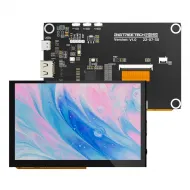
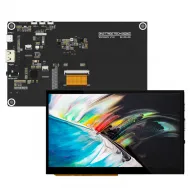
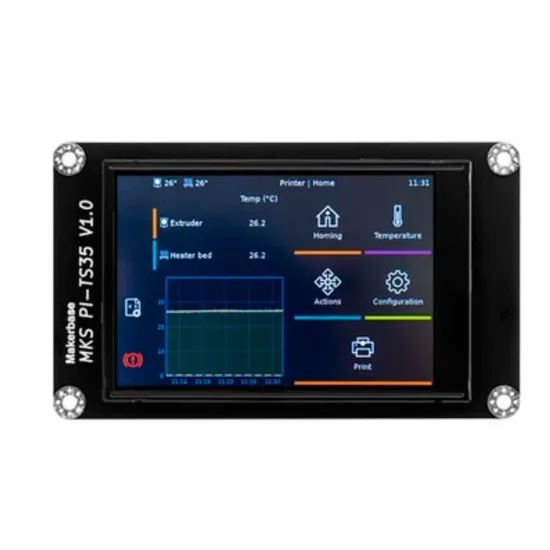
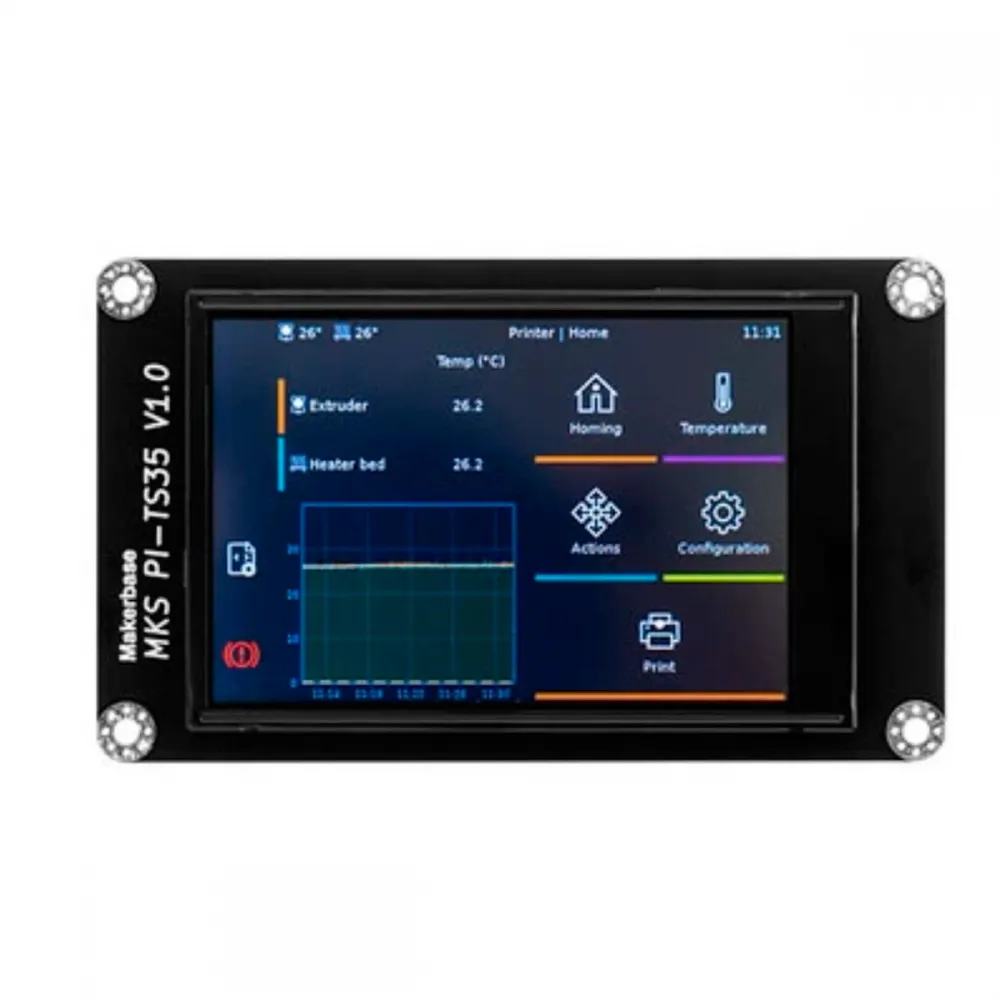
The MKS PI-TS35 V1.0 is a 3.5-inch resistive touchscreen designed to provide a local KlipperScreen interface when connected to an MKS Pi or an MKS SKIPR through its dedicated PI-TS35 connector.
It provides on-printer access to functions such as movement, temperatures, file selection and the controls exposed by KlipperScreen, reducing the need to use a phone or computer for routine operation. Available menus can vary with the installed KlipperScreen and Moonraker versions and the printer configuration.
Main features
- 3.5-inch display for a compact local interface.
- Resistive touch panel operated by pressure with a finger or a non-sharp stylus.
- Designed by MKS for the PI-TS35 interfaces fitted to MKS Pi and MKS SKIPR.
- Intended for KlipperScreen running on the Linux host.
- Dedicated 24-contact connection carrying 5 V power, display, touch and backlight signals.
- 110 × 65 mm PCB with four mounting points.
- Compact format suitable for mounting on a printer front or side panel with a compatible bracket.
Technical specifications
| Feature | Verified value |
|---|---|
| Brand and model | Makerbase MKS PI-TS35 V1.0 |
| Nominal diagonal | 3.5 inches |
| Touch technology | Four-wire resistive panel with SPI touch controller |
| User interface | KlipperScreen running on the Linux host |
| Host connection | Dedicated 24-contact PI-TS35 interface |
| Main signals | Display and touch SPI, chip select, touch interrupt, reset and backlight control |
| Display supply | 5 V supplied by the host connector |
| Internal logic | 3.3 V through local regulation |
| PCB dimensions | 110 × 65 mm |
| Display rectangle shown in the drawing | 85 × 55 mm |
| Mounting-hole centres | 102 × 57 mm |
| Mounting holes | 4 × Ø3.4 mm |
| Confirmed contents | 1 MKS PI-TS35 V1.0 display |
The exact panel resolution, LCD controller, brightness and other optical parameters are not listed because they are not identified unambiguously in the official drawing or schematic for this revision.
Actual compatibility
| Equipment or system | Compatibility | Conditions |
|---|---|---|
| MKS Pi | Official | It must provide the PI-TS35 connector and use a system image and device tree compatible with its hardware revision. |
| MKS SKIPR | Official | Connection to the PI-TS35 interface and an MKS system prepared to start KlipperScreen. |
| Raspberry Pi and other Linux hosts | Not direct | GPIO or SPI alone is insufficient: supply, pinout, drivers and device tree must all match. |
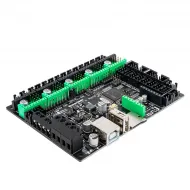
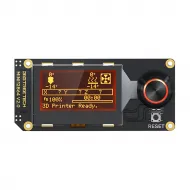
| Marlin or RepRapFirmware controller boards | Not as a standalone screen | The PI-TS35 does not use the serial protocol of an MKS TFT or the EXP1/EXP2 connections of a conventional graphic display. |
| HDMI or USB | No | Display and touch signals use the dedicated PI-TS35 interface. |
Compatibility depends on the complete display + host + cable + system image + device tree combination. A physically similar connector or the same screen size does not prove compatibility.
What KlipperScreen does
KlipperScreen is the graphical interface running on the MKS Pi or MKS SKIPR and communicating with Klipper through the host services. Depending on the installed configuration, it can display temperatures, move axes, perform homing, control extrusion and fans, select print jobs and expose maintenance functions.
The PI-TS35 acts as the display and touch surface: it does not replace the printer controller board, does not directly drive motors or heaters and is not updated like a serial MKS TFT.
Recommended installation
- Fully power off the printer and disconnect its supply before handling the display cable.
- Confirm the MKS PI-TS35 V1.0 marking and locate the PI-TS35 connector on the MKS Pi or MKS SKIPR.
- Check pin-1 orientation at both ends. Do not test the cable reversed or shifted by one row.
- Mount the display without bending the PCB and leave clearance for its connector, cable and host airflow.
- Boot a system image compatible with the host revision and with KlipperScreen installed.
- Verify image and touch response before closing the enclosure permanently.
Display orientation
MKS documents a specific procedure for rotating the PI-TS35 by 180° through the system device tree. This setting is applied on the host rather than by flashing firmware to the display.
Because system images and DTB files can change, follow the instructions for the installed version, keep a backup of the original file and never replace the device tree with one from another revision without verification. A 90° rotation may require additional display and touch transformations and is not guaranteed.
Basic troubleshooting
- No backlight or image: power off and check host power, cable orientation, insertion and continuity.
- Backlight on but blank display: verify the system image, device tree and their compatibility with the board and revision.
- Image present but no touch response: inspect the complete cable and touch-controller configuration before assuming a failed panel.
- Upside-down image: apply only the rotation procedure documented for the installed MKS image.
- Offset touch response: verify orientation and system version before attempting calibration or editing files.
Mechanical mounting
The PCB measures 110 × 65 mm. Its four Ø3.4 mm mounting holes form a 102 × 57 mm centre rectangle. A bracket must leave the connector and cable unobstructed and avoid pressure on the glass or twisting the PCB.
An enclosure described only as suitable for a “3.5-inch screen” may not fit. Always compare external dimensions, four-hole positions, available depth and cable exit.
Alternatives and related components
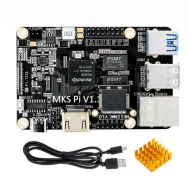
Choose the MKS Pi for a separate Klipper host or the MKS SKIPR when a platform combining the Linux host and printer control is required.
The MKS IPS50 5-inch display is a larger-format alternative, but it uses a different connection architecture. It must not be treated as a cable-for-cable replacement for the PI-TS35.
Official documentation
Makerbase maintains installation information and system images in the official MKS Pi and MKS SKIPR repositories. Always verify that the instructions match the physical hardware revision and installed image before modifying the system.
Contents
One MKS PI-TS35 V1.0 3.5-inch touchscreen. The MKS Pi, MKS SKIPR, enclosure and other shown or related components are sold separately.