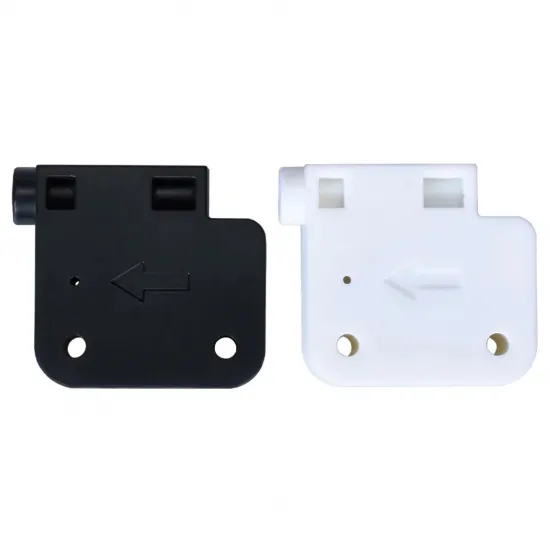
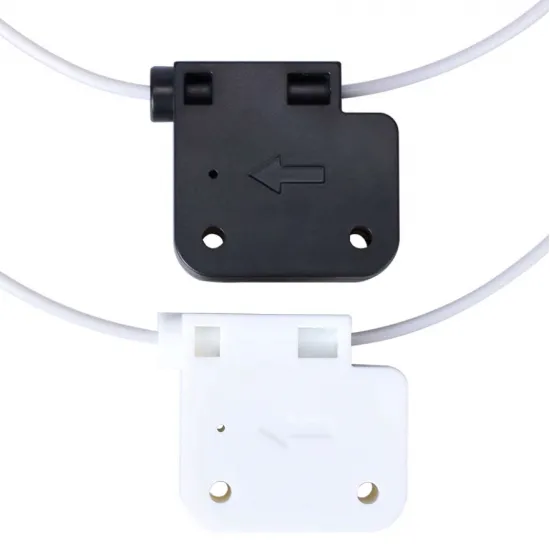


- Stock: 27
- Model: Filament-Sensor-1.75
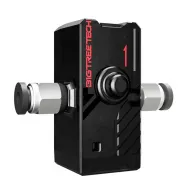
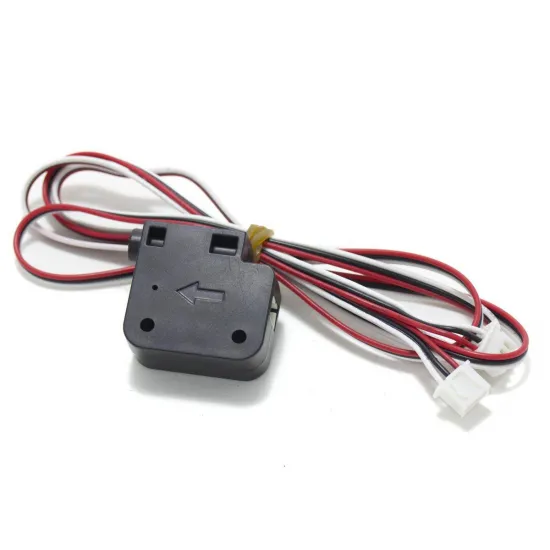
Mechanical filament presence sensor for 3D printers using 1.75 mm filament. It allows the firmware to detect when material runs out or is removed, so the print can be paused for filament replacement.
Its compact housing contains an internal switch and a three-wire digital output. It can operate with 3.3 or 5 V electronics and can be configured in firmware as a conventional filament runout sensor.
Main features
- Compatible with 1.75 mm filament.
- Mechanical detection of filament presence and absence.
- Compatible with 3.3 and 5 V power.
- Digital output for a filament-sensor or endstop input.
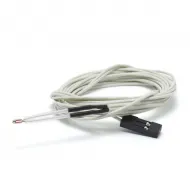
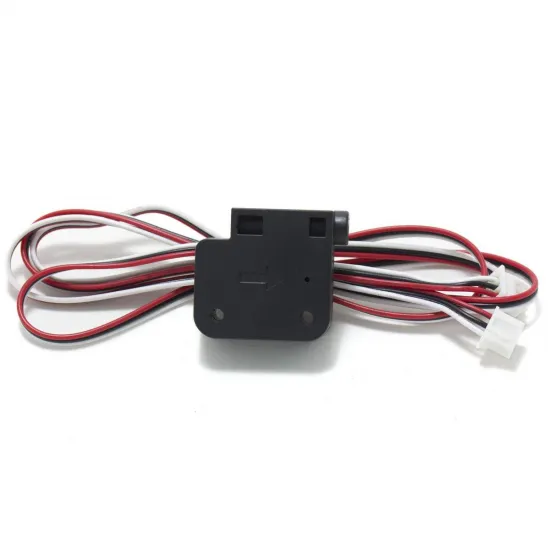
- Approximately 1 m cable included.
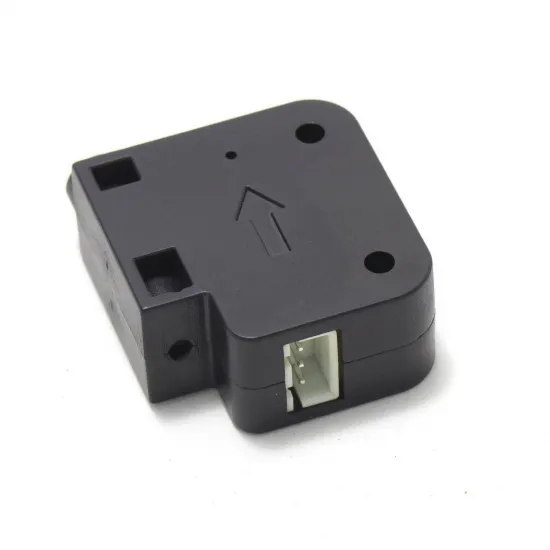
- Moulded arrow indicating the intended filament path.
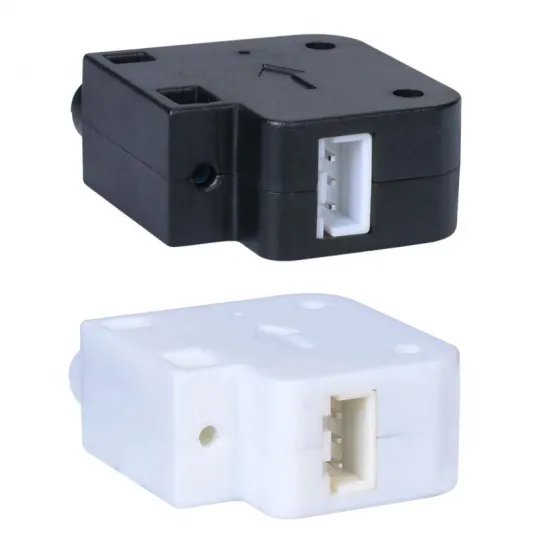
- Black or white housing depending on availability.
What can it detect?
This model is a presence sensor: it reports whether filament is inside its mechanism. It is suitable for detecting an empty spool or filament that has been removed.
It does not contain a motion encoder, so it cannot independently detect:
- A clogged nozzle.
- Filament that has stopped moving while remaining inside the sensor.
- Extruder gears slipping on the filament.
- Breakage occurring after the sensor position.
For both filament presence and motion monitoring, consider the BIGTREETECH SFS V2.0 smart filament sensor.
Wiring
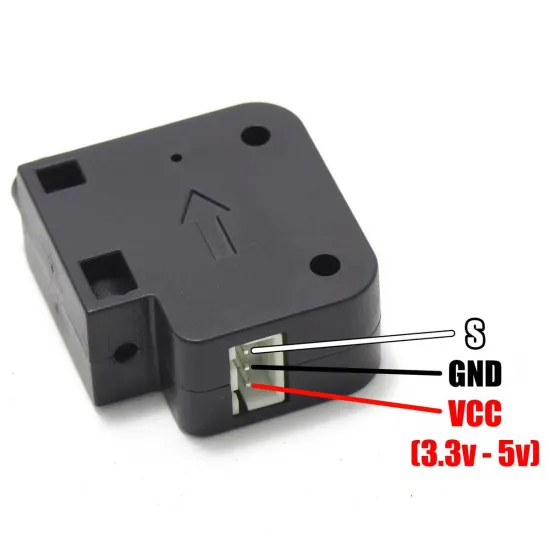
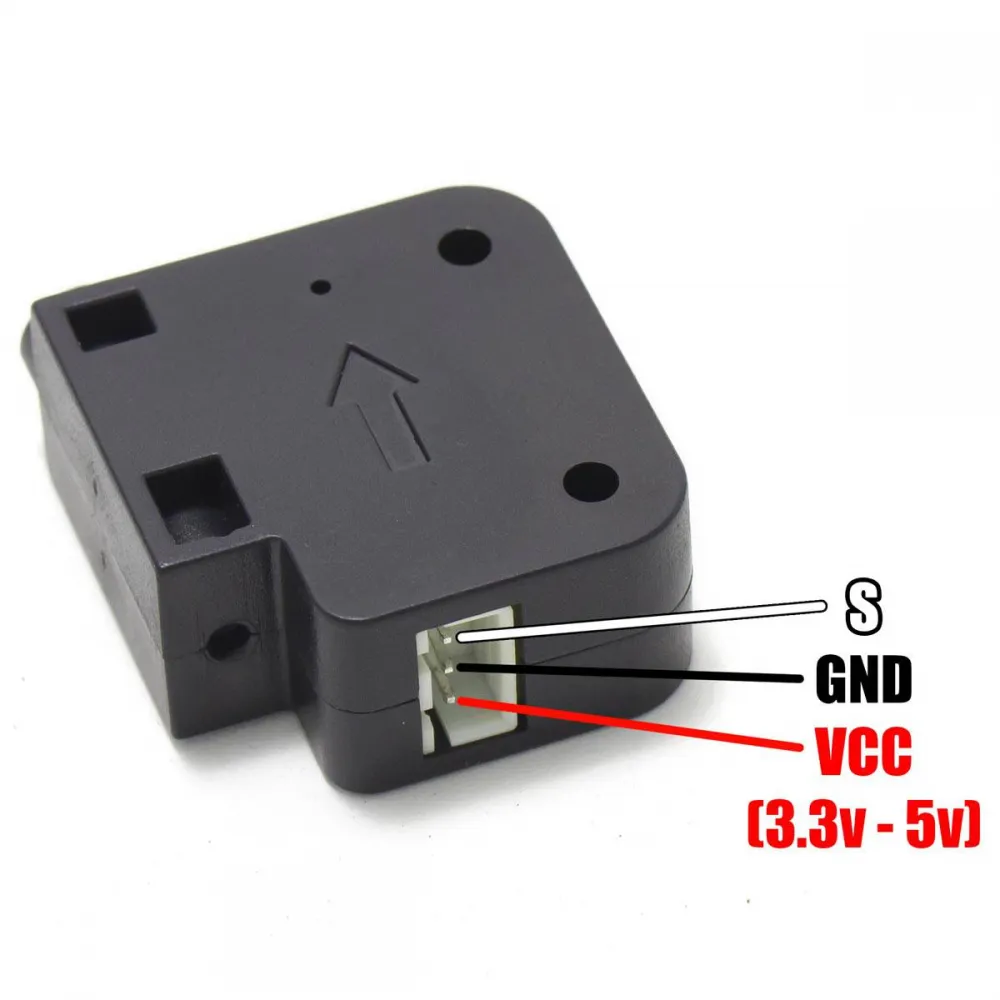
The sensor uses three connections:
- S: signal output; white wire on the supplied cable.
- GND: ground; black wire.
- VCC: 3.3–5 V power; red wire.
Important: the stated order applies when the connector is viewed in the same orientation as the following diagram. Always check the controller-board labelling and pinout before connection. Do not rely only on wire colours or connector shape, as incorrect wiring may damage the sensor or controller.
Do not connect it to 12 or 24 V.
Compatibility
It can be used with 3D printers and projects providing a digital filament-sensor input and a compatible 3.3 or 5 V supply. Actual compatibility depends on the controller pinout, connector type and firmware configuration.
It may be installed on Bowden or direct-drive machines. It should normally be positioned before the extruder where filament can pass through without tight bends or excessive friction. The arrow on the housing indicates the intended insertion direction.
Marlin configuration
In Marlin, configure it as a conventional filament runout sensor:
#define FILAMENT_RUNOUT_SENSOR

#if ENABLED(FILAMENT_RUNOUT_SENSOR)
  #define NUM_RUNOUT_SENSORS 1
  #define FIL_RUNOUT_INVERTING false
  #define FILAMENT_RUNOUT_SCRIPT "M600"
#endif
The FIL_RUNOUT_INVERTING value must match the sensor's observed state: firmware should report filament present when loaded and absent when removed. Do not assume the correct polarity without testing it.
A valid FIL_RUNOUT_PIN must also be defined if it is not already provided by the controller-board configuration. Using M600 requires the advanced pause, filament-change and nozzle-parking functions required by the installed Marlin version to be correctly enabled.
Do not enable FILAMENT_MOTION_SENSOR for this product, because it does not contain an encoder and cannot measure filament movement.
Klipper configuration
In Klipper, configure it as a filament_switch_sensor:
[filament_switch_sensor filament_sensor]
switch_pin: ACTUAL_CONTROLLER_PIN
pause_on_runout: True
Replace ACTUAL_CONTROLLER_PIN with the input pin used on the controller. After restarting Klipper, check both states with:
QUERY_FILAMENT_SENSOR SENSOR=filament_sensor
If Klipper reports the states in reverse, invert the logic by adding ! before the pin. Whether a pull-up prefix such as ^ is appropriate depends on the sensor input and controller circuitry, so it should not be added without checking the board documentation.
A [pause_resume] section and suitable pause and resume macros are also required for reliable runout handling.
RepRapFirmware configuration
RepRapFirmware can configure it as a simple sensor using M591. An illustrative example is:
M591 D0 P1 C"io4.in" S1
D0: monitored extruder or drive.P1: simple presence sensor.C"io4.in": input used; replace it with the actual controller port.S1: enabled, with a high signal interpreted as filament present.
If testing shows the opposite state, select the corresponding polarity after checking the sensor with and without filament.
Checks before printing
- Verify VCC, GND and signal before powering the printer.
- Insert filament in the direction shown by the housing arrow.
- Confirm that firmware reports filament present.
- Remove the filament and confirm that the state changes to absent.
- Perform a controlled pause test before relying on the sensor for a long print.
Package contents
- 1 mechanical filament presence sensor for 1.75 mm filament.
- 1 connection cable, approximately 1 m long.
The sensor is supplied with a black or white housing depending on available stock.