- Stock: Out of Stock
- Model: SKR-Pico
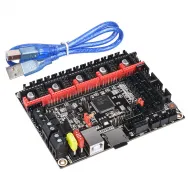
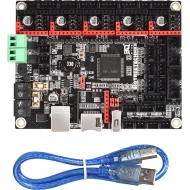
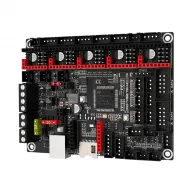
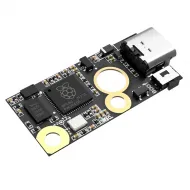
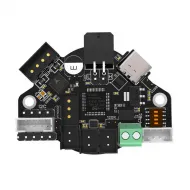
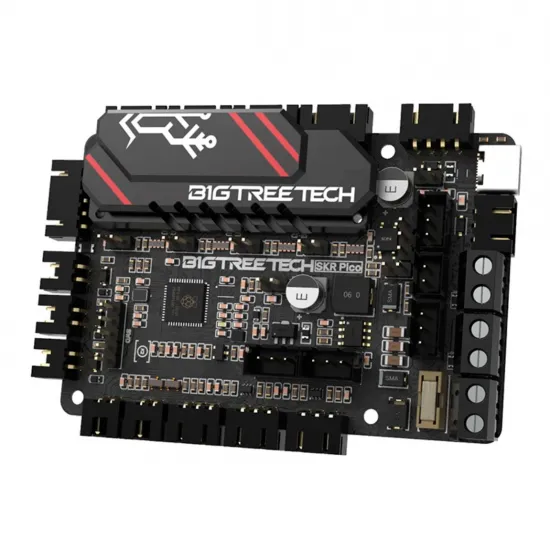
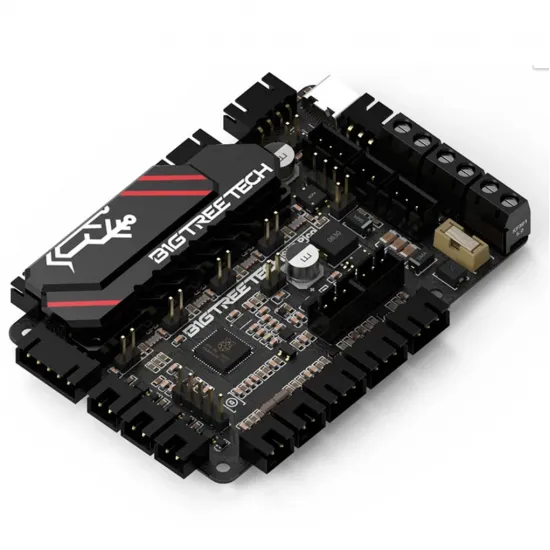
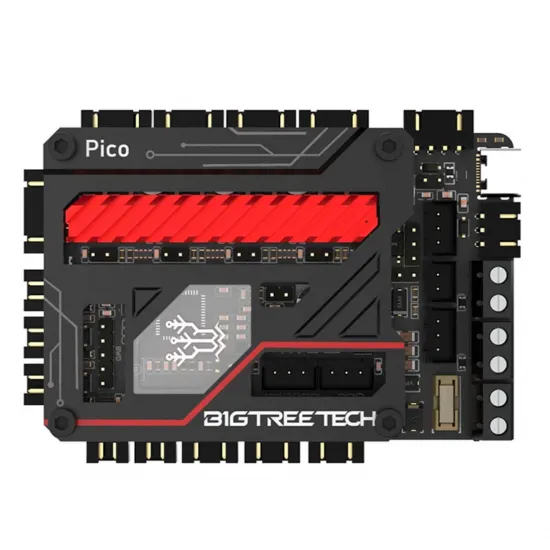
The BIGTREETECH SKR Pico is a compact 85 × 56 mm controller for Voron V0 printers and other projects requiring four independently controlled motors. It integrates an RP2040 microcontroller and four UART-controlled TMC2209 drivers and connects to a computer running Klipper over USB-C or a suitably configured UART link. Dedicated wiring documentation exists for Voron V0.1 and V0.2; always follow the revision and components of the actual machine.
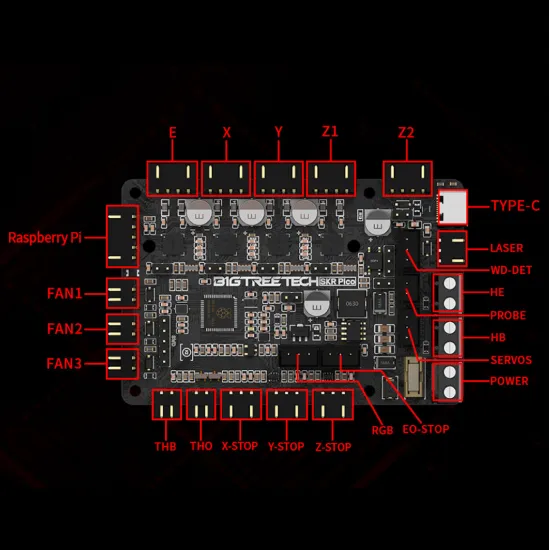
Important: the five motor connectors labelled X, Y, Z1, Z2 and E do not represent five drivers. Z1 and Z2 share the same Z driver channel; this board alone cannot independently adjust or level two Z motors.
What this board provides
- Four integrated TMC2209 drivers in UART mode for X, Y, Z and the extruder.
- Dual-core Raspberry Pi RP2040 microcontroller; it is not a Raspberry Pi computer and does not run Klipper without a host.
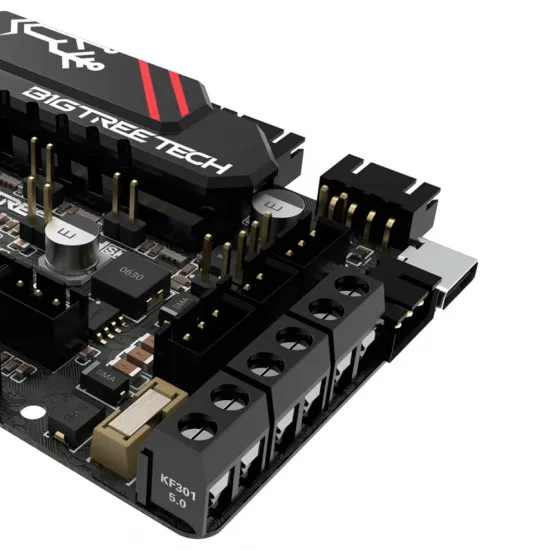
- USB-C host connection, UART option for prepared builds and a replaceable on-board fuse holder.
- Hotend and bed thermistor inputs, three fan connections, endstop inputs and probe/expansion connectors.
- Compact footprint suited to the limited space inside a Voron V0.
Specifications and connections
| Feature | Documented value |
|---|---|
| Microcontroller | Dual-core ARM Cortex-M0+ RP2040 |
| Main power | 12 or 24 V DC; 3.3 V logic |
| Drivers | 4 × soldered TMC2209, configurable over UART |
| Motor connectors | X, Y, Z1, Z2 and E; Z1/Z2 share the Z driver |
| Temperature inputs | TH0 for hotend and THB for bed in Voron V0.1 wiring |
| Power and auxiliary | HE and HB outputs for suitable DC loads; FAN1, FAN2 and FAN3; X/Y/Z-STOP, E0-STOP, PROBE and RGB |
| Host link | USB-C or UART according to the build and firmware |
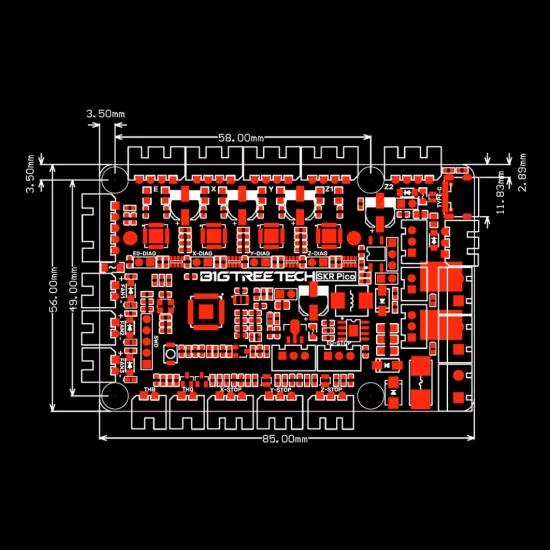
| Dimensions | 85 × 56 mm; 58 × 49 mm between the four main mounting-hole centres according to official drawing |
HE and HB are intended for the board's supported power circuitry and the project design. Never connect a 230 V mains-powered bed directly. Check the voltage, current, fuse, wire size and protection for each load before power-up. A connector does not imply that its accessory is included.
Voron V0.1 and V0.2 compatibility
For Voron V0.1, the official SKR Pico wiring guide assigns the X/Y/Z/E motors, TH0 to the hotend thermistor, HE to the hotend heater, THB to the bed sensor, HB to the DC bed and the corresponding X/Y/Z endstops. It also describes fans for that build. Treat it as the configuration's wiring reference, not as permission to copy wire colours or assume your heater, bed and fans have identical voltages.
Voron also provides a V0.2 wiring diagram. The board can be used in that revision, but toolhead, probe, wiring and modification differences require its own diagram and configuration. A standard Voron 2.4 or Trident has multiple independently controlled Z motors; the SKR Pico is not a standalone replacement for a board with enough independent channels in those configurations.
Other single-extruder printers may use this board in a custom project when four independent drivers are sufficient and the installer verifies fit, connections and firmware. It is not a universal drop-in Ender or Prusa replacement.
Klipper installation: checks that matter
- Before wiring: confirm the board markings, disconnect power and follow the diagram for the exact printer revision. Check input polarity, motors, hotend, bed, fans, probe and endstops.
- Prepare a host: install Klipper on a compatible Linux computer, such as a Raspberry Pi or equivalent. The SKR Pico's RP2040 is the printer MCU, not a replacement for that host.
- Build for RP2040: select the Raspberry Pi RP2040 architecture and the communication type you will actually use, normally USB. Generate
klipper.uf2. - Flash the MCU: enter BOOT mode as BIGTREETECH documents, using its BOOT jumper and RESET, then copy
klipper.uf2to the RP2040 USB boot drive. Remove the appropriate temporary jumpers and restart. Do not use another SKR's firmware or mistake temporary USB power for the power required by motors and heaters. - Configure your printer: consult the official Voron SKR Pico firmware guide, obtain the actual USB identifier for your MCU and use it in
[mcu]. Use Klipper's official generic board pin map only as a reference. Set travel, motor currents/directions, actual sensor types, fans, limits and PID for your machine before printing. - Test in stages: verify sensible room-temperature readings, endstop states, individual motor movement and fan switching before homing or heating. Calibrate using Voron's startup procedure.
Klipper's generic board file contains example travel, currents and thermistor types that do not identify the parts in your Voron. TH0 and THB also do not specify a sensor curve: two nominally 100 kΩ thermistors may require different configurations. Choose sensor_type from the sensor actually installed.
Endstops and sensorless homing
The TMC2209 drivers allow sensorless homing to be configured using DIAG jumpers and suitable Klipper settings. It still requires current and sensitivity tuning. If an axis uses a physical endstop, do not install its DIAG jumper onto the same endstop circuit without following the selected wiring design. For a first V0.1 build, the physical endstops in Voron's wiring guide are easier to verify.
Cooling, safety and firmware scope
BIGTREETECH recommends active cooling for the driver area when motor drive current exceeds 0.8 A. This is a cooling recommendation, not one universal current setting for all motors. Match each TMC2209 to the motor and leave the heat sink unobstructed. Do not remove it unless necessary; if removed, reseat the thermal pad without creating an electrical short.
Current Marlin source also contains an SKR Pico board definition, but using it requires building and configuring RP2040-compatible firmware for the actual printer components. The board is not supplied as a ready-to-connect Marlin solution.
Contents and alternatives
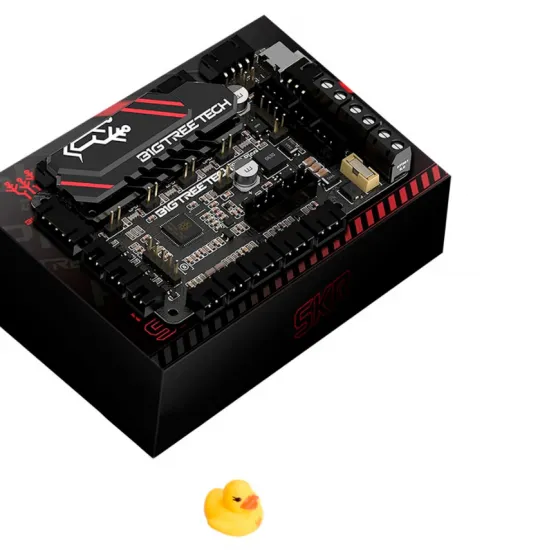
This listing is for the controller board with four integrated TMC2209 drivers and its on-board fuse holder. The catalogue does not state that a Raspberry Pi, power supply, sensors, motors, fans, screen or complete wiring kit is included. Klipper needs a separate host; the MKS Pi may be considered if you plan its USB connection and power as part of the build.
For more independently controlled motors, compare the BIGTREETECH Octopus Pro. If you are replacing the board in a compatible Ender, the SKR Mini E3 V3 has a different form factor and should be evaluated for the exact printer model.
This product is for you if
- You are building or renewing a Voron V0.1/V0.2 and can follow the wiring diagram for its revision.
- You want four integrated TMC2209 drivers for a compact Klipper system.
- You can identify the actual sensors, currents and connectors before configuring the firmware.
This product is not for you if
- You need five independently controlled motors or independent Z1/Z2 adjustment from one board.
- You expect a Raspberry Pi computer, a full electronics kit or a Klipper installation that needs no configuration.
- You need to connect a 230 V bed directly or swap a different printer's board without adapting wiring and firmware.