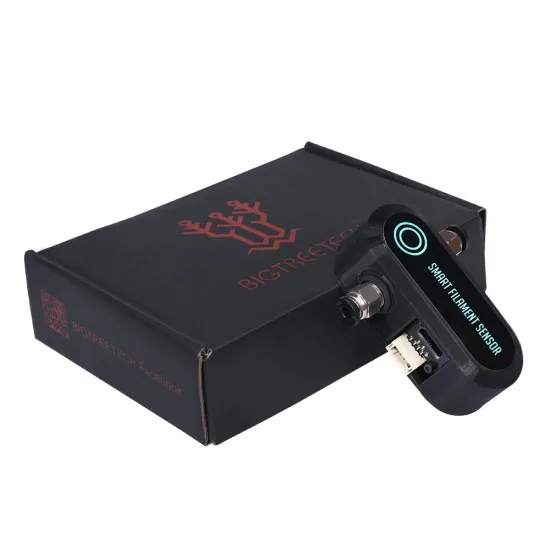
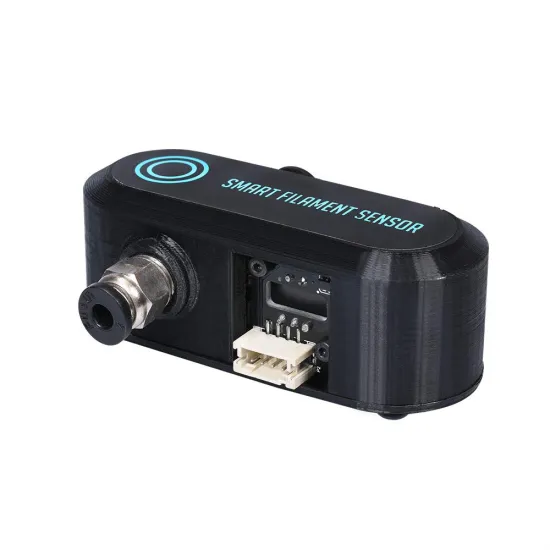
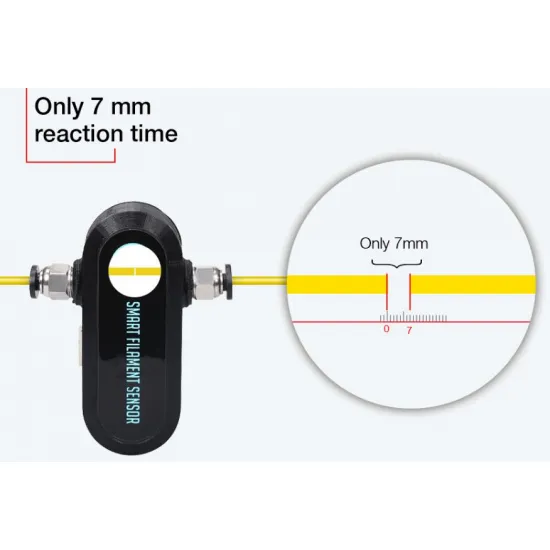


- Stock: Out of Stock
- Model: Smart Filament Sensor Break Detection Module

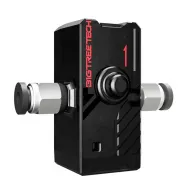
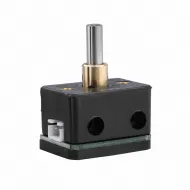
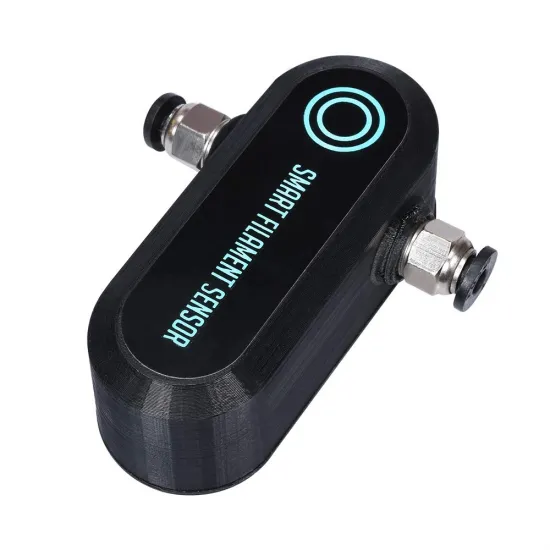
The BIGTREETECH Smart Filament Sensor SFS V1.0 monitors the actual movement of 1.75 mm filament through an internal encoder. Unlike a basic mechanical sensor that only checks whether filament is present, this unit can help stop a print when the filament no longer moves because the spool is empty, the material is tangled, the nozzle is jammed or the extruder has lost its grip.
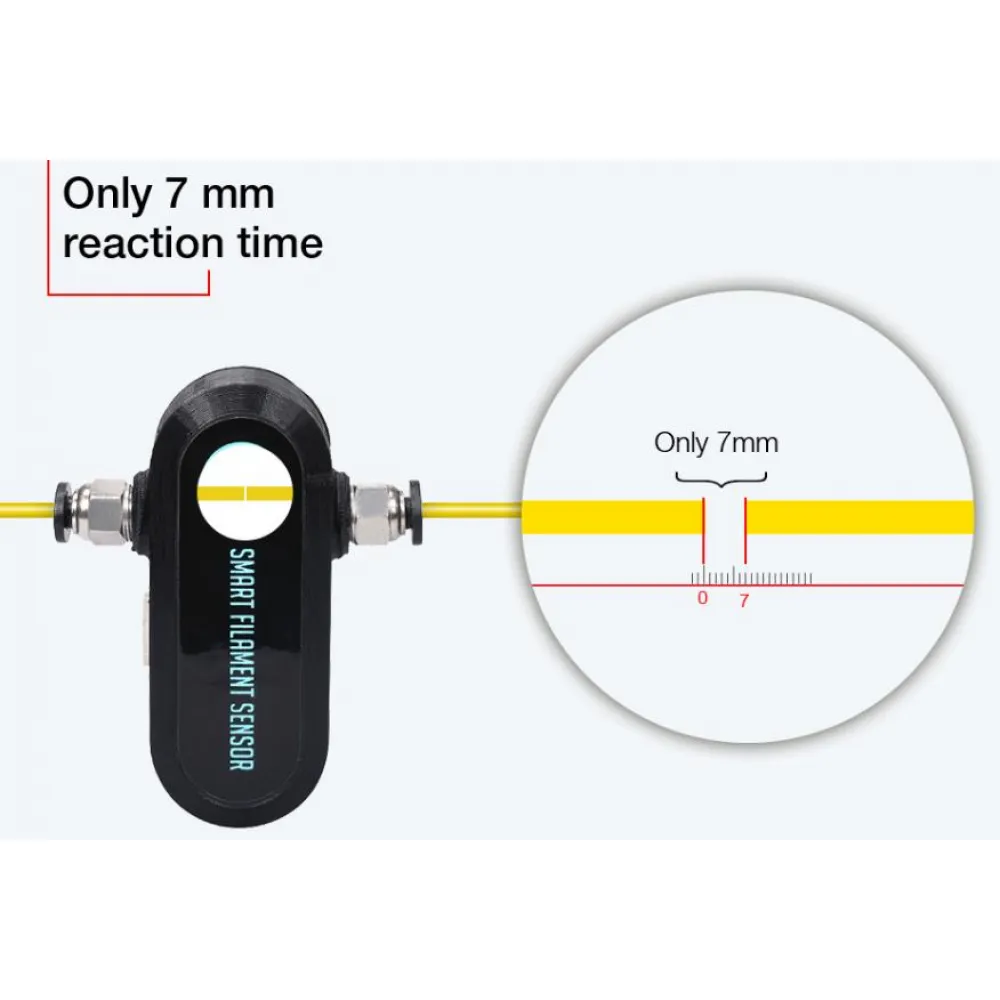
When extrusion is commanded and the sensor does not register movement over the configured distance, the firmware can trigger a pause or filament-change procedure. The nominal distance recommended by BIGTREETECH for this V1.0 revision is 7 mm.
What can it detect?
- Filament running out during a print.
- Tangled or blocked filament spools.
- Jams that prevent the material from advancing.
- Extruder drive slippage or failure.
- Unexpected interruption of filament movement.
The sensor detects that the filament has stopped moving, but it cannot identify the exact cause by itself. It may also be unable to detect under-extrusion if the filament continues moving far enough to generate encoder pulses.
Specifications
- Manufacturer: BIGTREETECH.
- Model: Smart Filament Sensor SFS V1.0.
- Detection principle: motion encoder.
- Compatible filament: 1.75 mm.
- Nominal detection distance: 7 mm.
- Supply voltage: 3.3–5 V.
- Dimensions: approximately 75 × 30 × 29.55 mm.
- Mounting-hole spacing: 20.35 mm.
- Mounting: holes for M3 screws.
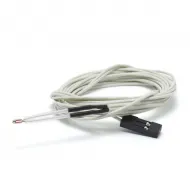
- Connections: signal, GND and power.
Important: never connect the sensor directly to a 12 or 24 V supply.
Mechanical installation
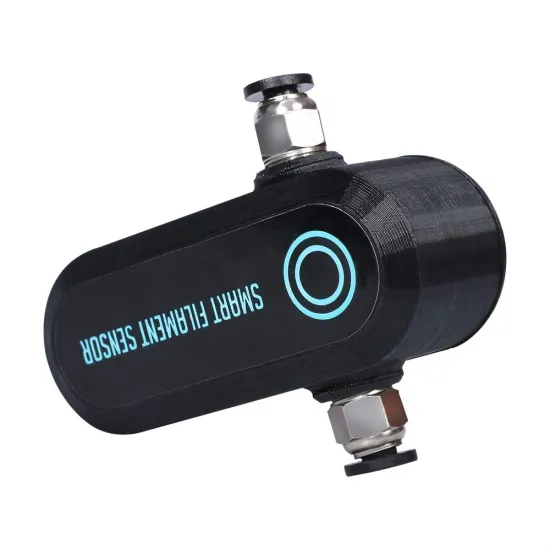
The SFS V1.0 can be integrated into a PTFE-guided filament path or secured to the printer using its mounting holes. It should be positioned upstream of the extruder, following the direction of filament travel.
- Insert the PTFE tube fully into the pneumatic fittings to prevent edges or gaps from obstructing the filament.
- Keep the sensor aligned with the extruder inlet.
- Avoid tight bends, side loads and unnecessary resistance.
- Do not overtighten the pneumatic fittings or screws against the housing.
- For flexible filament, use a particularly short, well-guided and low-friction path.
Filament dust and debris may eventually cause irregular readings. If false alarms appear after extended use, inspect and carefully clean the internal filament path.
Electrical connection
- S or SIN: sensor signal.
- G or GND: ground.
- V or VDD: 3.3–5 V supply.
The physical wire order may differ between the two ends of the cable. Do not connect the sensor based only on wire colours or connector position: check the board markings, manufacturer diagram and, when necessary, cable continuity.
It can be used with controller boards providing a suitable digital filament-sensor input, but final compatibility depends on voltage, pinout, connector and firmware configuration.
Marlin configuration
In Marlin it must be configured as a motion sensor, rather than as a simple filament-presence switch. The following provides a starting point for this revision:
#define FILAMENT_RUNOUT_SENSOR
#define FILAMENT_RUNOUT_DISTANCE_MM 7
#define FILAMENT_MOTION_SENSOR
The correct input pin must also be selected for the controller board, together with a suitable pause or filament-change procedure. When using M600, the usual setup requires the corresponding parking and advanced-pause features, such as NOZZLE_PARK_FEATURE and ADVANCED_PAUSE_FEATURE, depending on the Marlin version.
Before starting a long print, verify the reported sensor state and perform a controlled test by manually stopping filament movement.
Klipper configuration
In Klipper it should be configured as a filament_motion_sensor:
[filament_motion_sensor encoder_sensor]
detection_length: 7
extruder: extruder
switch_pin: ACTUAL_PIN
pause_on_runout: True
Replace ACTUAL_PIN with the input used on the controller board. Signal inversion and pull-up settings should only be added when required by that board and after checking the actual sensor state. A working pause and resume configuration is also required.
RepRapFirmware configuration
BIGTREETECH provides the following rotary-sensor configuration as a reference for this revision:
M591 D0 P7 C"zstopmax" L7 R75:125 E22 S1This command is only a starting point. The zstopmax input name, extruder, drive, polarity and remaining parameters must be adapted to the controller board and RepRapFirmware version. Do not copy it without first checking the electrical assignment.
Adjusting the detection distance
The 7 mm setting is the documented nominal value for the SFS V1.0. Setting the distance too low can cause false pauses during low-flow printing, frequent retractions or when there is play in the filament path. If this occurs, first inspect the installation, cleanliness and configuration; the value can then be increased carefully and tested again.
A longer distance reduces sensitivity and delays the pause, so the setting should be balanced for the particular printer.
Differences from the SFS V2.0
This V1.0 revision provides a filament-motion output and uses a nominal 7 mm detection distance. The BIGTREETECH SFS V2.0 has separate presence and motion outputs and uses a different nominal movement distance. Their wiring and settings should therefore not be interchanged without checking the hardware revision.
If you only need to check whether filament is present, without monitoring its movement, a simpler mechanical filament-presence sensor may be more appropriate.
Package contents
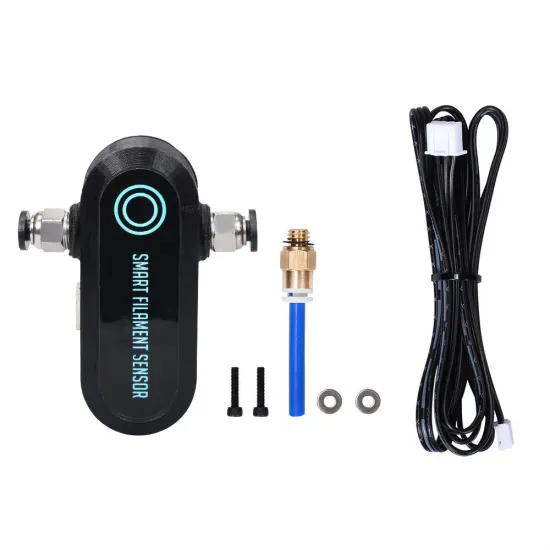
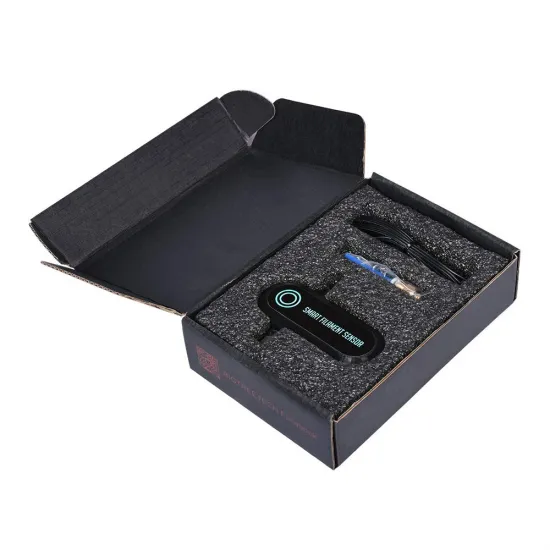
- BIGTREETECH Smart Filament Sensor SFS V1.0.
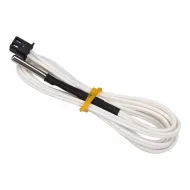
- Connection cable.
- Pneumatic fittings and adapter for integration into the filament path.
- Shown mounting hardware and accessories.