

- Stock: 6
- Model: PSU-48V10A500W
Model:

12V 5A 60W

12V 10A 120W

12V 15A 180W

12V 20A 250W Fan

12V 33A 400W

12V 40A - 500W

24V 10A 240W

24V 15A 360W

24V 20A 500W

24V 25A 600W

24V 33A 800W

36V 10A 360W

48V 10A 500W
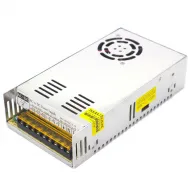
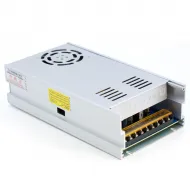
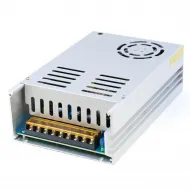
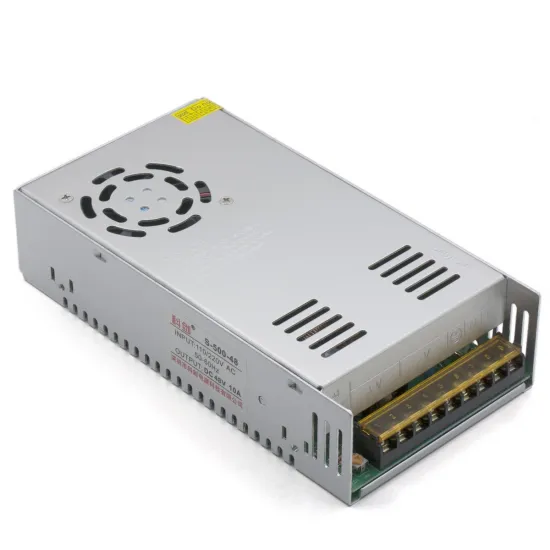
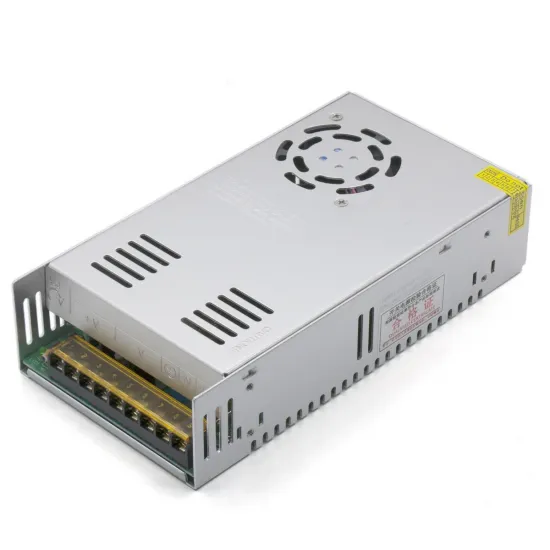
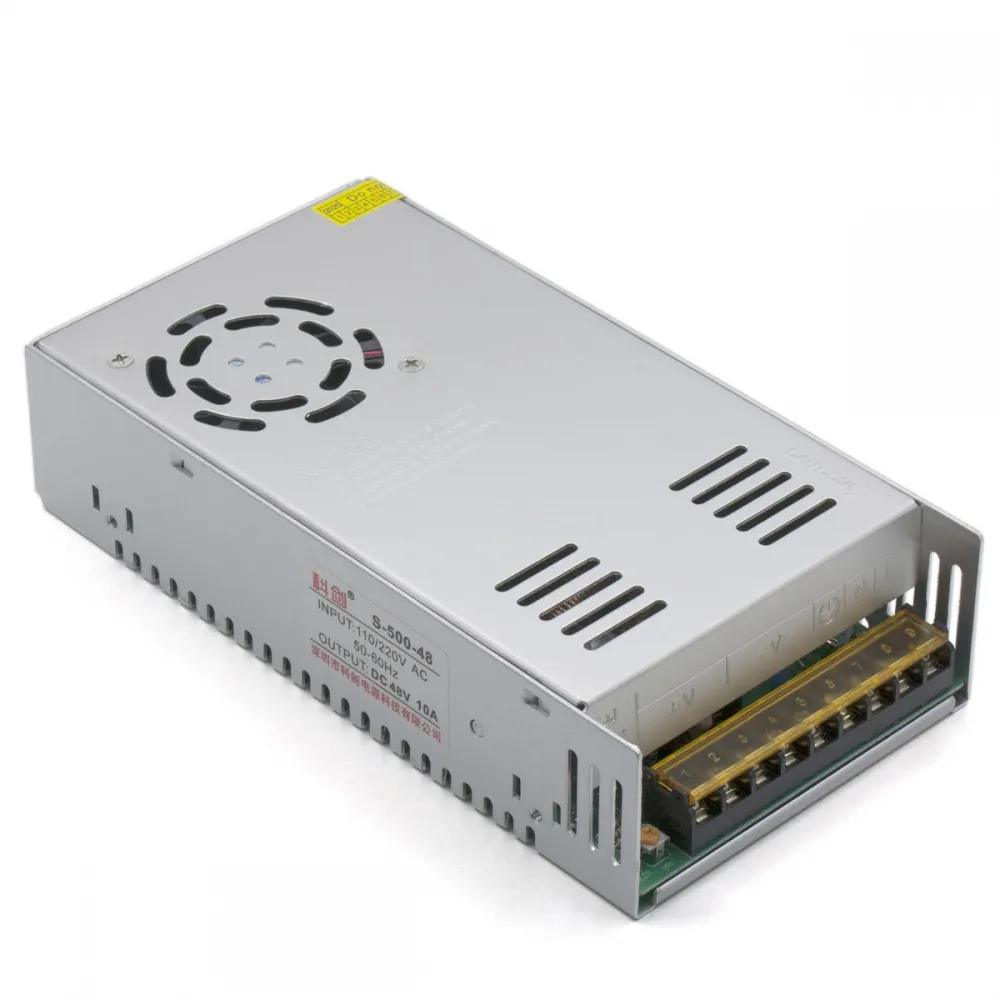
S-500-48 switching power supply rated at 48 V and 10 A, with a ventilated metal enclosure and active cooling. It is intended for CNC machines, automation, stepper motors, lighting and electronic projects that use a 48 V DC bus and whose demand has been calculated in advance.
The reference is sold within the 500 W family. Its stated output is 48 V and 10 A, giving a calculated electrical power of 480 W. Peak demand, cooling, temperature and an appropriate margin must also be considered when designing an installation.
Confirmed features
| Feature | Value |
|---|---|
| Type | AC/DC switching power supply for integration |
| Marked family | S-500-48 |
| Rated output | 48 V DC |
| Stated maximum current | 10 A |
| Calculated power | 480 W at 48 V and 10 A |
| Commercial designation | 500 W family or format |
| Marked input | 110/220 V AC; check the supplied unit and its selector before connection |
| Cooling | Integrated fan and perforated enclosure |
| Environment | Indoor use, integrated in a protected and ventilated assembly |
Sizing the load
Add the maximum current of every 48 V component that may operate simultaneously. Motor and power-electronics systems must also account for acceleration, peaks, cooling and wiring voltage drop.
A conservative target for sustained load is approximately 80% of the stated capacity: around 8 A or 384 W. This is a project-design margin, not a revised nominal rating or a guarantee under every temperature and installation condition.
- Electrical power: P = V x I.
- Approximate current at 48 V: I = P / 48.
- If demand is close to 10 A, increase the available margin or split loads with appropriate protection.
- A motor driver limits and switches phase current, but it does not make a 12 or 24 V component compatible with 48 V.
Terminals and distribution
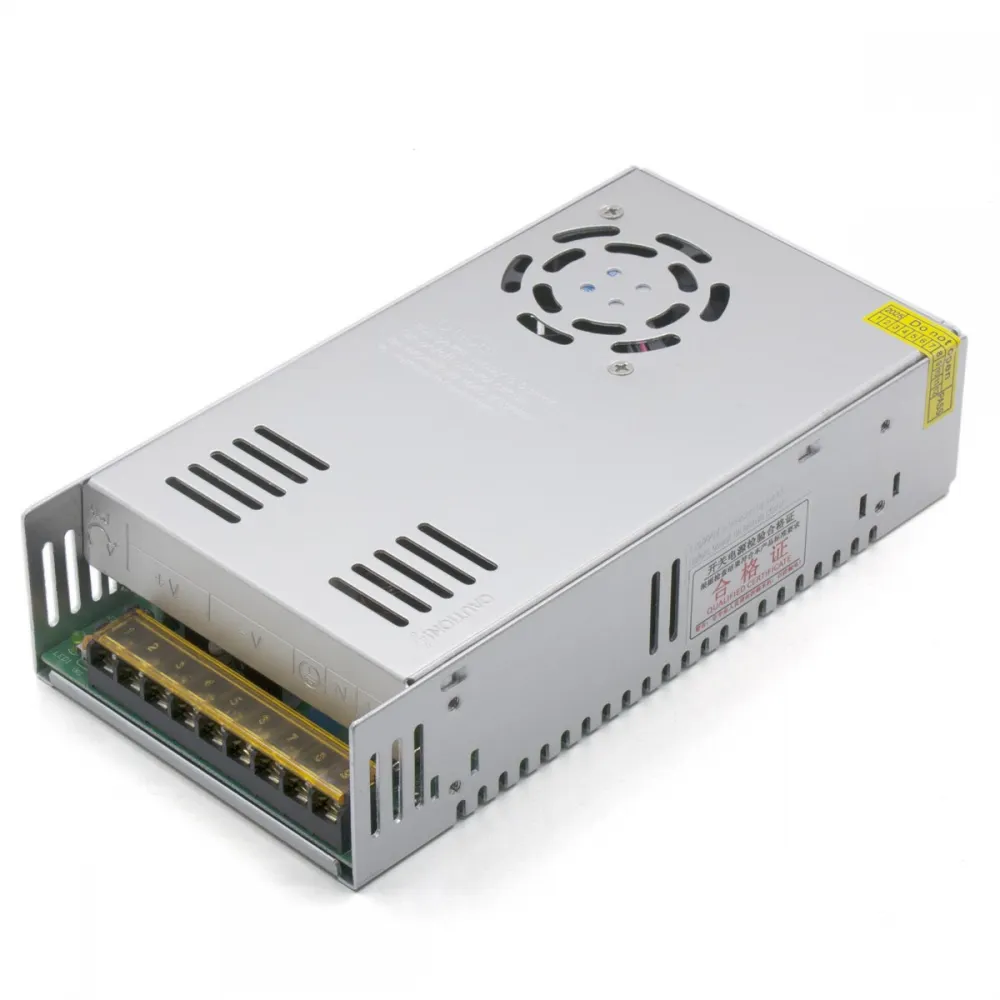
This family uses a terminal block for mains input and DC output. Always follow the markings on the supplied unit:
| Marking | Usual function |
|---|---|
| L | AC line input |
| N | AC neutral input |
| Earth symbol | Protective earth and enclosure bonding |
| -V | 48 V output negative |
| +V | 48 V output positive |
| V ADJ | Fine adjustment; do not alter without measuring the output with a multimeter |
Repeated +V terminals and repeated -V terminals belong to the same output and are not independent channels. Distribute and protect branches according to their load, and never infer a connection solely from screw position.
3D printer, CNC and motor compatibility
It is suitable for equipment and loads expressly designed for 48 V DC. In CNC and automation systems it can power compatible controllers and motors within its current budget. On a 3D printer, 48 V is normally used as an auxiliary rail for motors and high-voltage drivers.
It must not be connected directly to 12/24 V controllers, heated beds, heater cartridges, fans or accessories. It is not a direct replacement for Bambu Lab, Creality Ender, Prusa, Voron or other machines whose usual architecture uses a 24 V main supply.
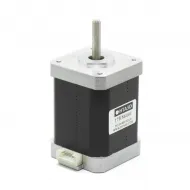
Where the electrical design allows, a high-performance axis may use a BIGTREETECH TMC5160T Plus controller designed for HV supply. The controller board, logic input, motor, configured current, cooling and power-up sequence must all be checked separately.
Safe installation
- Check the input marking and, if the unit has a selector, set it to the correct position for a 220-240 V mains supply before connection.
- Install the supply inside an enclosure or compartment that prevents contact with mains voltage without blocking its fan or ventilation slots.
- Connect line to L, neutral to N and protective earth to the marked terminal. Bond the metal enclosure to protective earth.
- Use a suitable fuse, switch, strain relief, terminal cover and physical separation between AC and DC wiring.
- Size cables and terminals for actual current, length, temperature and voltage drop; protect individual branches where appropriate.
- Before connecting electronics, use a multimeter to verify voltage, polarity and terminal tightness.
- Do not confuse -V with protective earth and do not open the supply: capacitors may retain energy after disconnection.
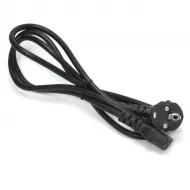
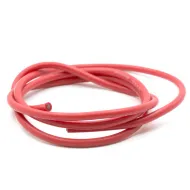
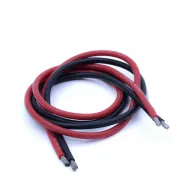
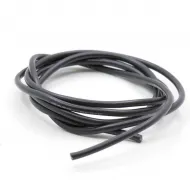
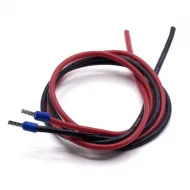
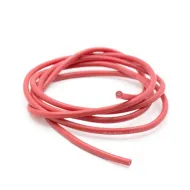
A mains input can use the IEC C14 inlet with switch and fuse holder and the Schuko to IEC C13 cable, provided the assembly and fuse are correctly rated. For high-current DC branches, we stock red 12 AWG flexible silicone cable and black 12 AWG flexible silicone cable; the final conductor size must be validated for each installation.
This is for you if
- Your load operates at 48 V DC and its total demand remains within the calculated margin.
- You need a fan-cooled supply for motors, CNC, automation or a correctly designed 48 V auxiliary rail.
- You can provide an enclosed, earthed, protected and adequately cooled installation.
This is not for you if
- Your controller, heaters, fans or accessories require 12 or 24 V.
- You require a sealed, fanless or laboratory supply, or a battery charger.
- You do not have the knowledge or qualified assistance required for mains-voltage work.