

- Stock: Out of Stock
- Model: ViVid

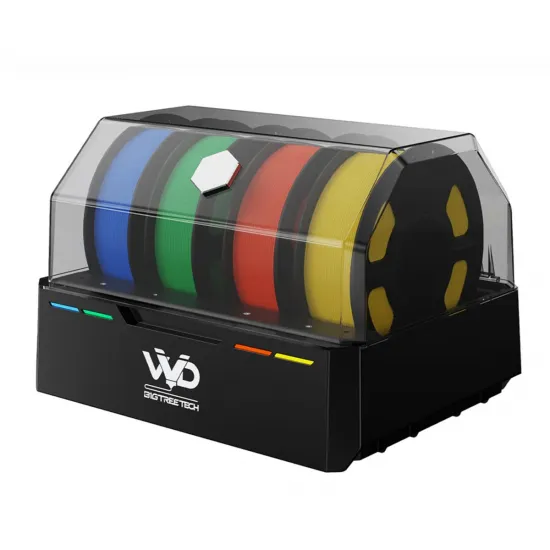
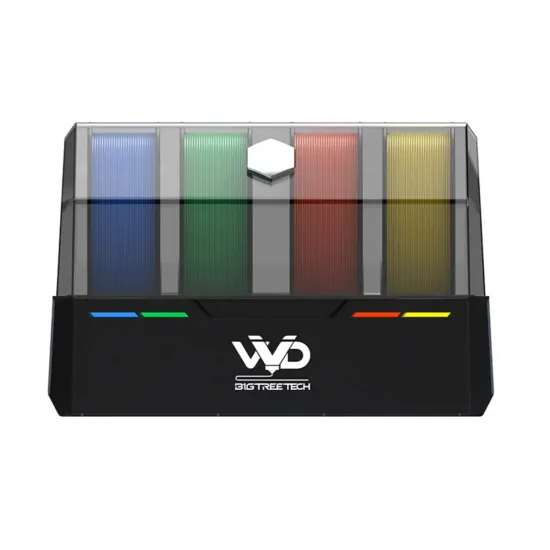
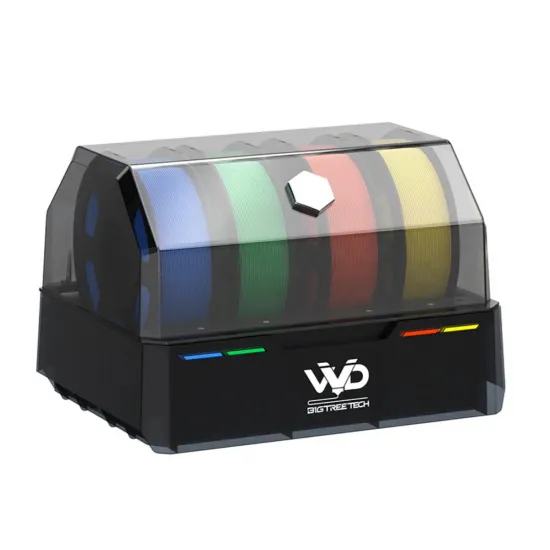
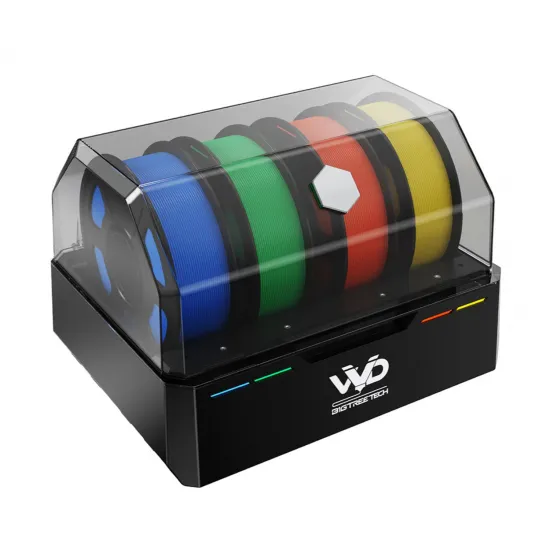
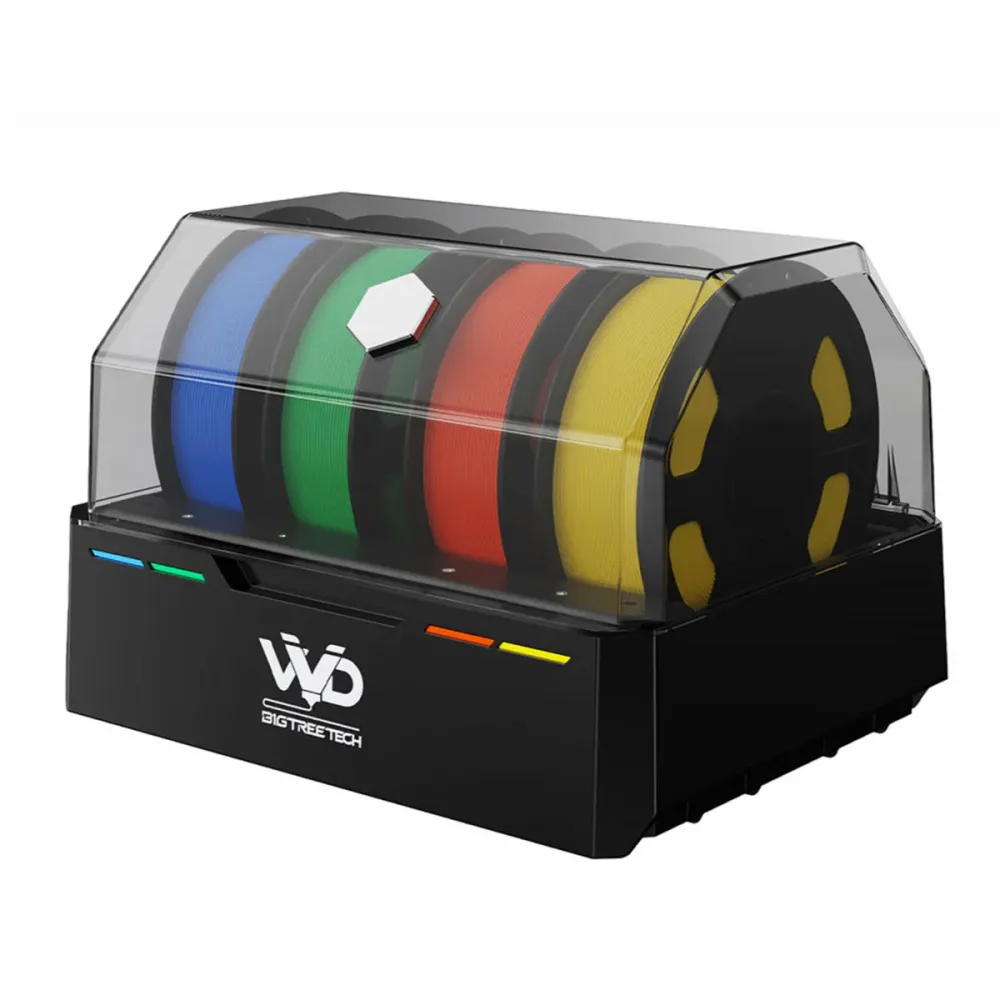
BIGTREETECH ViViD brings four 1.75 mm filament spools into a feeding system for Klipper 3D printers. It selects each channel through a buffer, enabling multicolour or multimaterial jobs with a single toolhead, while its heated chamber helps dry and protect filament. Colours are printed in sequence, not extruded four at once.
It is intended for users willing to integrate and tune an open multimaterial system. Results depend on the PTFE path, extruder, sensors, cutting and purging arrangements, Klipper host and slicer profile. It is not a plug-and-play replacement for a spool holder on every printer.
What it does
- Four T0–T3 channels: select spools for colour or material changes during a print, feeding one common path to the extruder.
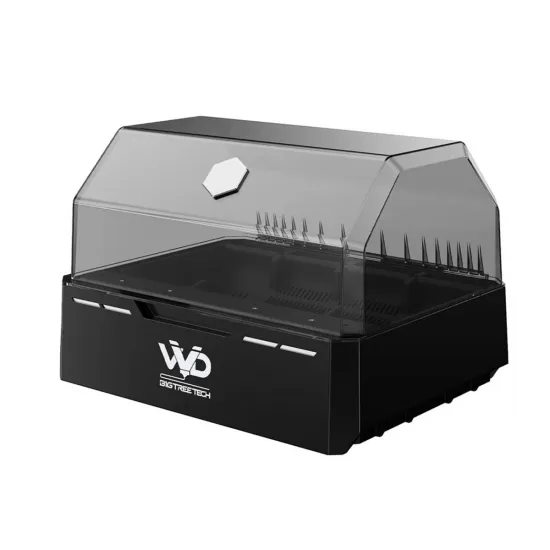
- Active drying: heated chamber and adjustable vents to release moisture while drying or reduce exposure when heating is off.
- Filament management: sensors, channel status and configurable pre-load, load, unload and substitution functions through Klipper and MMS software.
- Backup spool option: switch to another slot after runout when suitable replacement material and the necessary purge sequence have been configured.
The pictured spools illustrate the system; filament is not included.
Check your printer before installation
The official guide covers Klipper printers using BIGTREETECH MMS. ViViD communicates with the host and buffer via USB; the main unit uses mains power through an IEC C13 connection. Check the actual unit's voltage label, supplied plug and cable condition before connection. USB is not a substitute for mains power.
Connect each ViViD output to the matching buffer input—T0 to T0, T1 to T1, T2 to T2 and T3 to T3—then route the buffer output to the extruder. Keep the PTFE route smooth: BIGTREETECH specifies a minimum 60 mm bend radius and recommends 100 mm or more. Fit the retaining clip at the buffer outlet so filament tension cannot pull the tube free.
For accurate positioning, BIGTREETECH strongly recommends an entry sensor around 5–15 mm before the extruder gears. Without one, MMS can estimate position using the buffer but may be less consistent. A toolhead cutter, purge area and brush depend on the particular installation and chosen workflow; they are not shown among this package's supplied accessories.
BIGTREETECH provides a mounting design for the Voron 2.4. On Voron 2.4, Trident, RatRig, HPRO or another Klipper machine, verify the actual toolhead, available space, buffer location, PTFE bends, sensor input, cutter and safe purge coordinates. A mount for one machine does not make every revision a drop-in fit.
Klipper and slicer setup
- Back up your Klipper configuration and macros. Check current compatibility in BIGTREETECH's official MMS repository before running its installer; it can add components and an optional KlipperScreen integration.
- Identify the real USB IDs of both MCUs—ViViD and buffer—and enable only the modules physically present. Configure the entry-sensor pin if fitted. Never copy cutter, purge or brush coordinates from another printer.
- With all four paths prepared, run
MMS_BOWDEN_CALIBRATIONas described by BIGTREETECH. Then check selection and sensors withMMS STATUS; test loading and unloading before a long print. - In Orca Slicer or another suitable slicer, enable multiple filaments, map tools T0–T3 and configure a prime tower and purge volume. If MMS already performs tip ramming, disable duplicate slicer ramming. Do not combine materials with very different processing temperatures without validating hotend transitions.
The official ViViD manual contains connection diagrams, swap logic and MMS settings. Happy Hare is an alternative integration route mentioned by the manufacturer, with its own instructions; its configuration should not be treated as interchangeable with MMS.
Drying guidance
The following are the manufacturer's starting examples. Always check the limits of both filament and spool, then adjust time for initial moisture and actual results. A heated enclosure alone cannot guarantee a specific final moisture level.
| Material | Suggested temperature | Reference time |
|---|---|---|
| PLA | 45 °C | 4 h |
| PETG | 50 °C | 4 h |
| ABS | 55 °C | 4 h |
| ASA | 55 °C | 4 h |
Open the vents while heating to expel moisture; close them when heating is off to help limit reabsorption. For a long idle drying cycle, review Klipper's idle timeout without disabling thermal protection.
Size and package contents
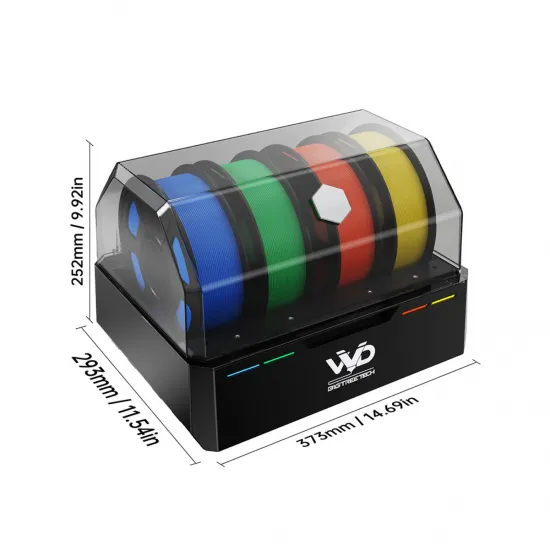
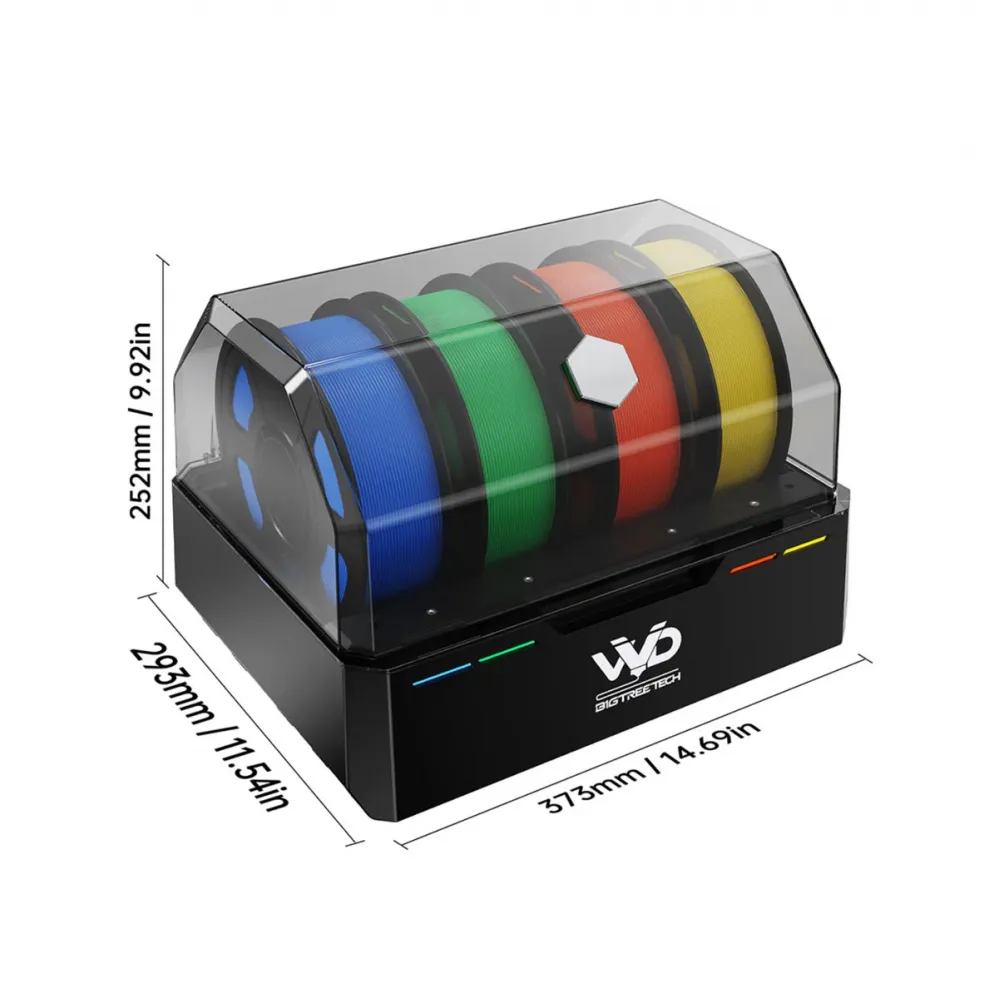
The product dimension image gives 373 × 293 × 252 mm with the unit closed. Allow extra room to open its cover and route the tubes.
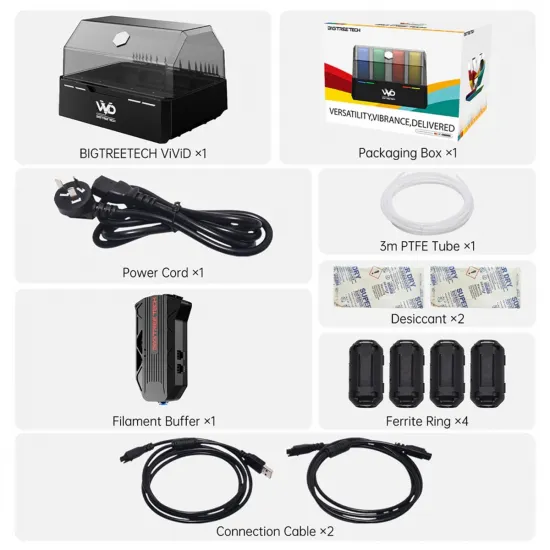
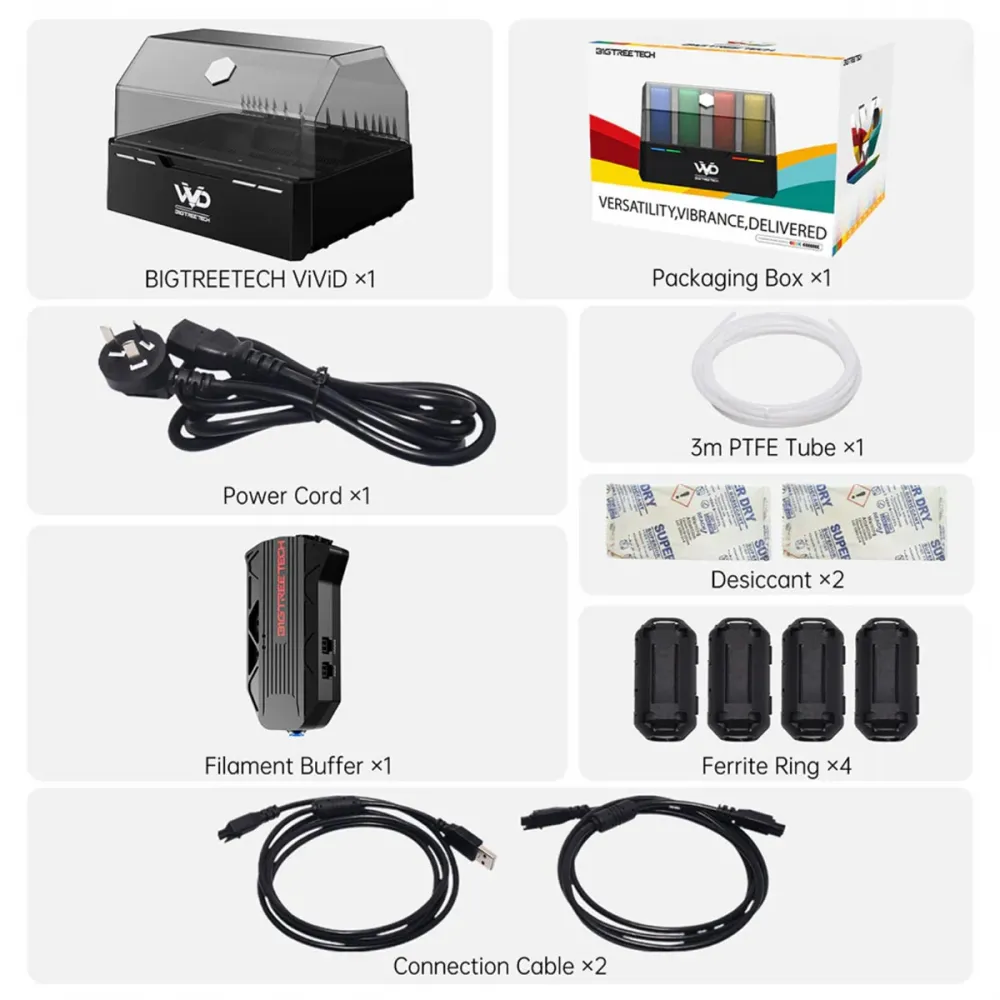
The package picture identifies one ViViD unit, one filament buffer, a power cord, 3 m of PTFE tubing, two desiccant sachets, four ferrite cores and two connection cables. Plug style and small accessories may vary by batch; confirm the electrical requirements of your installation.
This is for you if
- You use Klipper and want to add four filament paths with controlled swaps and drying to a printer you can modify.
- You can install an entry sensor, tune the PTFE route and buffer, and test cutter and purge actions where your design needs them.
- You want published BIGTREETECH software and technical documentation for an open configuration.
This is not for you if
- You need ready-to-print multicolour output without adapting the toolhead, firmware or slicer.
- Your printer does not run Klipper or you lack a suitable USB host and room for the filament path.
- Your project depends on automatic reading of every RFID tag, extruding four materials at once or changing backup spools without configuring sensors, matching material and purge.