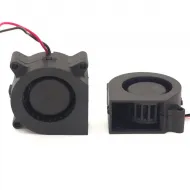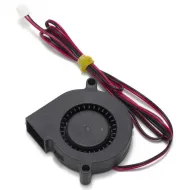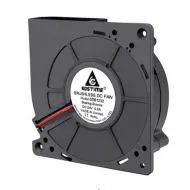


- Stock: 4
- Model: Eco Turbo Kit

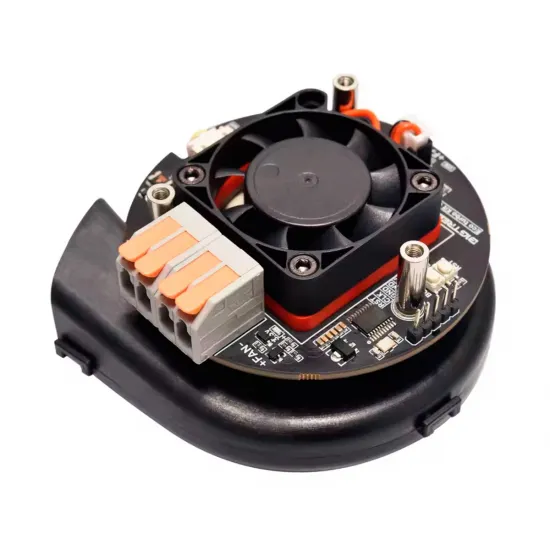
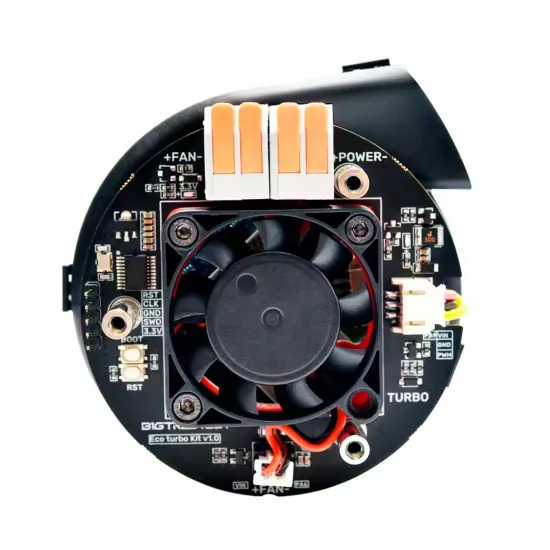
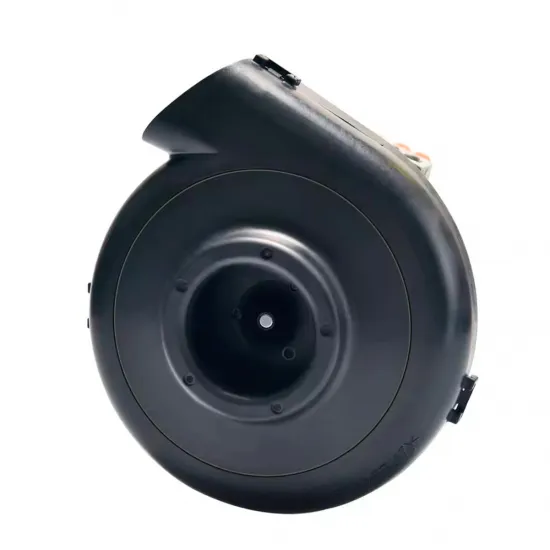
The BIQU Eco Turbo Kit V1.0 is a remote part-cooling system for 3D printers. It combines a Nidec brushless centrifugal blower with a BIGTREETECH controller board and transports air to the toolhead through a flexible hose.
Moving the blower away from the toolhead can reduce moving mass compared with installing several large fans on the carriage. This arrangement can be particularly useful in CoreXY and other high-speed machines, provided that a suitable duct, hose route and control configuration are used.
It is not a hotend heatsink fan or an enclosure exhaust fan: its primary purpose is to direct cooling air towards the printed object.
Main features
- Brand: BIQU / BIGTREETECH.
- Version: Eco Turbo Kit V1.0.
- Type: remote part-cooling system.
- Blower: Nidec brushless centrifugal blower.
- Power input: 24V DC.
- Stated rated power: 48W.
- Supported control signal: 5–24V PWM.
- Controller: integrated BIGTREETECH adapter board.
- MCU: 48MHz STM32F042F6P6 ARM Cortex-M0.
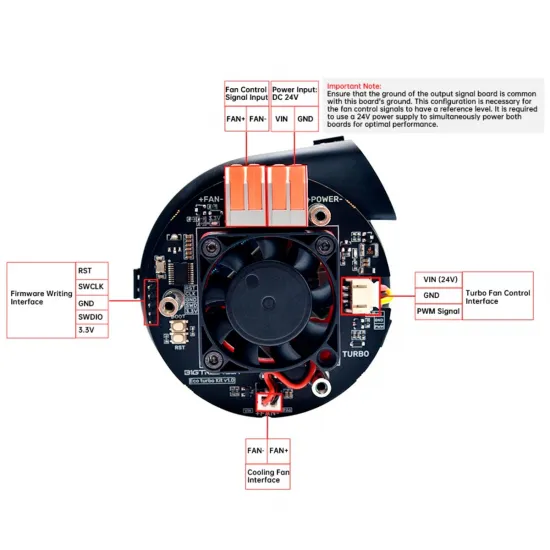
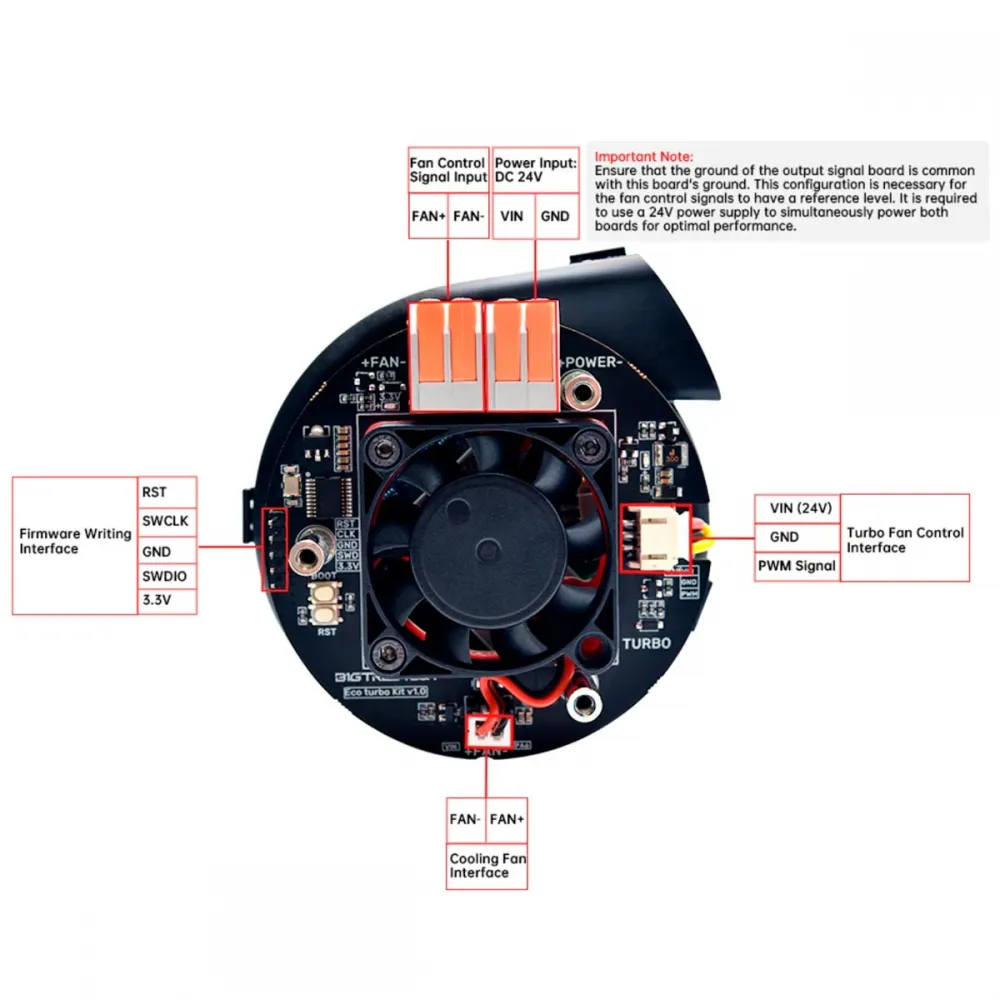
- Blower interface: 3-pin XH2.54.
- Auxiliary cooling-fan interface: 2-pin XH2.54.
- Stated maximum current for the fan interfaces: 3A.
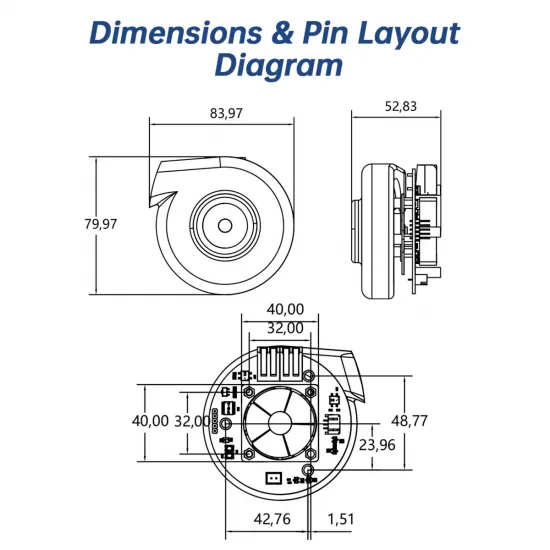
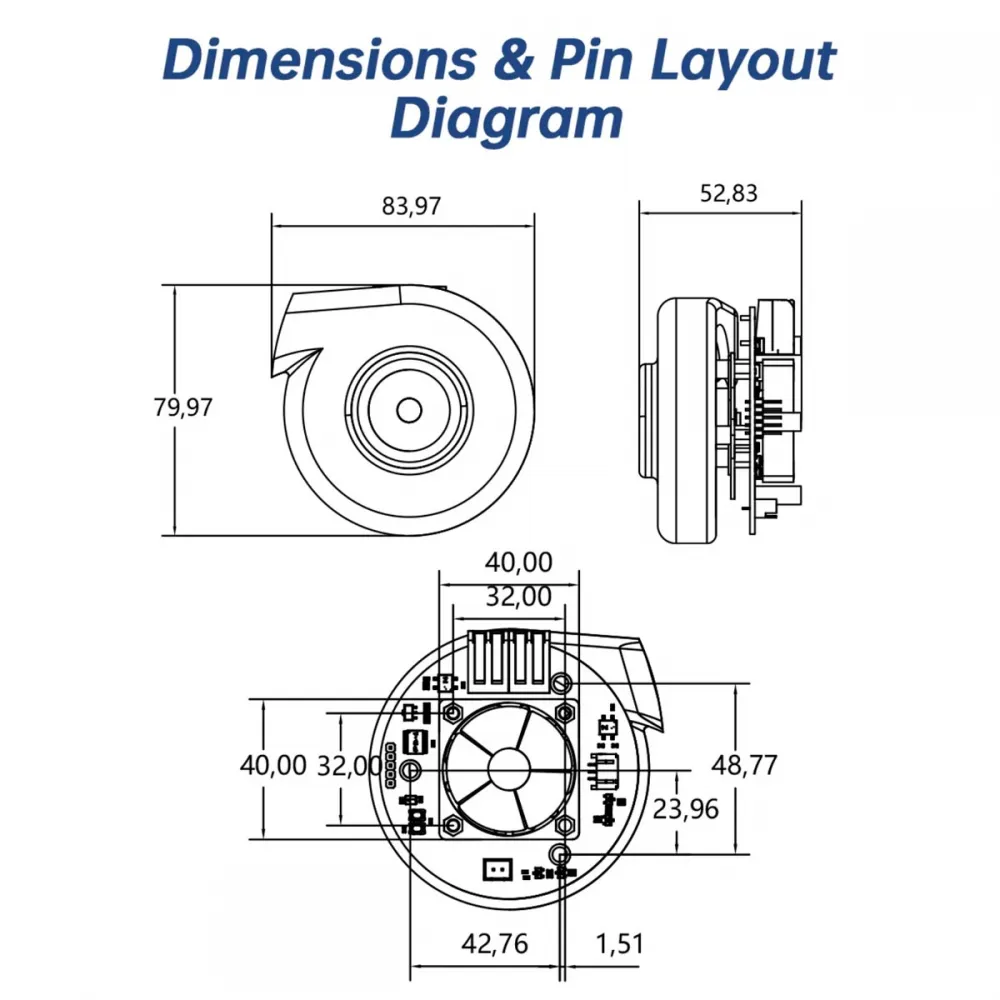
- Approximate assembly dimensions: 83.97 × 79.97 × 52.83mm.
- Dedicated auxiliary fan for cooling the control electronics.
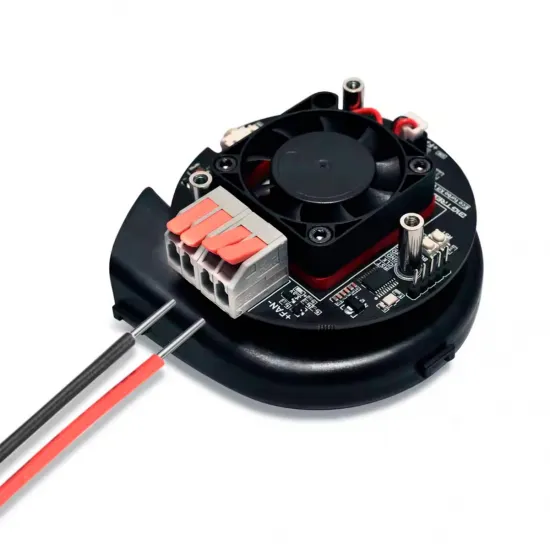
- Quick terminals and pre-crimped cables for easier installation.
Power supply and control signal
The blower power supply and its control signal perform different functions:
- The POWER+ and POWER- terminals power the assembly and require 24V DC.
- The FAN+ and FAN- terminals receive the signal from a controllable fan output.
The PWM input accepts signals between 5V and 24V, but this does not mean that the blower can be powered at any voltage within that range. The assembly requires an independent 24V power supply capable of providing its rated power.
The 48W motor must not be powered directly from a conventional fan output. The fan output is used as a control signal, while the motor power is supplied through the POWER terminals.
The power supply should have at least 48W of available capacity for the kit, with an appropriate margin for the rest of the machine and transient operating conditions.
Important wiring precautions
- The Eco Turbo controller and the board generating the control signal must share a common ground reference.
- When both are powered from the same 24V supply, their ground reference will normally already be common.
- If different power supplies are used, their grounds must be connected as shown in the official diagram before applying the control signal.
- The FAN- signal terminal is not GND. It must not be connected directly to ground.
- The TURBO connector provides communication between the adapter board and the Nidec blower. It must not be connected directly to the printer mainboard.
- Carefully check polarity and PCB markings before applying power.
- All wiring must be carried out with the machine disconnected from power.
Controller cooling
The board includes a 24V auxiliary fan to cool the blower driver. BIGTREETECH specifies the following automatic behaviour:
- PWM input below 10%: driver cooling fan switched off.
- PWM input between 10% and 50%: driver cooling fan operating at 50%.
- PWM input between 50% and 100%: driver cooling fan operating at full speed.
These percentages describe the auxiliary controller fan and do not represent a direct relationship between the requested percentage and the actual airflow of the blower.
Voron 2.4 and Trident compatibility
BIGTREETECH provides official mounting files for Voron 2.4 and Voron Trident. The repository includes rear housings and adapters for routing air to a Stealthburner toolhead.
Several Voron 2.4 versions are provided:
- With or without a BIGTREETECH SFS V2.0 filament sensor.
- With or without a 6020 axial enclosure exhaust fan.
- With the blower enclosed inside the rear housing to reduce noise.
Installation requires printing the relevant components and selecting the version suitable for the machine. It is not a direct replacement that can be installed without printed parts, a hose and prior preparation.
Some official Stealthburner adapters are designed around specific KNOMI V2.0 configurations or additional components. Review the selected files before printing them.
Compatibility with other printers
The manufacturer mentions potential integration with Bambu Lab printers, Creality Ender machines and other CoreXY or custom designs. However, there is no universal installation covering every model in these families.
Installation on a different machine requires:
- A suitable physical mount for the blower and controller.
- A 24V power supply with sufficient spare capacity.
- An electrically suitable PWM fan output.
- A compatible part-cooling duct on the toolhead.
- Adapters matching the hose and duct geometry.
- A hose route that remains clear throughout the complete build volume.
- Clearance from wiring, cable chains, enclosure panels and moving axes.
It should therefore be treated as a custom integration on these machines rather than a direct replacement for the original fan.
Klipper configuration guidance
BIGTREETECH provides the following fan section. Replace the pin field with the actual fan output pin used by the controller board:
[fan]
pin: <fan_output_pin>
max_power: 1.0
shutdown_speed: 0
cycle_time: 0.01
hardware_pwm: False
kick_start_time: 0.100
off_below: 0.15
The pin name is specific to the mainboard or toolboard. Never copy a pin from another machine without checking its schematic and configuration.
The off_below: 0.15max_power, the manufacturer recommends starting at 1.0, gradually increasing speed from the interface and observing the point beyond which the blower no longer increases its actual speed.
The required cooling level depends on material, extrusion flow, part geometry and printing speed. Maximum power is not always appropriate: excessive airflow may reduce layer adhesion, increase warping or overcool certain materials.
Marlin configuration guidance
The official documentation recommends enabling software PWM and setting the scale to 5:
#define FAN_SOFT_PWM
#define SOFT_PWM_SCALE 5
These options require Marlin to be edited and compiled. Fan-output assignment depends on the controller board and its pin files. Ensure that the selected output supports control and is not assigned to another function.
RepRapFirmware configuration
In RepRapFirmware 3.x, the output is defined with M950 and configured or controlled with M106. Port name, signal inversion and PWM frequency depend on the Duet model and connection being used.
There is no single safe configuration line for every Duet board. Consult the documentation for the specific board and remember that the fan output provides the control signal while the Eco Turbo Kit receives 24V power through its POWER terminals.
Required hose
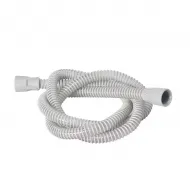
A suitable hose is required to transport air to the toolhead. The BIQU anti-kink flexible hose for the Eco Turbo Kit is sold separately and is not included in this box.
Printed adapters and ducts suitable for the selected printer and toolhead are also required.
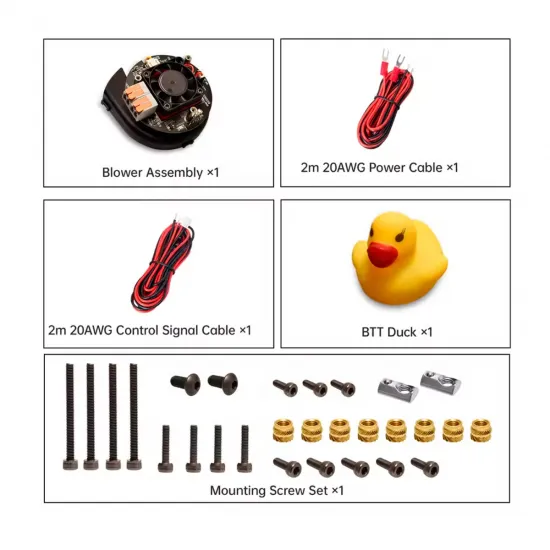
Kit contents
- 1 × Eco Turbo Kit assembly with Nidec blower.
- 1 × integrated adapter/controller board.
- 1 × driver cooling fan.
- 1 × 2m 20 AWG power cable.
- 1 × 2m 20 AWG control-signal cable.
- 1 × BTT rubber duck.
- 4 × M3 × 30 screws.
- 4 × M3 × 12 screws.
- 5 × M3 × 8 screws.
- 3 × M3 × 6 screws.
- 2 × M5 × 10 screws.
- 8 × M3 Brass heat-set inserts, 4 × 5mm.
- 2 × M5 drop-in profile nuts.
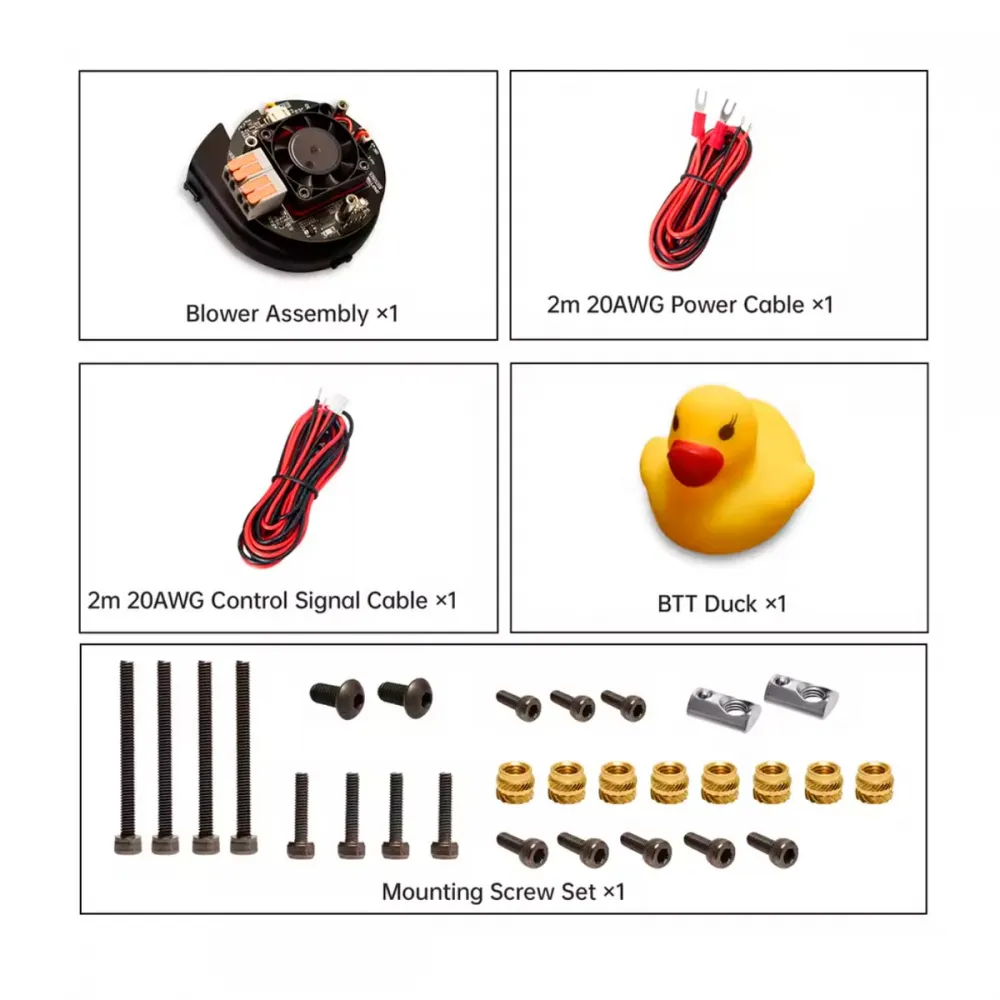
Not included: flexible hose, printed parts, KNOMI, SFS, additional fans or other components shown in some installation examples.