

- Stock: Discontinued
- Model: MicroSD-64GB-Kingston

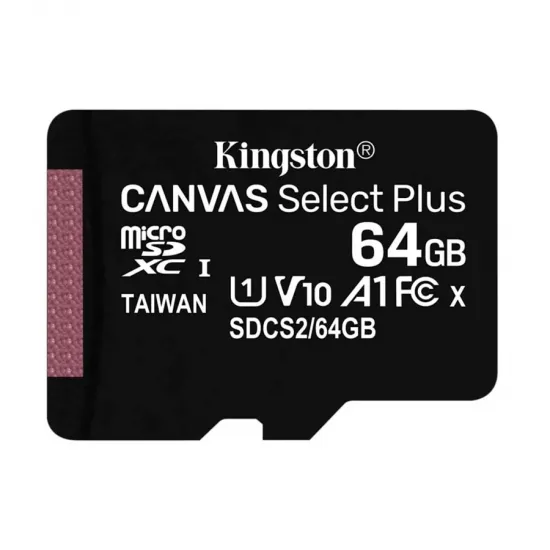
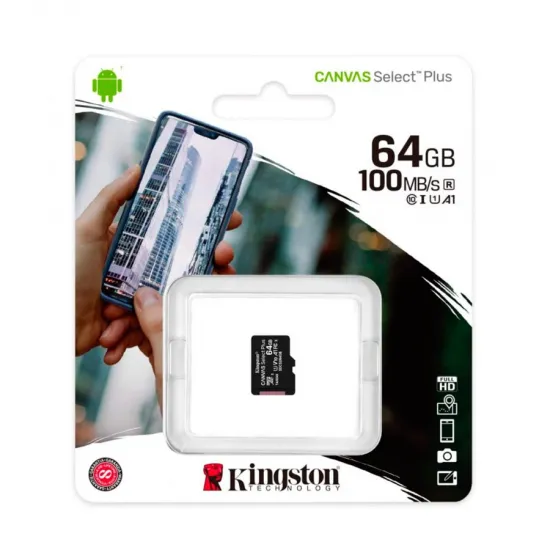
The 64GB Kingston Canvas Select Plus is a UHS-I microSDXC card for storing files and system images in devices that support this card format and capacity. The card pictured is marked SDCS2/64GB and carries Class 10, U1, V10 and A1 ratings.
It suits compatible Android devices, cameras and other microSDXC hosts. It can also store files or an operating-system image for some 3D-printing projects, provided the reader, firmware and card format are compatible.
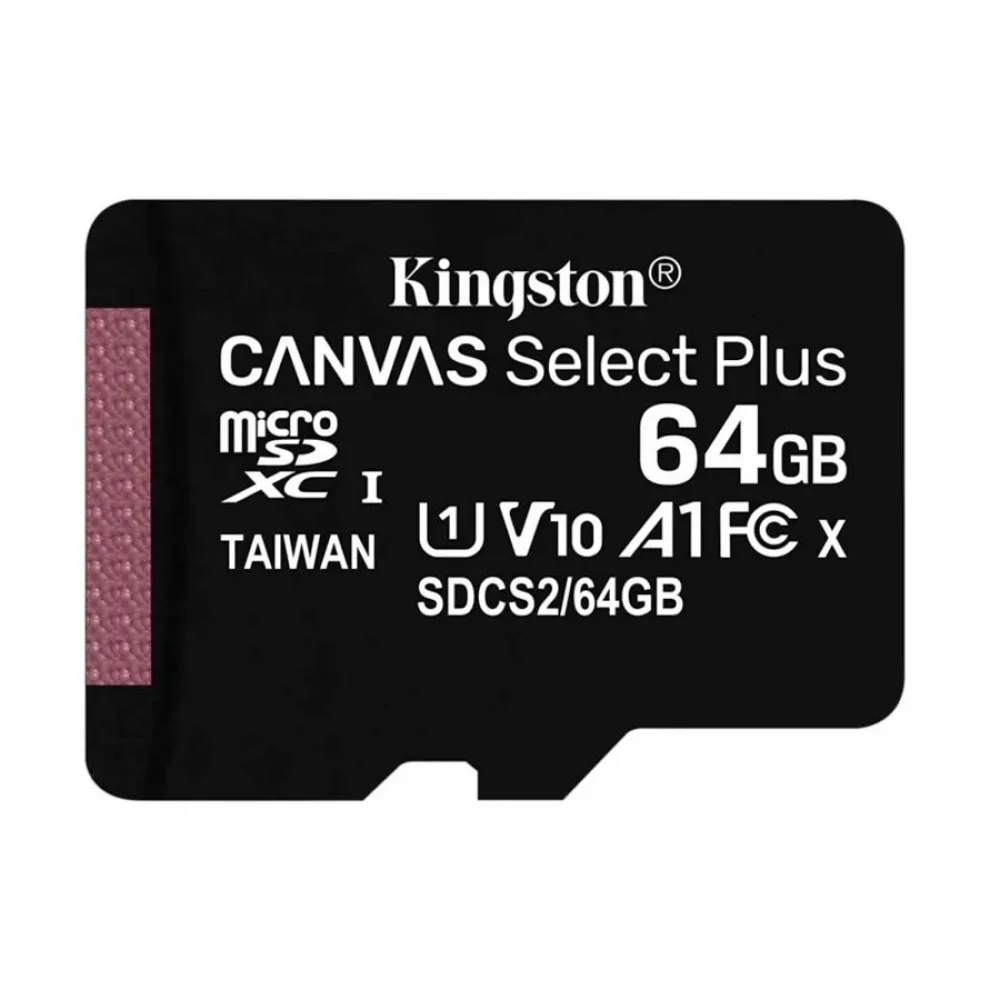
Specifications of this 64GB version
- Capacity: 64GB nominal; formatted usable space is somewhat lower.
- Card format: microSDXC, 11 × 15 × 1mm physical size.
- Interface and ratings: UHS-I, Class 10, U1, V10 and A1. U1 and V10 denote 10MB/s sequential-write speed classes under their respective test conditions; A1 is an application-performance rating.
- Read speed: up to 100MB/s according to Kingston; actual speed depends on the host and usage. Kingston does not specify an 85MB/s write speed for this 64GB version.
- Series file system: exFAT at 64GB. Check your device's required format before use.
Using it with a 3D printer
A microSD slot alone does not guarantee support for a 64GB microSDXC card. Some printer controllers and displays limit capacity or require a particular file system. Check the machine manual before choosing the card for G-code storage or firmware updates. Back up any files before reformatting: this erases the card and cannot make an unsupported SDXC host compatible.
For systems that boot from microSD, such as the BIGTREETECH CB1 module, also check the capacity requirements and OS-image installation procedure for your revision. Flashing an image overwrites existing card content; simply copying an image file to the card is not enough.
It is for you if
- Your host supports 64GB microSDXC and you want portable storage from a recognised brand.
- You want a U1/V10/A1 card for files, Full HD capture or compatible Android apps.
- You can confirm capacity and format requirements before using it with a printer or embedded system.
It is not for you if
- Your reader or firmware only supports SD/SDHC cards up to 32GB.
- You need V30/U3 or a guaranteed 85MB/s write speed.
- You need a high-endurance card specifically for continuous recording.
Included: one 64GB microSDXC card. Full-size SD adapter not included.