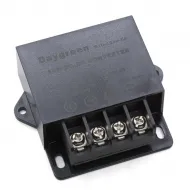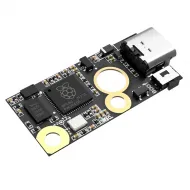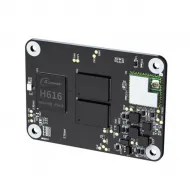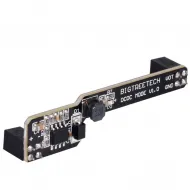


- Stock: 6
- Model: Octopus-PRO-H723

Model:

Octopus Board

Octopus PRO F446 180MHz 512K Flash
Octopus PRO H723 550MHz 512K Flash
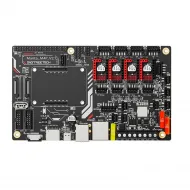
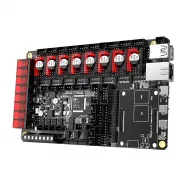
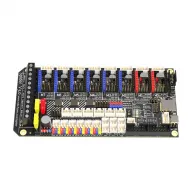
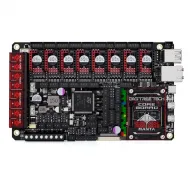
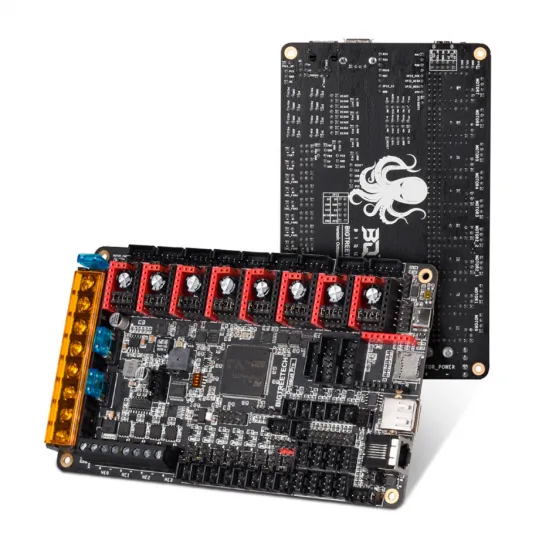
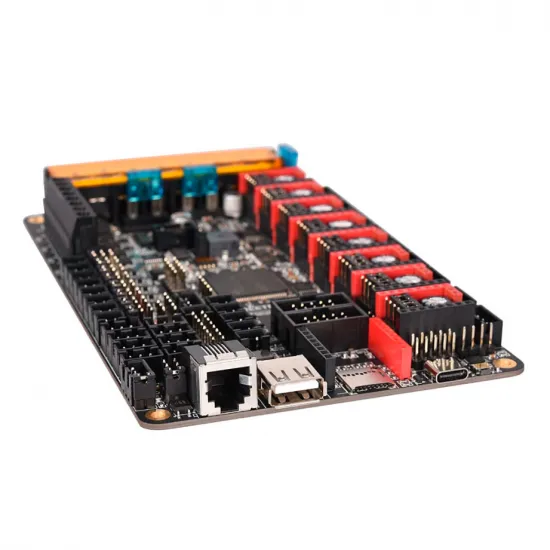
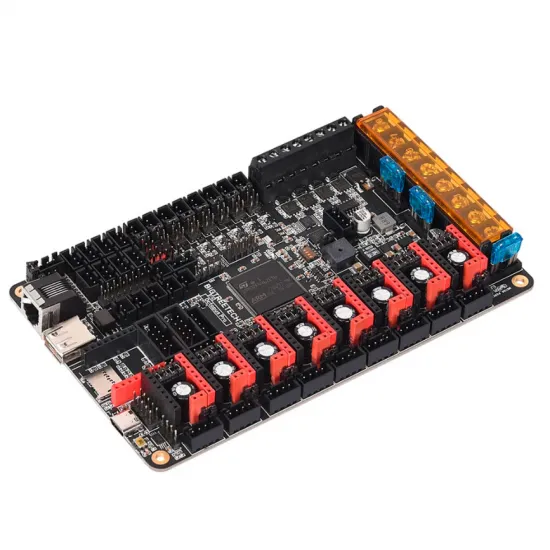
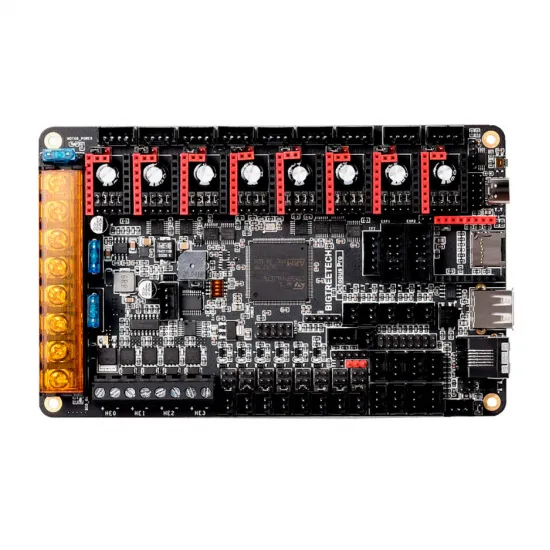
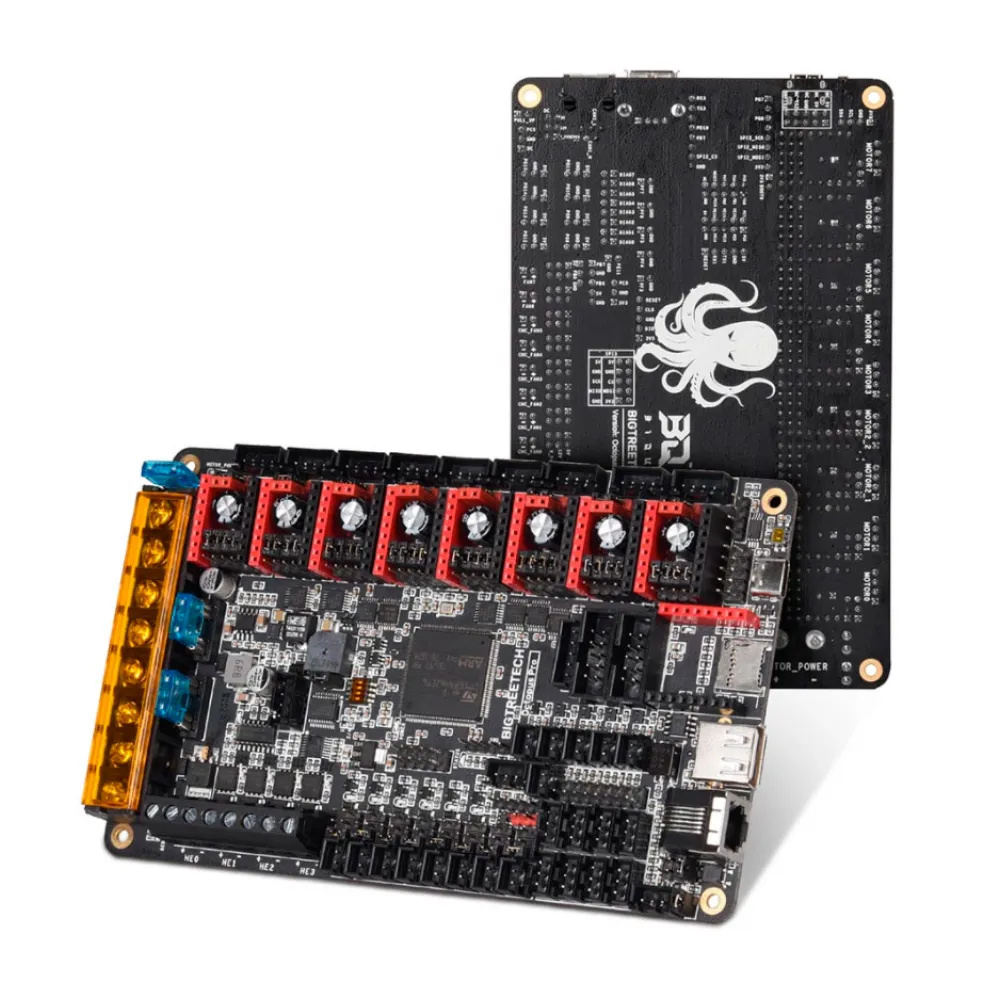
The BIGTREETECH Octopus Pro V1.1 H723 is a 32-bit controller for advanced 3D printers requiring many motors, heaters and peripherals. It features a 550 MHz STM32H723ZET6, eight replaceable driver sockets and a separate motor-power rail, an architecture particularly useful in CoreXY and multi-axis machines.
It is a capable choice for HPRO, Voron 2.4, Voron Trident and other custom printers. Compatibility is functional rather than plug-and-play: firmware, pin mapping, drivers, voltages, wiring and configuration must match the exact machine.
Main features
| Item | Specification |
|---|---|
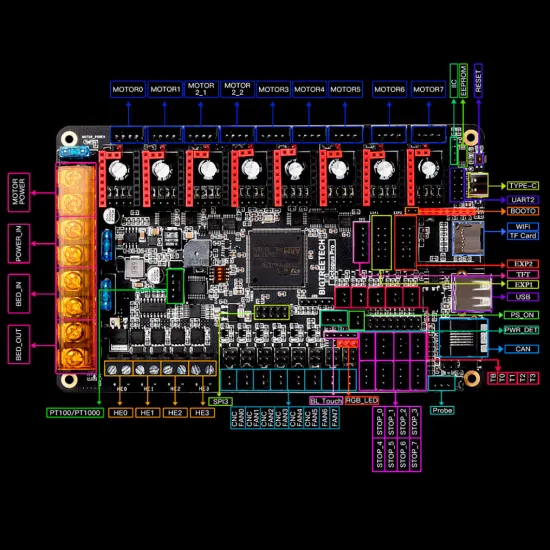
| MCU | STM32H723ZET6, up to 550 MHz |
| Drivers | 8 replaceable sockets; STEP/DIR and, depending on module, UART or SPI |
| Motors | 9 connectors; MOTOR2_1 and MOTOR2_2 share one driver |
| Heating | 1 bed and 4 HE0-HE3 outputs |
| Temperature | 5 inputs: TB and T0-T3 |
| Fans | 6 PWM and 2 always-on outputs |
| Interfaces | USB-C, CAN, UART, SPI, I2C, microSD/SDIO and EXP1/EXP2 |
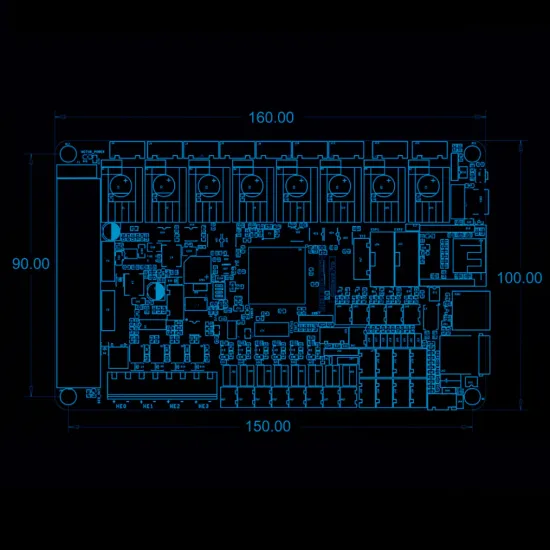
| Size | 160 × 100 mm; 150 × 90 mm mounting centres |
Independent motor power
Octopus Pro separates main, bed and motor power. The main input operates at 15-28 V DC. Each driver socket has its own jumper selecting Main Power or MOTOR_POWER, allowing electronics and peripherals to remain at 24 V while selected motors use a different supply.
Our HPRO machines use this board with the BIGTREETECH TMC2240 and a 36 V auxiliary PSU, with active cooling and a validated configuration. TMC2240 is limited to 36 V and must never receive 48 V, even if the board's MOTOR_POWER input can support a higher voltage with other drivers.
Drivers, fans and sensors
Drivers are sold separately. Jumpers beneath each socket select communications and microstepping and must match the installed module. Fan voltage must also be selected before connection. TB and T0-T3 are analogue inputs and firmware must use the exact sensor curve; a nominal 100 kΩ resistance alone does not identify it.
Size the power supply, fuses, wiring, ferrules and power stage for the actual current. Large beds may require a suitable external module. Test logic and communications first, then motors, endstops and fans, and leave heaters for a supervised check with thermal protection enabled.
Klipper setup
- Confirm that the MCU is marked STM32H723.
- In
make menuconfig, select STM32H723, 128 KiB bootloader and 25 MHz crystal. USB uses PA11/PA12. - Build and install firmware using the V1.1 procedure.
- Start from
generic-bigtreetech-octopus-pro-v1.1.cfg, then adapt kinematics, pins, motors, drivers, currents, sensors and peripherals. - Check each output with the machine cold and supervised before enabling heaters.
Do not reuse the non-Pro Octopus V1.1 configuration: Klipper warns that doing so on Octopus Pro can inadvertently switch on a heater output.
Marlin setup
In a current Marlin release, select the exact board definition:
#define MOTHERBOARD BOARD_BTT_OCTOPUS_PRO_V1_1Then define the real drivers, currents, thermal sensors, heaters, fans, probe, endstops and dimensions. Do not use BOARD_BTT_OCTOPUS_PRO_V1_0 or BOARD_BTT_OCTOPUS_PRO_V1_0_1, which target different revisions and MCUs.
It is for you if
- You need up to eight independently controlled drivers.
- You want selected motors to use a supply separate from main power.
- You are configuring an HPRO, Voron or another advanced Klipper/Marlin project.
It is not for you if
- You need a drop-in replacement without compiling firmware or checking wiring.
- You do not need separate motor power or this many inputs and outputs.
- You cannot verify every driver's jumpers, voltage and limits before power-up.
If you do not require the H723 MCU or separate MOTOR_POWER rail, the BIGTREETECH Octopus V1.1 STM32F446 may be a simpler alternative.
Technical documentation: official BIGTREETECH Octopus Pro repository and official Klipper configuration for Octopus Pro V1.1.