

- Stock: Out of Stock
- Model: TFT50-BTT

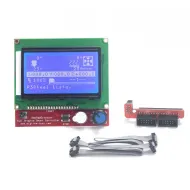
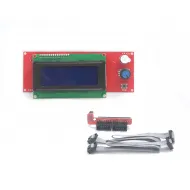
Model:

TFT24 V1.1

TFT35 V3.0

TFT43 V3.0

TFT50 V3.0
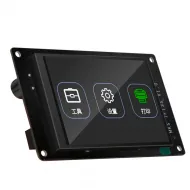
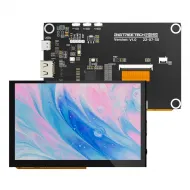
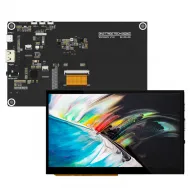
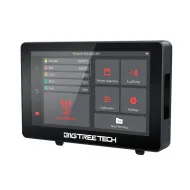
The BIGTREETECH TFT50 V3.0 combines a large 5-inch colour touchscreen with the ability to operate as a graphical 12864 LCD controlled by the printer firmware. Use its own touch interface through a serial UART connection, or connect EXP1 and EXP2 to access Marlin's classic encoder-driven menu.
Both connection types may remain installed when the controller provides the required interfaces, but one display mode is used at a time. This dual function is useful for custom machines and electronics upgrades that need a large touch interface without losing access to the 12864 menu.
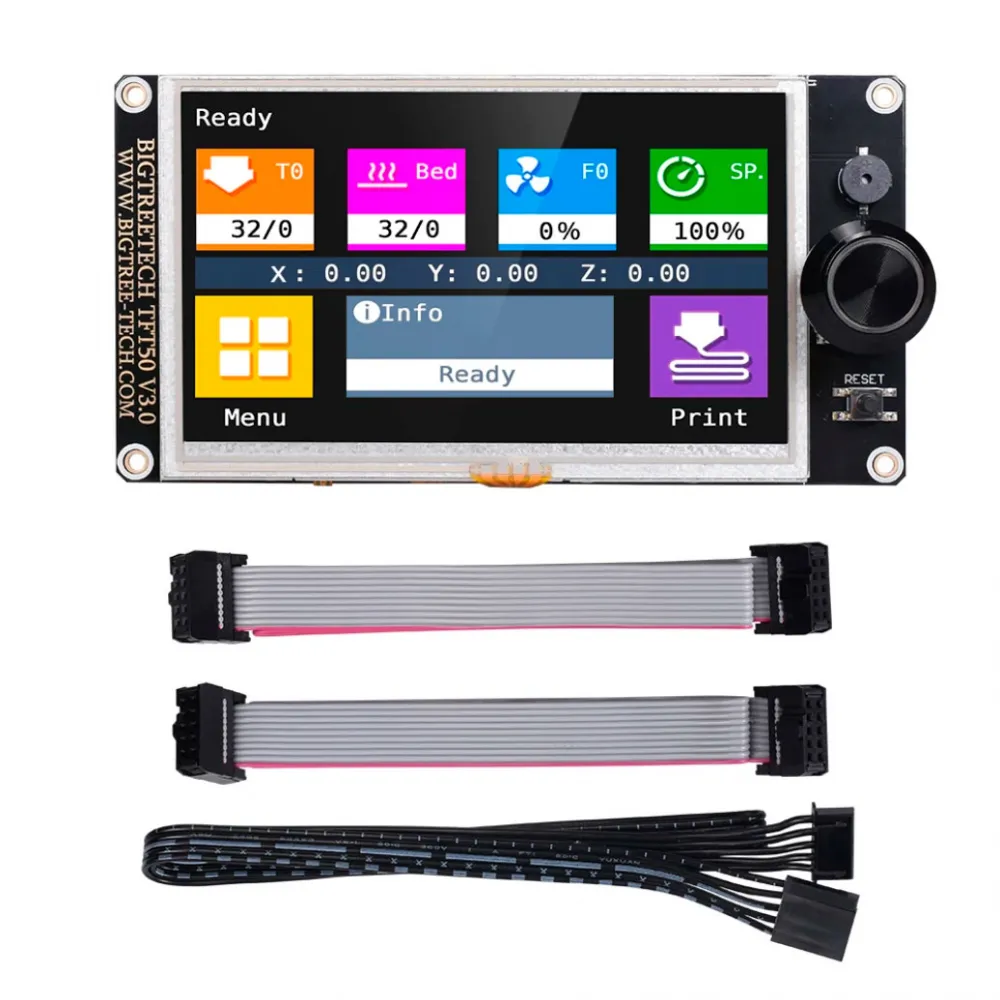
Touch Mode and 12864 LCD mode
| Mode | Connection | How it works |
|---|---|---|
| Touch Mode | Five-pin serial cable to a compatible UART | The TFT runs its own touch interface, reads machine status and sends G-code commands. |
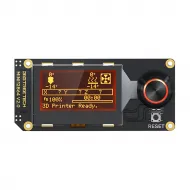
| Marlin Mode / 12864 LCD | EXP1 + EXP2, or EXP3 on certain E3-format boards | The controller firmware generates the menu; it is operated by the encoder rather than touch. |
With current firmware, the mode selector opens through a long press on the touchscreen or encoder. Exact timing may vary between versions. A powered display does not prove that communication is working: Touch Mode needs a correctly configured UART and baud rate, whereas 12864 mode needs matching EXP signals and firmware settings.
Official dual-mode video
In this video BIGTREETECH demonstrates the TFT43, TFT50 and TFT70 V3.0 switching between the touch interface and 12864 LCD mode. It is a visual demonstration; icons and menus may differ with newer firmware.
Specifications
| Feature | Value |
|---|---|
| Model | BIGTREETECH TFT50 V3.0 |
| Display | 5-inch TFT touchscreen |
| Resolution | 480 × 272 pixels |
| Active area | 110.88 × 62.832 mm |
| Power input | 5 V DC from a compatible connection |
| Overall dimensions | 149 × 77.5 mm |
| Mounting pattern | 141 × 69.5 mm between centres |
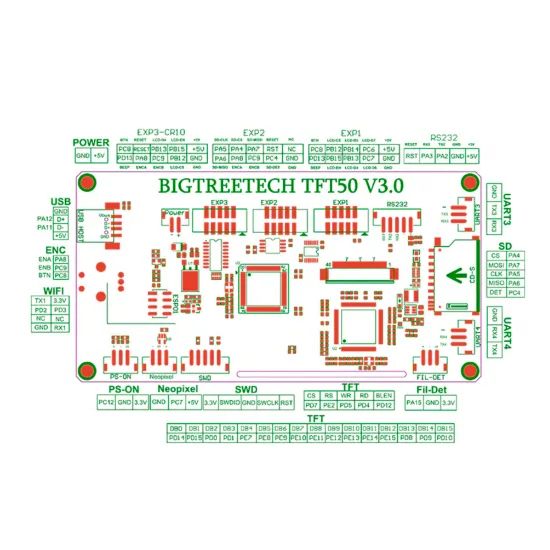
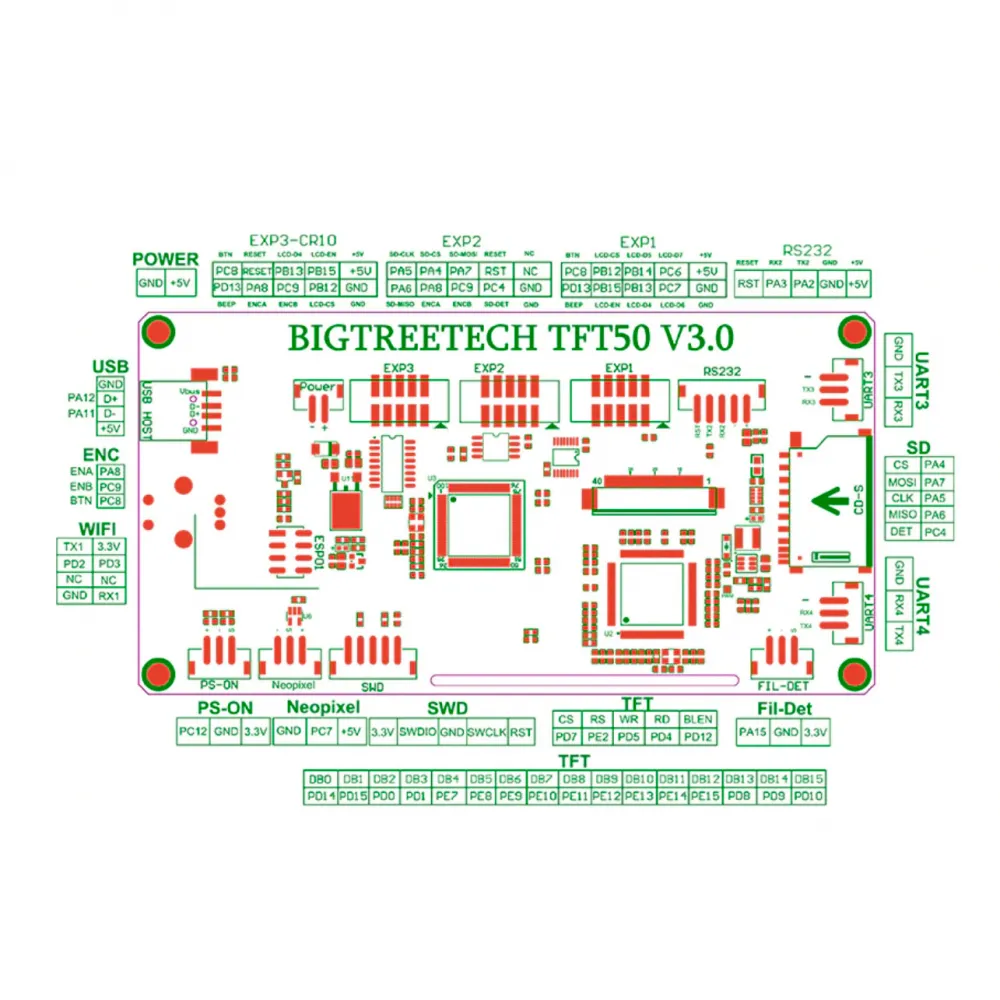
| Main interfaces | TFT UART, EXP1, EXP2, EXP3, SD and USB host |
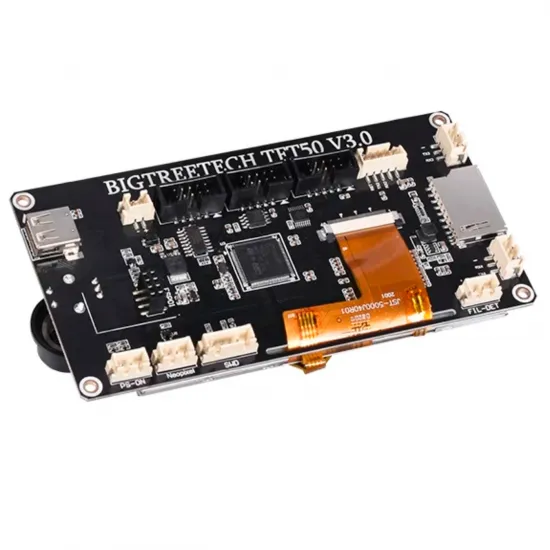
| Expansion | Optional Wi-Fi, FIL-DET, PS-ON, Neopixel, UART3, UART4 and SWD |
The original manual identifies an STM32F205/207VCT6 Cortex-M3 microcontroller running at 120 MHz. The photographed unit carries an ST-family chip, but read its physical marking before updating because current firmware also supports a GD TFT50 V3.0 variant.
Pinout and connection safety
The five-pin connector labelled RS232 carries the logical RST, RX, TX, GND and +5 V signals for the TFT serial link. It must not be connected to a classic ±12 V RS-232 port. Always compare the display and controller pinouts: TX communicates with RX, and connector shape alone does not guarantee the same signal order.
EXP1 and EXP2 carry the 12864 LCD emulation signals for conventional boards. EXP3 uses a different assignment intended for certain E3-format controllers. Do not interchange these connectors based on their appearance, and never connect or remove cables while the printer is powered.
Touch Mode installation
- Switch the printer fully off and disconnect any USB cable that could back-power the controller.
- Identify a compatible UART and consult the pinout for the exact controller revision.
- Connect +5 V, GND, TX, RX and, when required, RST according to the signals at both ends.
- Enable the serial port assigned to the TFT in the printer firmware.
- Set the same serial speed on the controller and display.
- Verify temperatures, motion, fans, endstops and stopping behaviour before printing.
Change the display speed through Menu > Settings > Connection > S. Ports or the serial_port setting in config.ini. If No printer attached! appears, check power, common ground, TX/RX, the selected UART and baud rate before changing unrelated settings.
Marlin configuration
BIGTREETECH currently uses Marlin 2.1.1 or later as the reference for all modern TFT features. Older firmware may establish basic serial communication, but complete reporting, prompts and assistants must not be assumed.
Touch Mode commonly relies on EEPROM_SETTINGS, BABYSTEPPING, AUTO_REPORT_TEMPERATURES, AUTO_REPORT_POSITION, EXTENDED_CAPABILITIES_REPORT, M115_GEOMETRY_REPORT, M114_DETAIL and REPORT_FAN_CHANGE. Pause, filament change, progress and controller-media printing may require further options.
Controllers with EXP1 and EXP2
Connect EXP1 to EXP1 and EXP2 to EXP2. In Configuration.h, enable only:
#define REPRAP_DISCOUNT_FULL_GRAPHIC_SMART_CONTROLLERDisable other display controllers, especially CR10_STOCKDISPLAY. If the image is corrupted or the encoder does not respond, power down and check orientation, pin 1 and continuity of both cables.
E3-format controllers with one EXP header
When the controller documentation explicitly confirms compatibility, connect its display output to EXP3 on the TFT50 and enable only:
#define CR10_STOCKDISPLAYThis must not be extended to every Ender-3 or Creality board solely because it has a similar connector. Signals, orientation, voltage and firmware settings must all match.
RepRapFirmware and Klipper
RepRapFirmware: the official TFT firmware includes serial support. Start with the config_rrf.ini template, adapt it and save it as config.ini. The correct controller port must also be configured; do not copy another board's port number or speed without checking.
Klipper: this TFT50 V3.0 is not a KlipperScreen display and does not connect to a Linux host through HDMI, DSI or SPI. Some builds may use 12864 mode when the controller, pinout and ST7920 definition are properly documented, but this is not universal touchscreen compatibility.
For a display designed to show KlipperScreen from a compatible host, see the BIGTREETECH TFT35 SPI V2.1 for CB1 and KlipperScreen. It uses a different architecture and does not replace the TFT50 in Marlin UART/EXP installations.
Wi-Fi, SD, USB and expansion
The TFT50 V3.0 has a socket for an external Wi-Fi module; it has no working Wi-Fi by itself. It also provides SD, USB host, FIL-DET, PS-ON, Neopixel and auxiliary UART connectors. Each feature needs matching hardware, pinout and configuration; the connector does not mean that the accessory is supplied.
Safe TFT firmware update
- Confirm the TFT50 V3.0 model and read the physical microcontroller marking.
- From the
masterbranch of the official BIGTREETECH firmware repository, obtain the TFT50 V3.0 binary matching the STM or GD family fitted to your unit. - Use a FAT32 SD card up to 8 GB and place the binary, matching
TFT50resources and aconfig.inifrom the same version in its root. - Restart the display and watch the process. Never install firmware for TFT35, TFT43, TFT70, Pi TFT50 or a different MCU family.
The display and printer controller use separate firmware. On supported devices USB can load icons, fonts or configuration, but the TFT firmware binary is installed from SD.
Package contents
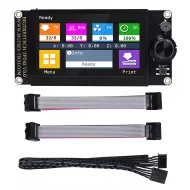
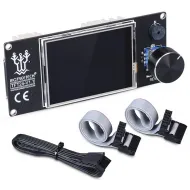
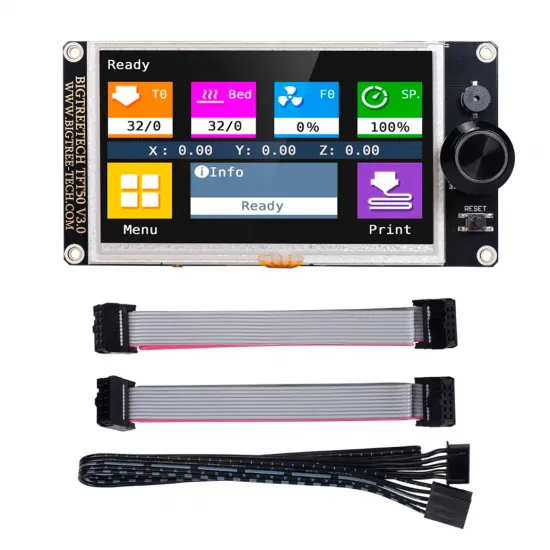
- 1 BIGTREETECH TFT50 V3.0 display.
- 1 five-pin serial cable.
- 2 ten-pin ribbon cables for EXP1 and EXP2.
The Wi-Fi module, SD card, USB drive, enclosure, filament sensor and other expansion accessories are not included.
It is for you if
- You want a large display with both a touch interface and 12864 LCD mode.
- Your controller provides a properly documented UART, EXP1+EXP2 or EXP3 connection.
- You can verify the pinout, dimensions and firmware configuration.
It is not for you if
- You need an HDMI, DSI or KlipperScreen interface.
- You expect built-in Wi-Fi without installing an external module.
- You need a mechanical drop-in replacement without checking the opening, mounting holes and connectors.
- You prefer a more compact dual-mode screen; in that case consider the 3.5-inch BIGTREETECH TFT35 V3.0.