

- Stock: 1
- Model: TFT35-MKS

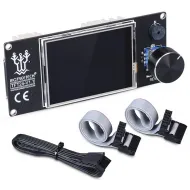
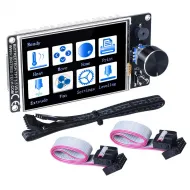
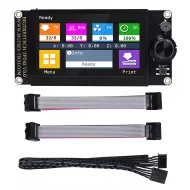
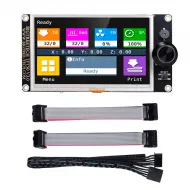
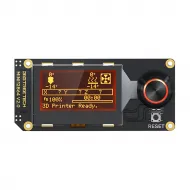
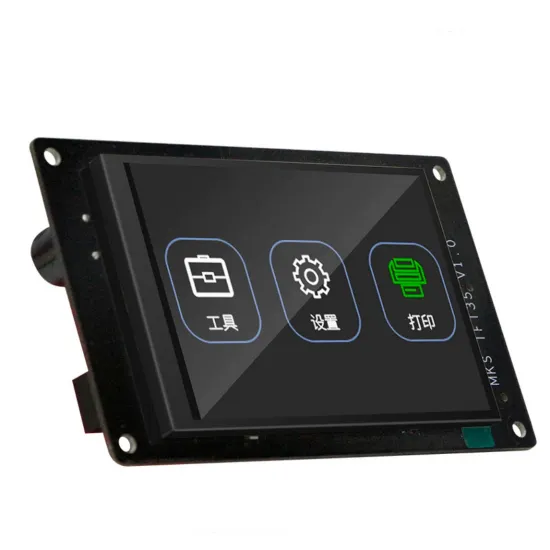
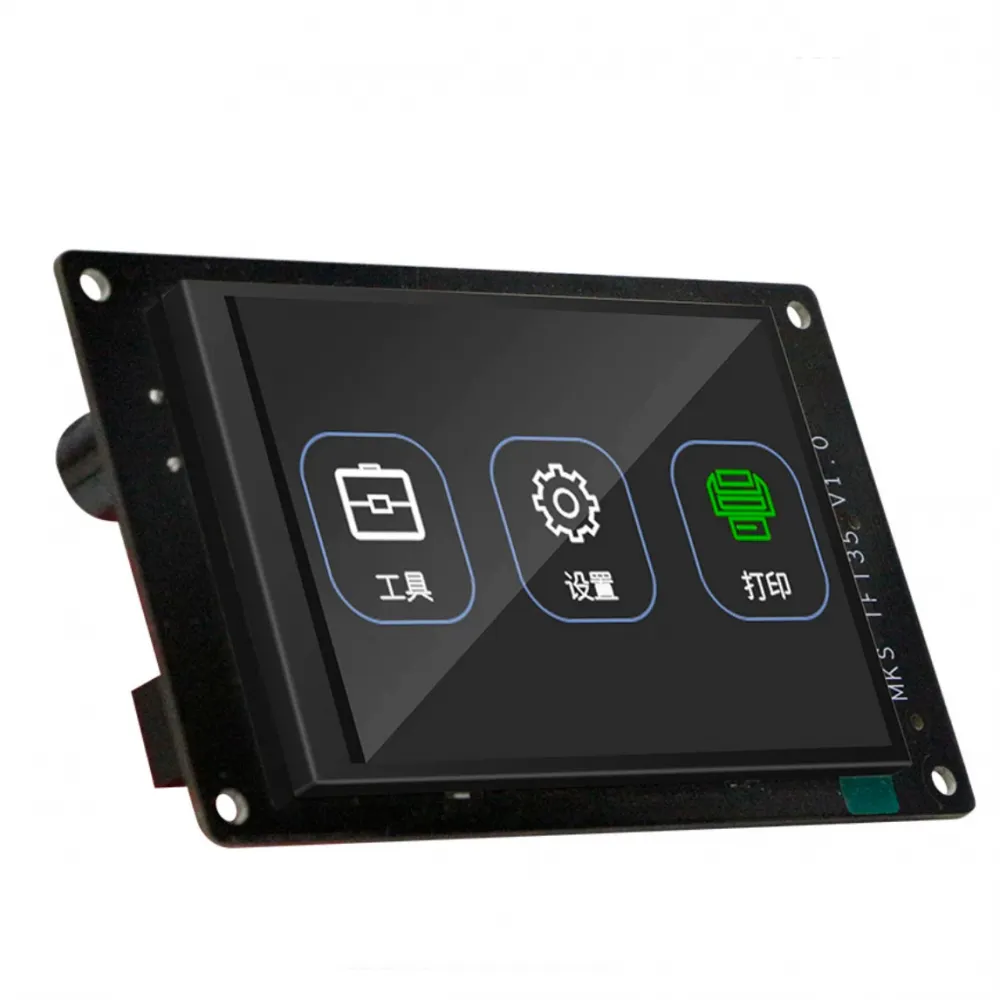
The MKS TFT35 V1.0 is a standalone 3.5-inch touchscreen designed to control 3D printers by sending G-code through a serial UART connection. It has its own processor, graphical interface and storage support, so it does not operate like a 12864 LCD connected through EXP1/EXP2: it communicates with a free serial port on the main controller.
It is particularly useful for upgrading Marlin or Smoothieware machines when the controller provides a UART, 5 V power and compatible firmware. It can operate the printer, send files from an SD card or USB flash drive, display status information and access additional functions without keeping a computer connected during the print.
Main features
- 3.5-inch, 480 x 320-pixel resistive touchscreen.
- STM32F407VET6 Arm Cortex-M4F processor running at 168 MHz.
- Independent control through G-code commands over UART.
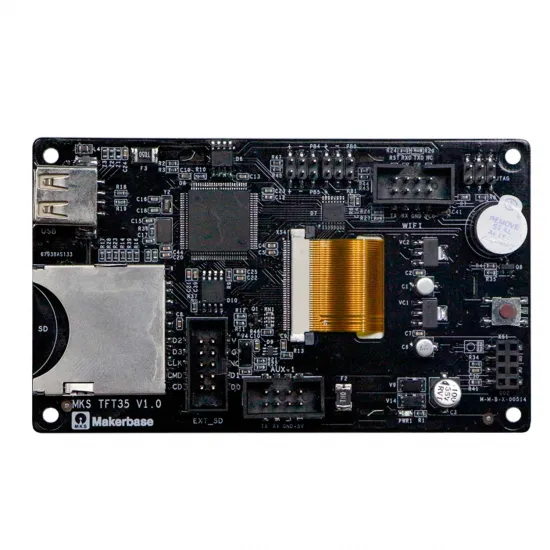
- SD-card slot and USB host port for storage media.
- Multilingual interface, including English and Spanish.
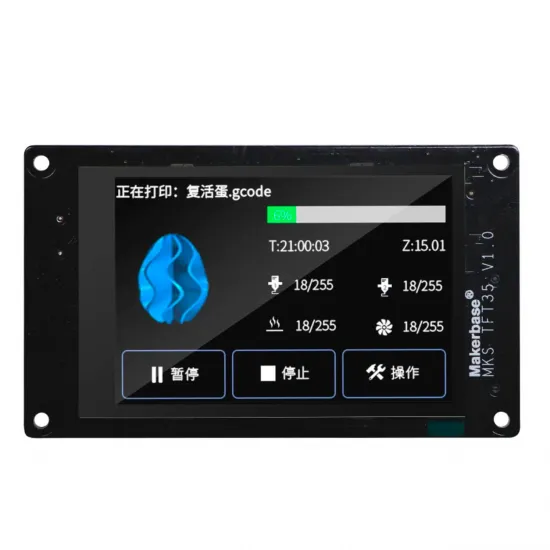
- G-code console, motion, temperature, extrusion, fan and levelling controls.
- Customisable logo, icons, colours and buttons through firmware resources.
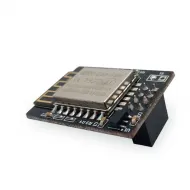
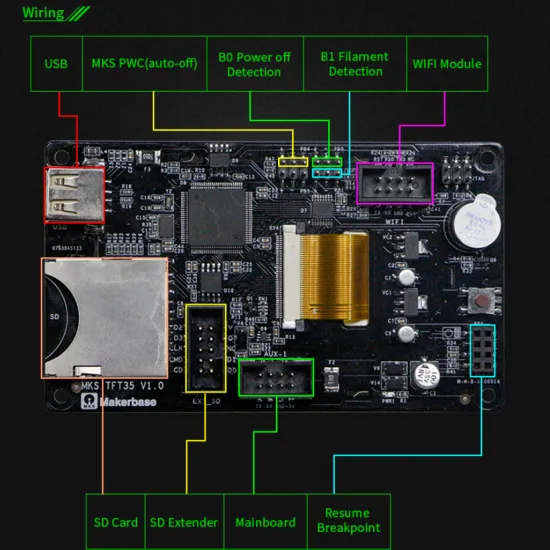
- Dedicated connector for an optional compatible MKS TFT WiFi module.
Verified specifications
| Feature | Value |
|---|---|
| Manufacturer and revision | MKS / Makerbase TFT35 V1.0 |
| Display | 3.5-inch resistive touchscreen |
| Resolution | 480 x 320 pixels |
| Processor | STM32F407VET6 Cortex-M4F at 168 MHz |
| Power input | 5 V DC from a compatible interface |
| Controller communication | UART through 5 V, GND, TX and RX |
| Selectable serial speeds | 9600, 57600, 115200 and 250000 baud |
| Print storage | SD card and USB flash drive |
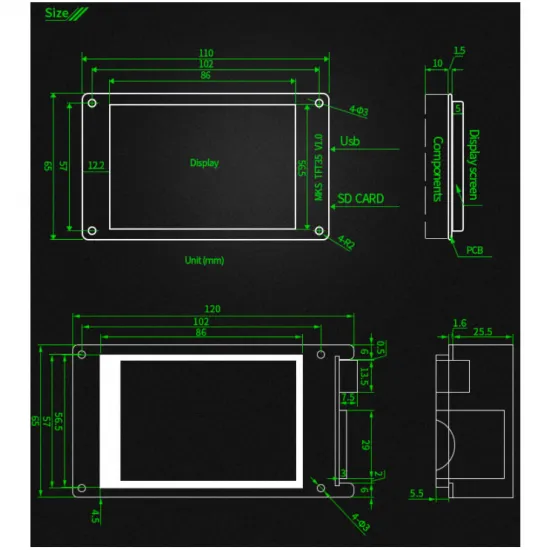
| PCB dimensions | 110 x 65 mm |
| Mounting centres | 102 x 57 mm |
| WiFi | Connector for an optional MKS TFT WiFi module; not built in |
Connection
The TFT35 needs an available UART on the main controller and four correctly identified signals: 5 V, GND, TX and RX. The TX output of one device must communicate with the RX input of the other, but connector order and orientation vary between controller revisions. Always check both silkscreens and pinouts before applying power.
- Switch off the power supply and disconnect USB from the main controller.
- Locate a free UART and verify that its connector provides 5 V, GND, TX and RX.
- Check continuity and orientation if the cable is not the controller's original TFT cable.
- Connect power and ground, then cross TX/RX as specified by the documented pinout.
- Configure the serial port and select the same communication speed in firmware and screen.
- Perform the first test with heaters disabled and verify temperatures, motion and endstops before printing.
Marlin configuration
The MKS TFT35 is not declared as a graphical LCD in Marlin's controller options. It must receive the same G-code protocol as a serial host. On a controller with an available second UART, the usual structure is:
#define SERIAL_PORT_2 <controller_UART_port>
#define BAUDRATE_2 115200
The port number is not universal: it depends on the microcontroller, controller revision and pin file. On Marlin versions without a separate baud-rate setting for the second port, the TFT must use the configured general value. The screen itself supports 9600, 57600, 115200 and 250000 baud.
- Do not assign the TFT to a UART already used by WiFi, Bluetooth, another host or a serial peripheral.
- A screen that powers up but shows no temperatures usually indicates incorrect TX/RX, port or baud rate.
- If status data is received but buttons have no effect, also check the return path from TFT TX to controller RX.
- Advanced functions depend on commands and reports implemented by the specific Marlin version and configuration.
Current serial-port options are listed in the official Marlin documentation.
Smoothieware, Repetier and Klipper
- Smoothieware: Makerbase specifies support through a G-code serial port. UART and communication speed must be configured for the actual controller.
- Repetier: the historical TFT firmware contains specific handling for this system, but feature coverage may depend on version and should not be assumed to be complete.
- Klipper: this is not a KlipperScreen, HDMI, DSI or Linux-host SPI display. We do not recommend purchasing it as a native Klipper interface; third-party bridges may be partial and do not constitute official support.
Printing from SD or USB and G-code preview
The TFT35 can read files from its own SD card or USB flash drive and stream them to the controller over UART. When printing this way, avoid having another host transmit commands simultaneously through the same logical channel.
A model preview does not appear automatically for every file: the slicer or post-processing step must embed graphical data in a format recognised by the MKS firmware. An ordinary G-code file may print correctly even if no thumbnail is displayed.
Optional functions: actual requirements
| Function | Requirements |
|---|---|
| WiFi | Requires a compatible MKS TFT WiFi module, firmware and network configuration. Historical apps or remote services may change over time. |
| Filament runout detection | Requires a compatible sensor, input, polarity, wiring and configuration. |
| Power-loss resume | Depends on printing method, firmware, storage and, for some installations, a compatible detection or UPS module. Test it before relying on it for a long print. |
| Automatic power off | Requires a compatible power-control stage such as a correctly wired PWC system; the screen cannot disconnect the main supply by itself. |
| Levelling and probe | The main controller and firmware must manage the probe, limits and procedure. The TFT only requests actions through G-code. |
Updating the screen firmware
- Download only the package for MKS TFT35 from the official Makerbase documentation.
- Keep a backup of the configuration and resources you want to preserve.
- Extract the package and copy its required files and folders to the root of an SD card.
- With the screen switched off, insert the card and power it on or press reset.
- Do not remove the card or interrupt power while the update is running.
- When complete, remove or archive the update files to prevent an accidental repeat.
Do not mix binaries, fonts or image resources from TFT24, TFT28/32, TFT70, TS35 or H43 packages. Similar appearance or size does not make their firmware interchangeable.
Physical and functional compatibility
Compatibility does not depend on printer model alone. This screen is suitable when the controller provides 5 V, ground and a free bidirectional UART, runs compatible G-code firmware and has room for a 110 x 65 mm PCB with 102 x 57 mm mounting centres. A model-specific printed enclosure or bracket may be required.
It is not a direct replacement for a screen connected only through EXP1/EXP2, a proprietary panel or a machine whose UART is already occupied. Cables and pinouts from another MKS TFT should not be copied without checking the revision.
Is it for you?
It is for you if you want a standalone touch interface for a controller with documented UART and 5 V, use Marlin or Smoothieware and want SD/USB printing with optional MKS expansion.
It is not for you if you need KlipperScreen, a direct EXP1/EXP2 screen, an HDMI/DSI interface or cannot verify the controller pinout and serial port.
Contents
- 1 x MKS TFT35 V1.0 touchscreen.
SD card, USB flash drive, WiFi module, sensors, PWC, UPS, enclosure and other accessories are not considered included unless expressly stated in the order options or photographs.