- Stock: Out of Stock
- Model: TFT43-V3.0
Model:
TFT24 V1.1
TFT35 V3.0
TFT43 V3.0
TFT50 V3.0
Free shipping to mainland Spain, cheap to other destinations.
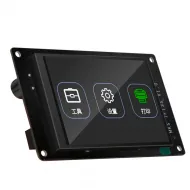
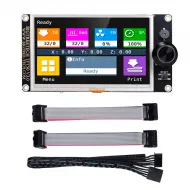
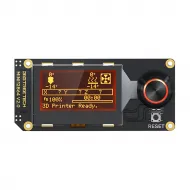
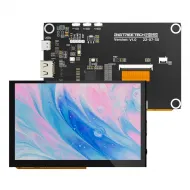
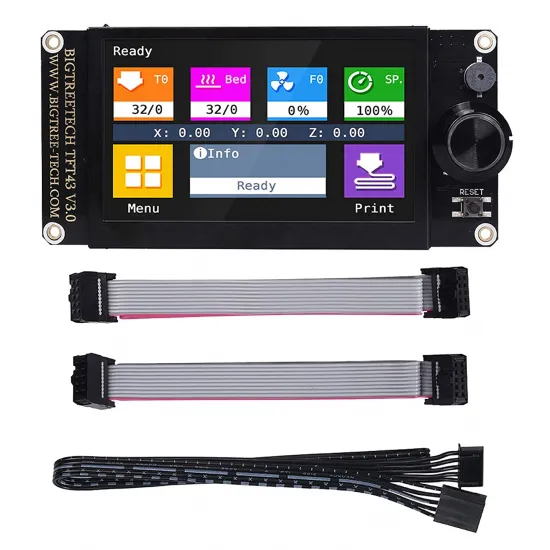
The BIGTREETECH TFT43 V3.0 combines a 4.3-inch touchscreen with graphical 12864 LCD emulation. Use the touch menu through a serial link to the mainboard, or use the printer firmware's own menu through the EXP connectors. It suits Marlin builds that need a larger display while retaining encoder-based control.
Both cable types can remain physically connected if the board provides the corresponding interfaces, but one screen mode is used at a time. Switch modes with a long press on the encoder or touchscreen; the exact press duration depends on the installed TFT firmware version.
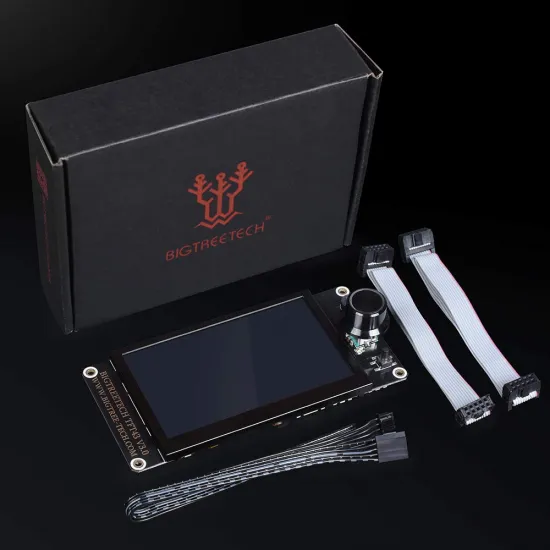
Package contents
- One BIGTREETECH TFT43 V3.0 display.
- One 5-pin serial cable for the TFT connection.
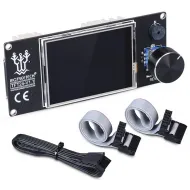
- Two ribbon cables for EXP1 and EXP2.
The Wi-Fi module, SD card, USB drive, enclosure and other accessories are not included in the stated package contents.
Specifications
| Feature | Value |
|---|---|
| Model | BIGTREETECH TFT43 V3.0 |
| Display | 4.3-inch TFT touchscreen, 480 × 272 pixels |
| Power input | 5 V DC from a compatible board connection |
| Modes | Serial UART touch mode; EXP graphical 12864 emulation |
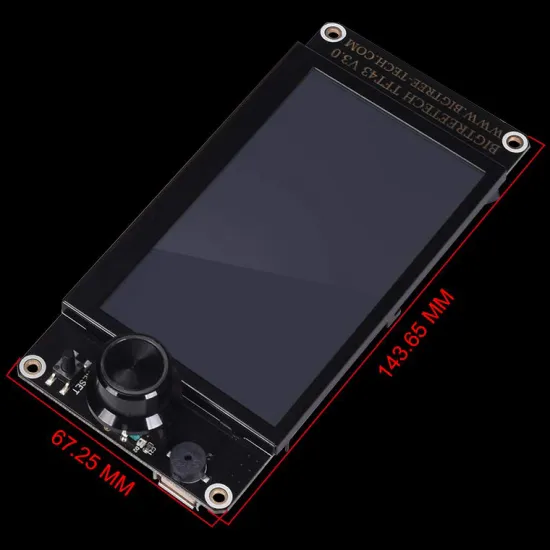
| Declared overall size | 143.65 × 67.25 mm |
| Mounting pattern | 135.65 × 59.25 mm between outer mounting-hole centres, per official drawing |
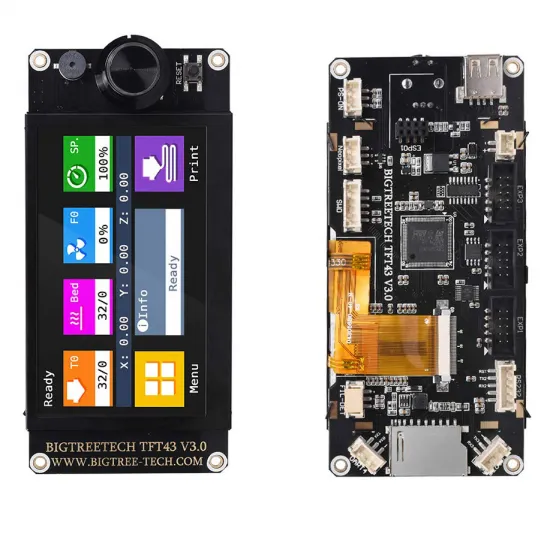
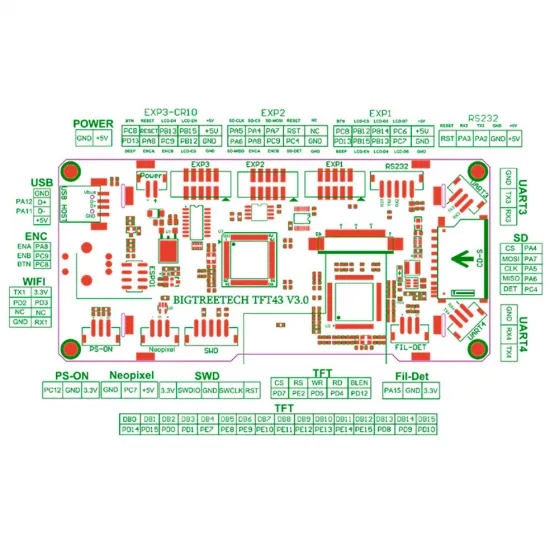
| Additional ports | SD slot, USB host, optional Wi-Fi module socket and other expansions |
Touch mode: serial connection
For the touch interface, connect the display's 5-pin TFT cable to a suitable serial port on the mainboard, usually labelled TFT or AUX. It needs 5 V, a common ground and the correct serial signals; five connector positions alone do not guarantee compatibility. Check the labels and pinout at both ends before connecting the cable. BIGTREETECH labels the display connector “RS232” in its drawing, but this TFT interface must not be connected to a classic ±12 V RS-232 port.
Marlin must enable the physical serial port used, and the mainboard and display must share the same baud rate. Change the TFT setting at Menu > Settings > Connection > S. Ports or in its config.ini. If No printer attached! appears, check power, connector position, TX/RX, the selected port and baud rate before changing unrelated settings. Never infer a pinout from wire colours.
Graphical 12864 LCD mode: EXP connections
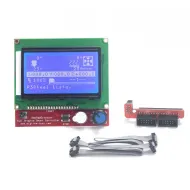
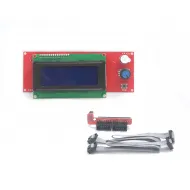
With a board offering compatible EXP1 and EXP2 headers, connect each ribbon cable between the matching board and display header. For graphical emulation, Marlin must enable only REPRAP_DISCOUNT_FULL_GRAPHIC_SMART_CONTROLLER in Configuration.h; other display options, especially CR10_STOCKDISPLAY, must be disabled.
On certain compatible E3-format boards with one EXP header, the TFT43's EXP3 may be used instead. In this case select only CR10_STOCKDISPLAY in Marlin. The wiring depends on the exact board and revision: verify pin 1 and the signal map, not merely the connector notch.
This mode is controlled with the encoder. Its menus depend on the printer firmware; the touch layer does not make 12864 emulation touch-operated.
Marlin, RepRapFirmware and Klipper
Marlin: supports both connection modes, with different configuration requirements. BIGTREETECH's current TFT firmware uses Marlin 2.1.1 as the minimum reference for all modern TFT features; older versions may establish basic communication, but full functionality must not be assumed. Advanced pause, automatic status reporting and media printing need further mainboard firmware options.
RepRapFirmware: the official TFT firmware includes serial support and a config_rrf.ini template to save as config.ini for the display. The correct serial port must also be configured on the controller; do not copy another board's port number or baud rate without checking.
Klipper: this TFT43 V3.0 is not an HDMI, DSI or SPI display for a Linux host and does not natively run KlipperScreen. If KlipperScreen is your goal, consider the separate BIGTREETECH TFT35 SPI for CB1 family and check host compatibility.
Wi-Fi and expansion connectors
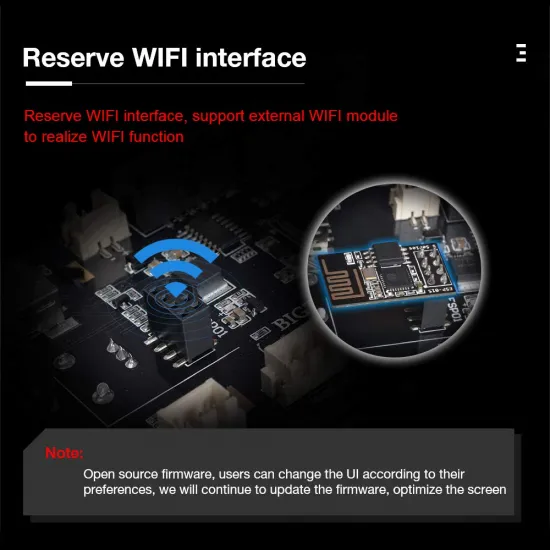
The board provides a socket for an optional Wi-Fi module; it is not wirelessly connected on its own. Filament runout, automatic shutdown and other expansion connectors require suitable accessories and configuration. The presence of a connector does not mean the accessory is supplied or that every printer supports the feature.
Updating the display firmware safely
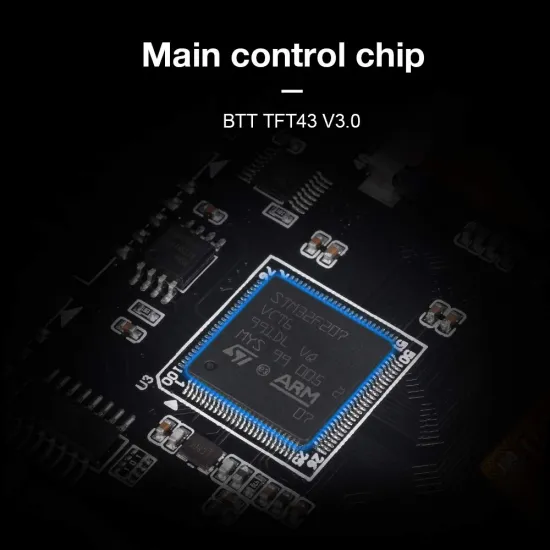
- Confirm the TFT43 V3.0 model and identify the microcontroller on the physical unit before selecting a file. BIGTREETECH distributes separate STM and GD binaries; they are not interchangeable.
- From the
masterbranch of the official BIGTREETECH firmware repository, obtain the exact binary, the matchingTFT43resources and aconfig.inifrom the same firmware version. - Use a FAT32 SD card up to 8 GB, place the files in its root and restart the display. Firmware binaries are installed from SD; leaving out fonts or icons can make menus unreadable.
- Watch the process and resolve any on-screen error. Never install a TFT35, TFT50, Pi TFT43 or mismatched TFT43 STM/GD binary on this display.
The display firmware is updated separately from the printer mainboard. If you cannot identify the chip, retain the existing firmware and ask before flashing.
Checks before fitting
- Measure the opening and mounting pattern: 12864 functionality does not guarantee that the display fits an older enclosure.
- Switch off power before connecting or reversing any cable.
- Verify 5 V, signal pinout and EXP/serial cable orientation for the exact board revision.
- Test each mode separately before leaving both connections installed.
This product is for you if
- You want both a touch menu and 12864 emulation on a printer with compatible board connections and firmware.
- You have space for a 4.3-inch panel and can verify the headers before fitting it.
This product is not for you if
- You need a KlipperScreen, HDMI or DSI display.
- You expect Wi-Fi without an additional module.
- Your board lacks a suitable serial/EXP interface or its firmware cannot be adapted.
For a more compact dual-mode option, compare the BIGTREETECH TFT35 V3.0 with your available space and connectors.