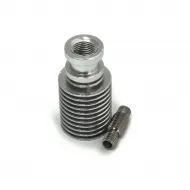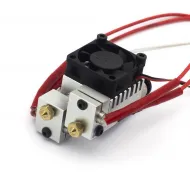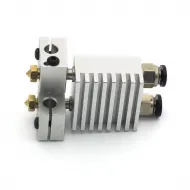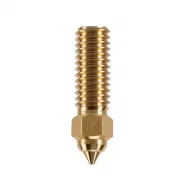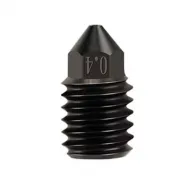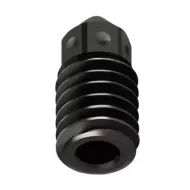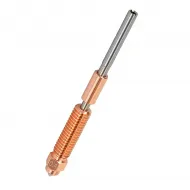


- Stock: 17
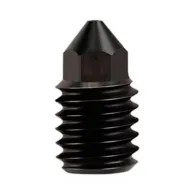
- Model: Nozzle-1.75 hardened steel-0.4

Model:

Clon V6 0.1
Clon V6 0.25
Clon V6 0.3

Clon V6 0.35

Clon V6 0.4

Clon V6 0.5

Clon V6 0.6

Clon V6 0.8

TV6 0.3

TV6 0.4

TV6 0.5

Hardened Steel 0.4

Hardened Steel 0.5
Hardened Steel 0.6

Plated Copper 0.4

Plated Copper 0.6

Plated copper and 0.4 hardened steel tip

Plated copper and 0.6 hardened steel tip
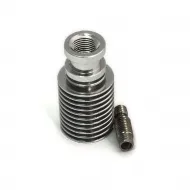
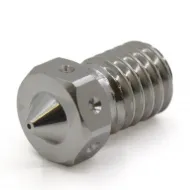
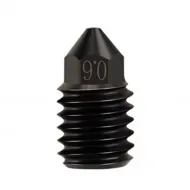
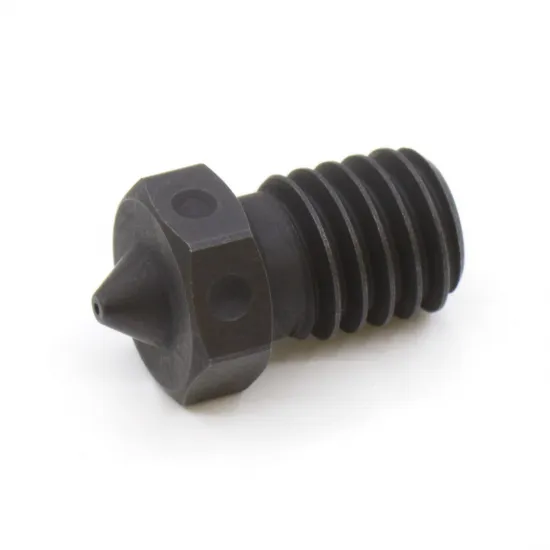
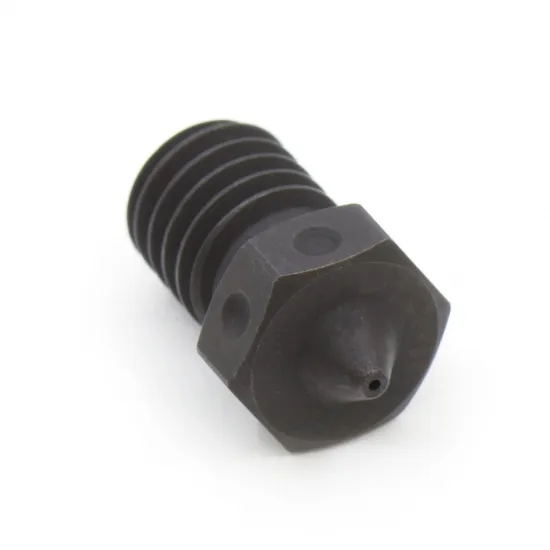
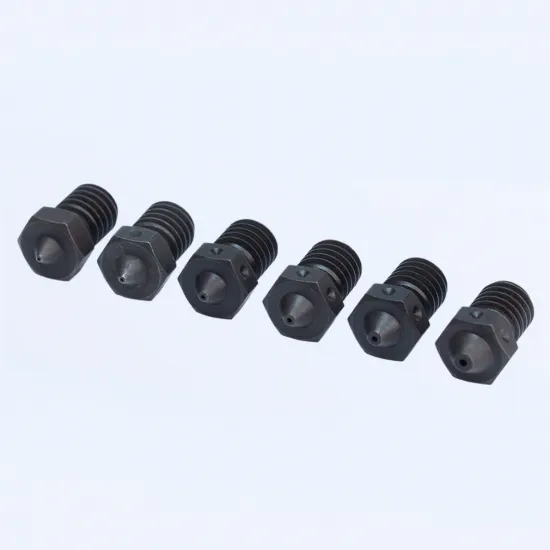
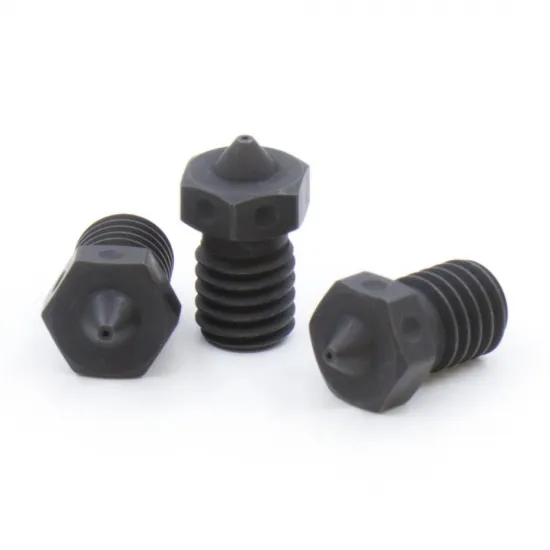
A 0.4 mm Trianglelab V6 nozzle manufactured from hardened A2 tool steel with a declared hardness of HRC 62. It is intended for 1.75 mm abrasive filaments, including carbon-fibre reinforced, glow-in-the-dark, wood-filled, metal-filled and other particle-loaded materials that can quickly wear a Brass nozzle.
The 0.4 mm outlet retains good detail and works with many familiar profile settings, but it cannot prevent clogs caused by oversized particles. Always check the filament manufacturer's minimum recommended nozzle diameter before printing a filled material.
Technical specifications
| Feature | Value |
|---|---|
| Brand and family | Trianglelab A2 Hardened Steel V6 |
| Material | Hardened A2 steel |
| Declared hardness | HRC 62 |
| Outlet diameter | 0.4 mm |
| Filament | 1.75 mm |
| Nominal thread | M6 × 1 |
| Nominal V6 length | 12.5 mm |
| Spanner size | 7 mm |
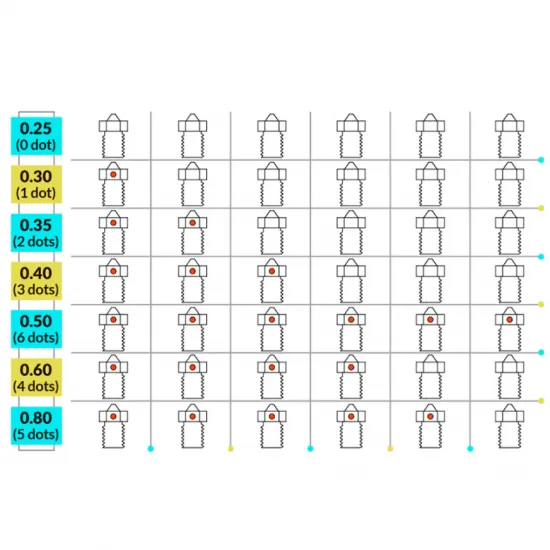
| Identification | 3 dots on the hex |
| Contents | 1 nozzle |
The thermal and chemical treatment may leave a dark, slightly uneven finish or minor colour variation. Trianglelab states that this appearance is normal and does not affect operation.
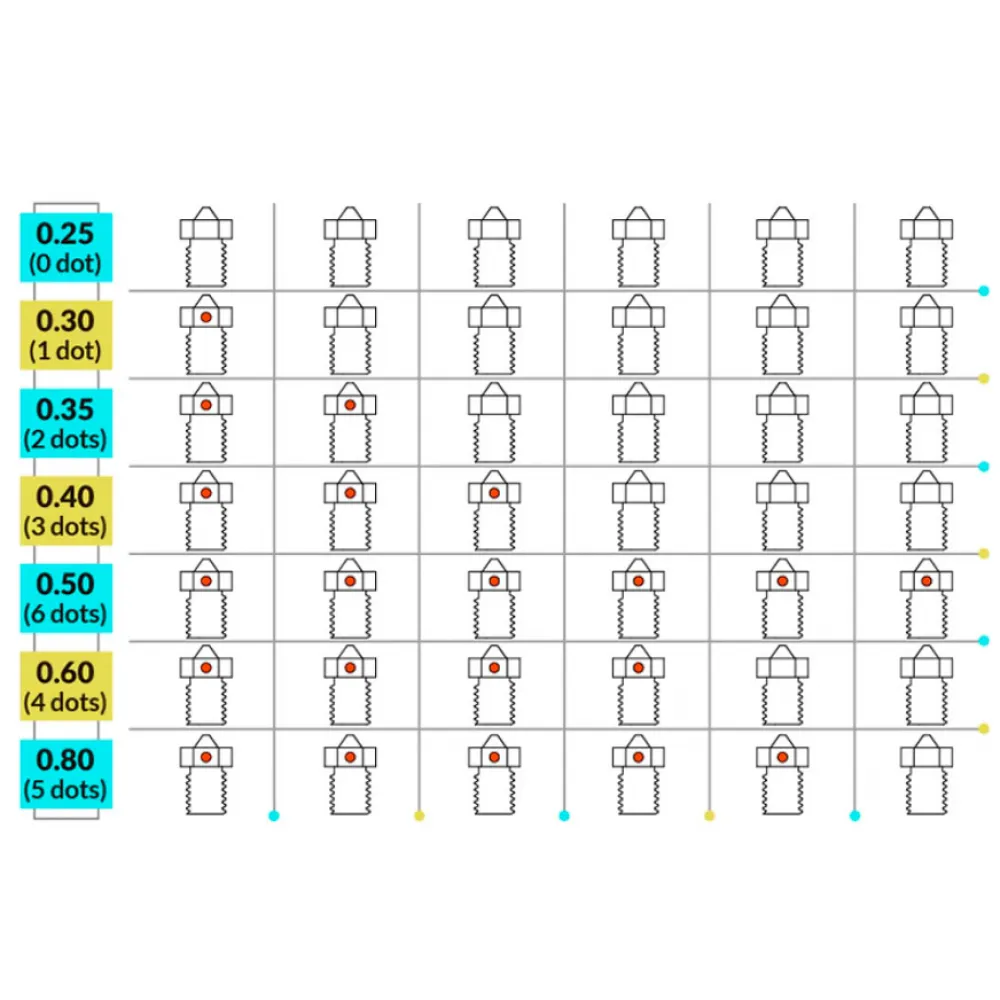
Choosing 0.4, 0.5 or 0.6 mm
| Diameter | Dots | Typical choice |
|---|---|---|
| 0.4 mm — this product | 3 | Best detail and general use; pay close attention to particle size. |
| 0.5 mm | 6 | A compromise between detail, line width and tolerance of filled materials. |
| 0.6 mm | 4 | Wider lines and lower relative sensitivity to particles; available melt flow must be checked. |
Compatibility
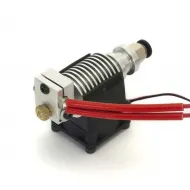
Compatible with V6 heater blocks for 1.75 mm filament that use the same M6 × 1 thread, overall length and sealing geometry. Trianglelab declares compatibility with V6, Lite6 and Titan Aero. It may also be used in Prusa printers and other machines fitted with an equivalent V6 hotside, but compatibility must be checked against the hotend actually installed, particularly after modifications.
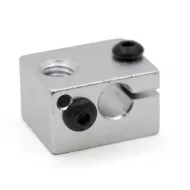
It can be paired with the V6 All Metal hotend for 1.75 mm filament or a Trianglelab Brass V6 block for 3 mm cartridge sensors, provided the remaining parts, heatbreak and assembly use the same geometry.
Installation and hot tightening
- Unload the filament and protect yourself from burns. Do not pull on heater or sensor wires.
- Start the thread without force. The nozzle must seal against the heatbreak inside the block rather than by bottoming the hex against the outside of the block.
- Support the heater block with a suitable tool and hot-tighten the nozzle. As a V6 reference, E3D specifies heating approximately 20 °C above the intended printing temperature, waiting about one minute and tightening to 2 N·m with a 7 mm spanner. Follow any lower limit or different procedure specified by the hotend manufacturer.
- A small visible gap must remain between the nozzle hex and heater block. Check for leakage after the first heat cycle.
The 6 and 7 mm open-ended spanner and multi-purpose heater-block holding tool can help during installation. Do not exceed the specified torque, as a damaged nozzle or heatbreak may shear inside the block.
Print and firmware setup
- Select 0.4 mm in the slicer and slice the model again. Check line width, layer height, speed and maximum volumetric flow.
- Steel transfers heat less readily than Brass. A modest temperature increase or lower speed may be required, but there is no universal offset; calibrate within the safe range of the filament and hotend.
- In Marlin and RepRapFirmware, nozzle diameter is normally handled by the slicer profile; this nozzle change does not by itself require firmware compilation.
- In Klipper, set
nozzle_diameter: 0.4under[extruder], runRESTARTand use a profile sliced for 0.4 mm. - Repeat PID calibration only if the actual thermal response warrants it; changing the outlet alone does not automatically require a new tune.
Temperature and maintenance
The usable maximum temperature is set by the lowest-rated component in the assembly: nozzle, block, heatbreak, heater, sensor, insulation, wiring and firmware. Although Trianglelab advertises this family for engineering polymers such as PEEK and PEI, the nozzle alone does not make a printer suitable for those temperatures.
For internal cleaning, prefer cleaning filament and warm or cold pulls. A Brass brush may be used carefully on the exterior. Avoid direct flame, steel brushes and unsuitable needles that may damage the outlet geometry.