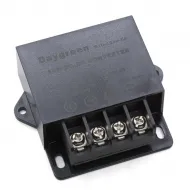
- Stock: 999
- Model: Protector-fuente-3Dsteel
Available Options
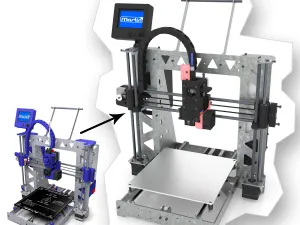
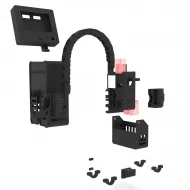
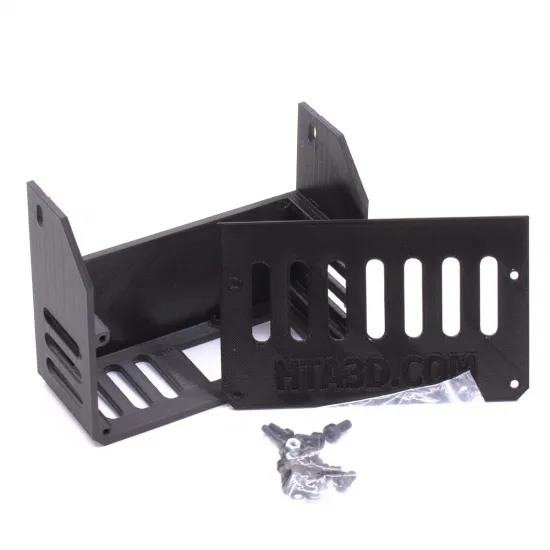
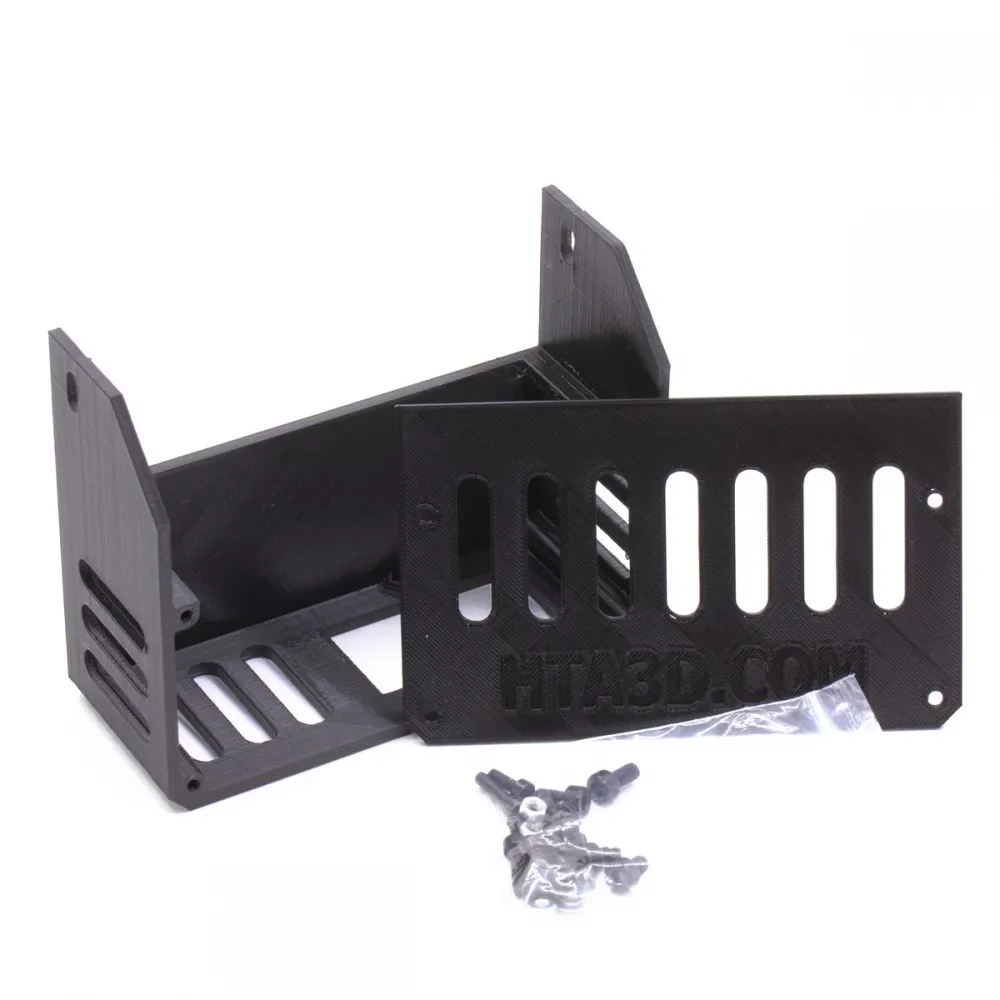
Printed-part set designed to protect the power-supply connections used on the original HTA3D 3DSteel. It consists of a base and a ventilated cover that provide access during installation while reducing accidental exposure to the terminals.
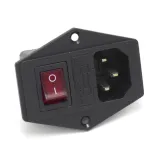
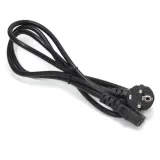
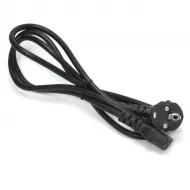
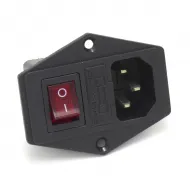
The cover is prepared for a switched IEC mains inlet, allowing a detachable power cable and a tidy installation.

Features
- Designed for the original HTA3D 3DSteel configuration.
- Material: Ingeo 3D850 PLA.
- Base and removable front cover.
- Front, side and bottom ventilation slots.
- Opening for a switched IEC mains inlet.
- Integrated mounting points.
Compatibility
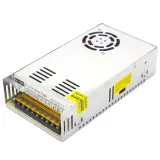
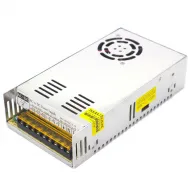
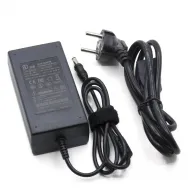
The guard is designed for the compact 12 V, 33 A and 400 W power supply used on the original 3DSteel and for our switched IEC mains inlet.
It should not be treated as a universal power-supply enclosure. Before using another batch or model, compare enclosure dimensions, mounting points and the positions of the terminals, fan, input-voltage selector and mains inlet.
Compatibility with the 3DSteel V2, P3Steel, Prusa i3 Steel and modified machines is not guaranteed because they may use a different mounting position or power supply.
Package contents
- 1 printed base.
- 1 printed ventilated cover.
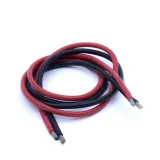
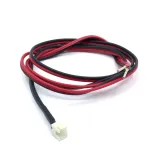
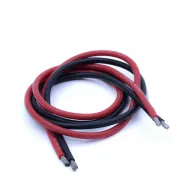
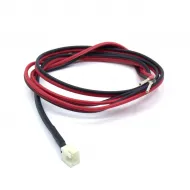
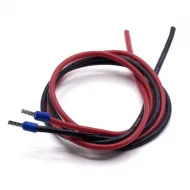
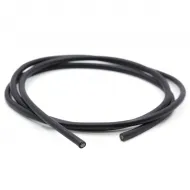
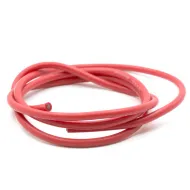
The power supply, IEC inlet, mains cable, wiring, terminals and fasteners are not considered included unless expressly stated in the order.
Installation and safety
- Fully disconnect the printer from mains power before installation or handling.
- Complete and check the wiring before closing the guard.
- Correctly connect protective earth to the power supply and metal frame where required.
- Use appropriately rated insulated terminals, wiring, fuse and strain relief.
- Do not obstruct the power-supply fan or air inlets.
- Do not overtighten screws against the printed parts.
This guard helps reduce accidental access to the terminals but does not replace a safe electrical installation. Work involving mains voltage must be performed by a person with suitable knowledge.
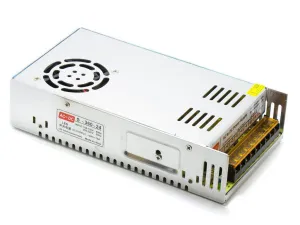
EQUIPMENT START UP:
- Check that the mains voltage matches the input selected for the source (110/220v)
- Connect the power supply to the mains to check the output voltage (12/24v)
- The output voltage is adjustable, if it differs from the one you want for your application you can turn the regulator, preferably with the equipment off. Never use a metal screwdriver with the equipment on to make this adjustment.
- (Depending on the model) This power supply has a regulated fan, it will turn when it has load, check periodically and in the first use that the fan is activated correctly.
SAFETY INSTRUCTIONS COMPACT POWER SUPPLY:
- Dimension the installation correctly, with an appropriate safety factor.
- Never block or hinder the fan's air output.
- Before connecting the equipment to the power supply, check that the available mains voltage corresponds to the voltage value of the equipment.
- Connect the mains cable of the equipment to a grounded power outlet.
- Do not place the equipment on wet or damp surfaces.
- Do not expose the equipment to direct sunlight or extreme temperatures.
- Do not expose the equipment to moisture.
- Do not exceed the maximum input voltage allowed.
- Comply with the warning and information labels on the equipment.
- Wear dry clothes and rubber shoes to ensure insulation.
- Do not insert metal objects into the equipment through the ventilation slots.
- Do not place containers full of liquids on the equipment (danger of short circuit in case of shock).
- Do not use the equipment near strong magnetic fields (motors, transformers, etc.).
- Do not expose the equipment to strong shocks or vibrations.
- Allow the unit to stabilize at room temperature before taking measurements (important for accurate measurement).
- Do not modify the equipment in any way.
- The equipment must be opened for service or repair by qualified personnel. It is recommended that repair work be carried out in the presence of a second person trained to perform first aid if necessary.
- Keep the power source away from children.
- Before cleaning the box, pull out the plug from the socket. Clean only with mild household cleaner. Make sure that no water gets inside the equipment to avoid possible short circuits and damage to the equipment.