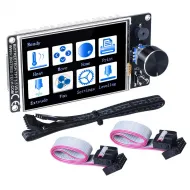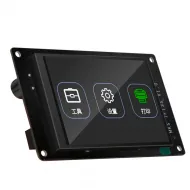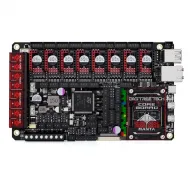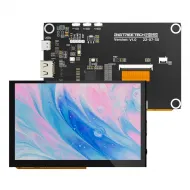


- Stock: 9
- Model: TFT35-SPI

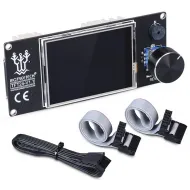
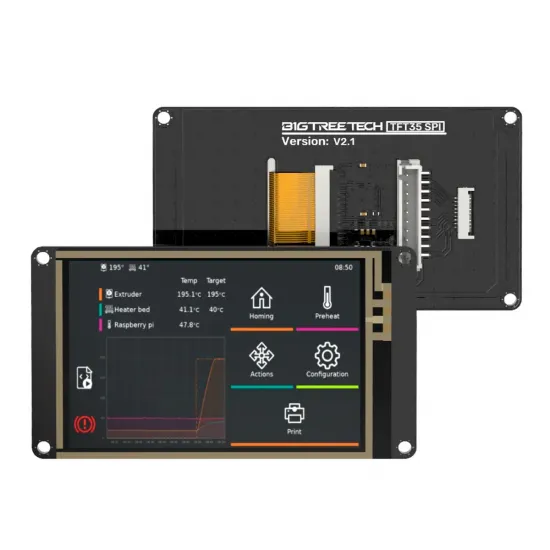
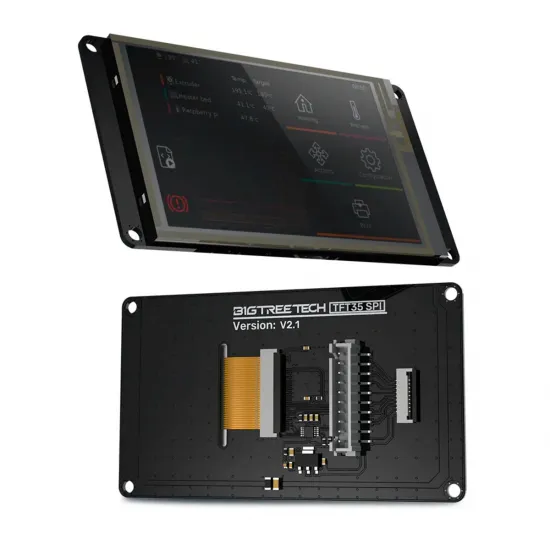
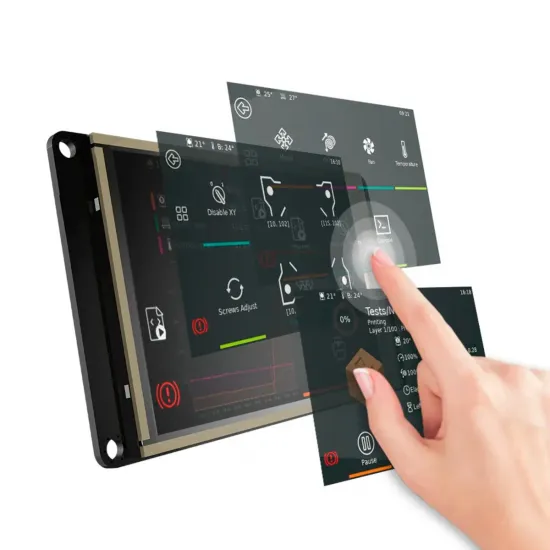
The BIGTREETECH TFT35 SPI V2.1 is a 3.5-inch, 480 × 320 resistive touchscreen designed to display KlipperScreen from a compatible Linux host. It uses SPI for the image and I2C for touch input, making it particularly suitable for compact systems based on the BIGTREETECH CB1 V2.2 and Manta boards fitted with the corresponding FPC interface.
It must not be confused with a BIGTREETECH TFT35 V3.x: this V2.1 is not a standalone display for direct EXP1/EXP2 or UART connection to Marlin. Its interface, printer control and touch support depend on the Linux host, KlipperScreen, wiring and enabled overlays.
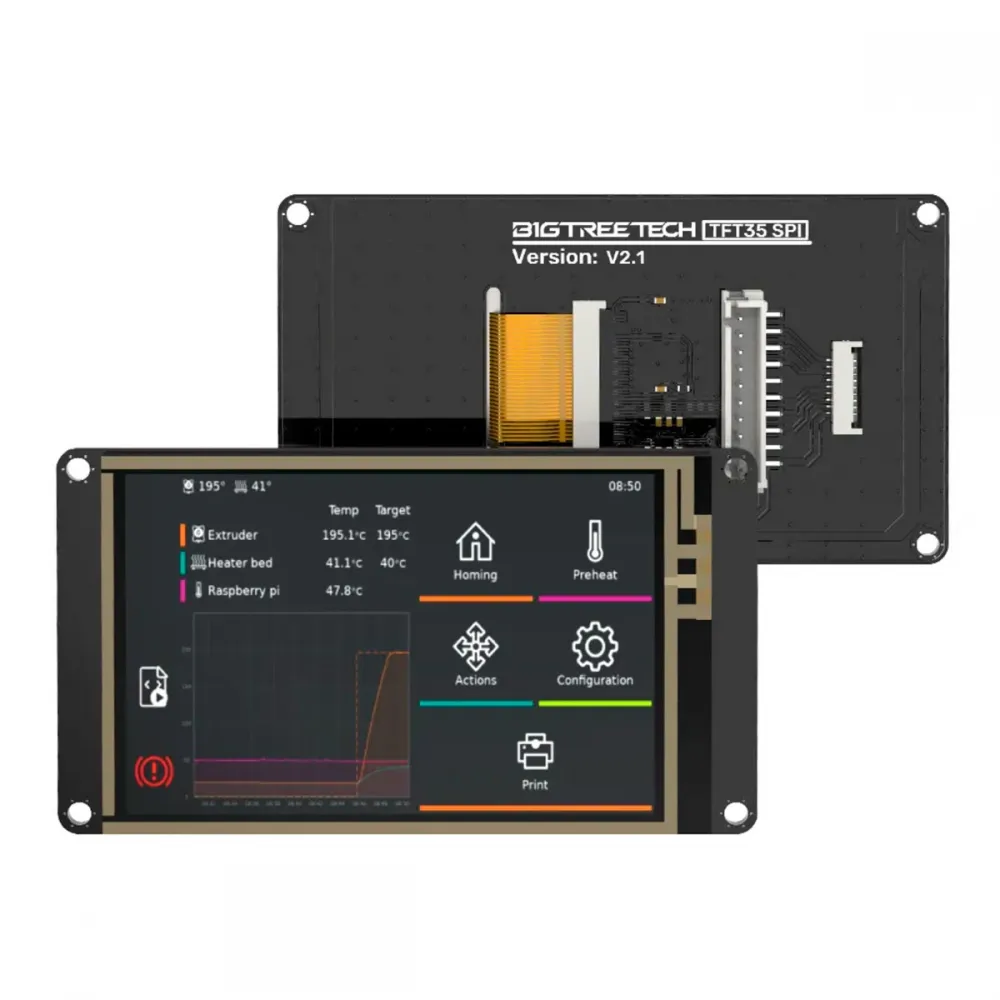
Key features
- Display: 3.5-inch colour TFT.
- Resolution: 480 × 320 pixels.
- LCD controller: ILI9488 over SPI.
- Touch controller: resistive NS2009 over I2C.
- Power input: 5 V DC.
- Logic level: 3.3 V.
- Connections: 9-contact FPC and 10-position XH2.54.
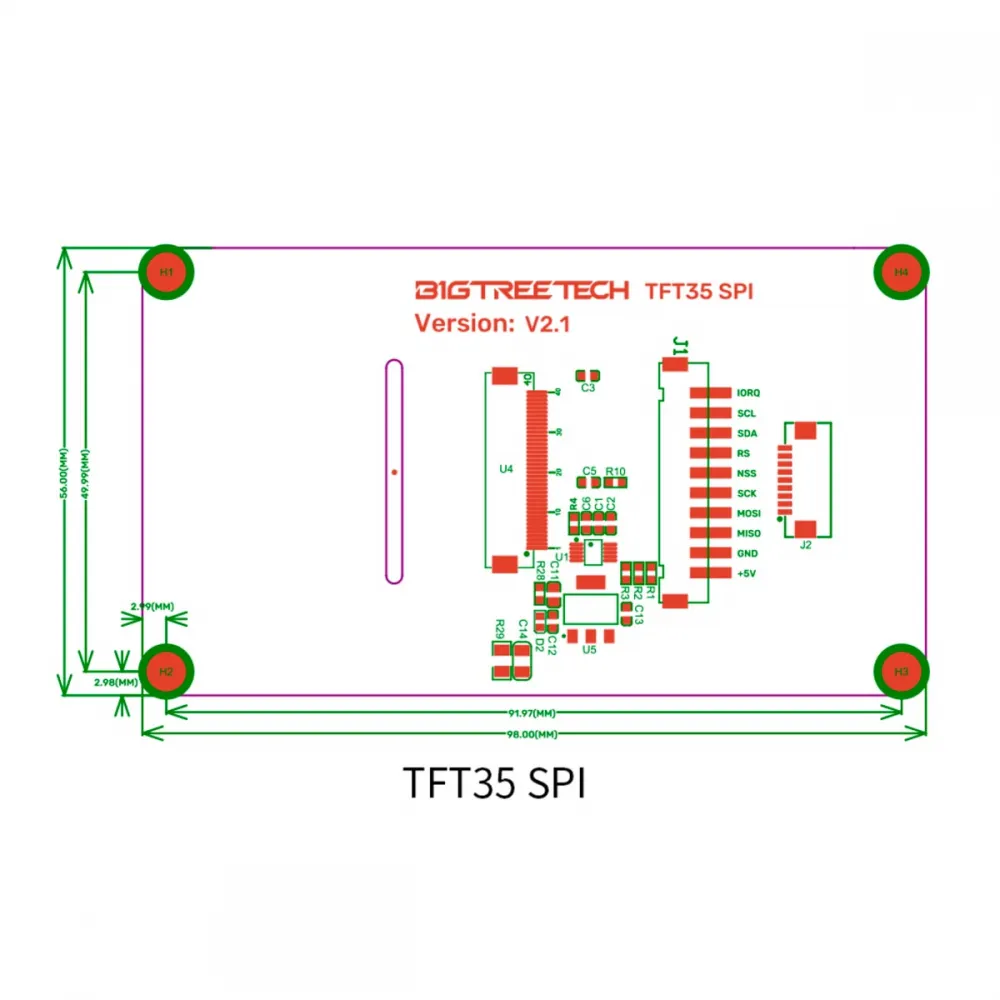
- Compact format: 98 × 56 mm PCB.
- D2 indicator: provides a quick indication that the screen is powered.
Technical specifications
| Feature | Value |
|---|---|
| Manufacturer and revision | BIGTREETECH TFT35 SPI V2.1 |
| Touch technology | Resistive, NS2009 controller over I2C |
| Display interface | SPI, ILI9488 controller |
| Diagonal | 3.5 inches |
| Resolution | 480 × 320 px |
| Power input | 5 V DC |
| Logic | 3.3 V |
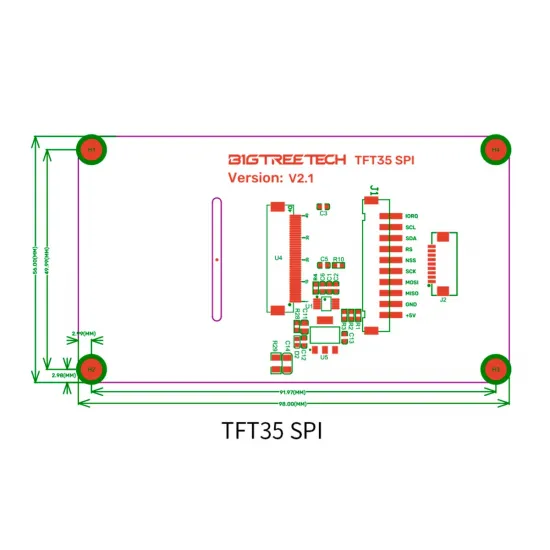
| Overall dimensions | 98.00 × 56.00 mm |
| Mounting centres | 91.97 × 49.99 mm |
| Connectors | 9-contact 1.0 mm FPC and 10-position XH2.54 |
Compatibility: documented combinations
| Combination | Compatibility | Conditions and limits |
|---|---|---|
| Manta M4P, M5P or M8P + CB1 | Documented by BIGTREETECH | The Manta revision must provide the FPC interface; cable, orientation, CB1 image and overlay must also match. |
| Manta M8P V2 + CB1 V2.2 | Recommended catalogue combination | Follow the M8P V2 manual and use a current official CB1 system image. |
| PI4B Adapter + CB1 | Additional interface required | The BIGTREETECH IO2CAN V1.0 configured for CB1 can provide the FPC interface, which is absent from the PI4B Adapter itself. |
| Raspberry Pi or CM4 | Partial compatibility | The official procedure documents an SPI display output but explicitly states that touch is not supported. |
| CB2 or another carrier | Not assumed | A shared form factor or connector is insufficient: the exact revision must document compatible pinout, levels, overlay and software. |
| Marlin or RepRapFirmware as a direct LCD | Not applicable | It does not provide the standalone EXP/UART mode found on a TFT35 V3.x; it is a Linux-host peripheral. |
Connectors and signals
The display offers two connection methods. The XH2.54 connector exposes ten signals, including the IORQ touch interrupt. The 9-contact FPC carries power, SPI and I2C but omits that line. Do not connect either interface by mechanical appearance alone or build an adapter without checking every pin.
| Signal | XH2.54 | FPC | Function |
|---|---|---|---|
IORQ | Pin 1 | Not available | Touch interrupt/request |
SCL | Pin 2 | Pin 1 | Touch I2C clock |
SDA | Pin 3 | Pin 2 | Touch I2C data |
RS | Pin 4 | Pin 3 | LCD data/command selection |
NSS | Pin 5 | Pin 4 | LCD SPI chip select |
SCK | Pin 6 | Pin 5 | SPI clock |
MOSI | Pin 7 | Pin 6 | SPI data to display |
MISO | Pin 8 | Pin 7 | SPI data to host |
GND | Pin 9 | Pin 8 | Ground |
+5V | Pin 10 | Pin 9 | Display power |
CB1 and KlipperScreen setup
Use a current official CB1 system image for a new installation. BIGTREETECH has changed some filenames between releases: recent images use armbianEnv.txt, whereas older documentation refers to BoardEnv.txt. Always edit the file actually present on the installed image's BOOT partition.
- Turn the printer fully off and disconnect any USB cable that could back-power the electronics.
- Connect the FPC in the orientation specified for the Manta board or adapter. Never insert or remove it while powered.
- On the
BOOTpartition, enabletft35_spiin the overlays line without deleting other required settings. - Set
param_tft35_spi_rotateto 0, 90, 180 or 270 degrees as required by the installation. - In
system.cfg, select TFT35 as the KlipperScreen source and synchronise touch rotation with the displayed image. - Restart the host and verify image, touch, orientation and calibration before closing the enclosure.
overlays=tft35_spi
param_tft35_spi_rotate=0
For the old CB1 V2.2.1 image, BIGTREETECH instructed users to select tft35_spi25 to reduce SPI speed and prevent a scrambled image. Later images already use a lower, more stable default speed; do not transfer that legacy setting to a current system unless its own documentation requires it.
Sharing the SPI bus
On CB1, TFT35 SPI and the MCP2515 CAN controller can share SPI1 through separate chip-select lines. BIGTREETECH states that multiplexing is theoretically possible, but also recommends avoiding other SPI1 functions when MCP2515 requires strong real-time behaviour.
Troubleshooting
- D2 remains off: check 5 V, ground, cable continuity, orientation and host connection.
- D2 is on but there is no image: check the overlay, CB1 image, KlipperScreen service and selected interface.
- Scrambled or random image: update to a recent official CB1 image; when retaining V2.2.1, review the legacy 25 MHz overlay note.
- Image is correct but touch is rotated: align framebuffer rotation and the KlipperScreen touch angle.
- Touch is inaccurate: follow the official libinput calibration procedure.
- Raspberry Pi displays an image but touch does not respond: this limitation is explicitly stated by BIGTREETECH for its Raspberry Pi procedure.
It is for you if
- You want a compact KlipperScreen interface integrated with CB1 and a compatible Manta board.
- Your board provides the documented FPC interface or you will use an adapter with a verified pinout.
- You prefer a 3.5-inch display with straightforward mechanical installation and overlay-based configuration.
- You are comfortable configuring the Linux host and checking orientation and calibration.
It is not for you if
- You need a standalone Marlin display with EXP1/EXP2, UART or its own touch mode.
- You require officially supported touch input through the published Raspberry Pi/CM4 procedure.
- Your host or carrier does not document the 5 V, SPI and I2C signals required by this revision.
- You need a plug-and-play installation with no system configuration.
Safe installation
- Always work with power and USB disconnected.
- Never apply 5 V to the SPI or I2C logic lines; they operate at 3.3 V.
- Do not force the FPC and verify both orientation and contact side.
- Leave adequate cable clearance and avoid tight bend radii.
- Ensure screws and spacers cannot touch tracks or components.
- Test the complete touch area, including the corners, before closing the front panel.
Technical documentation
The official BIGTREETECH TFT35-SPI repository contains the manual, schematic, pinout, dimensions and 3D model. If touch input needs adjustment, see the official libinput calibration guide. Always check the notes supplied with the installed CB1 image because filenames and overlays can change between releases.